Canon imageCLASS MF284dw Laser Printer Review: 35 PPM Duplex Printing for Home and Small Office Use
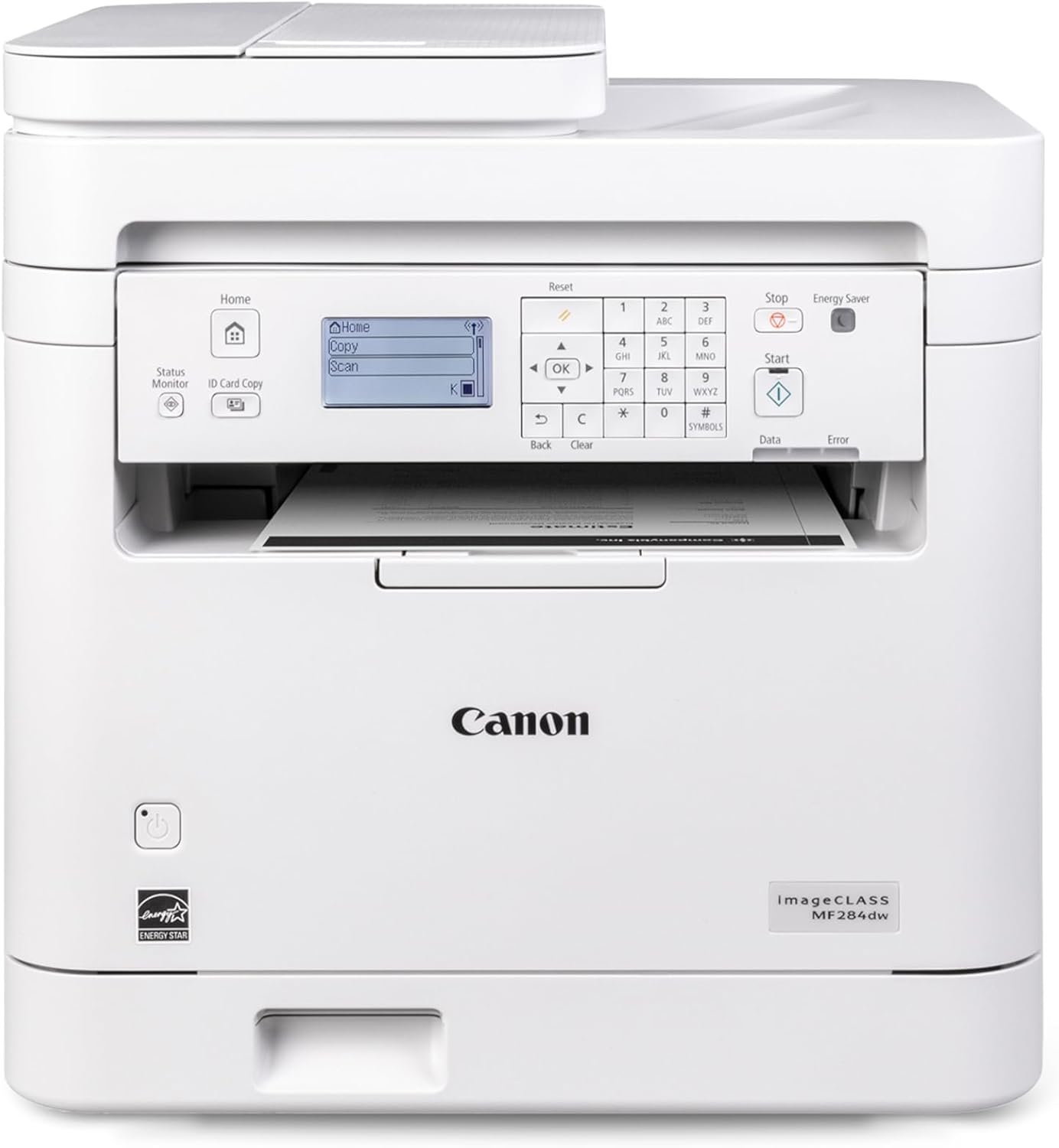
The Importance of Choosing the Right Printer for Modern Workflows
In today’s fast-paced digital environment, selecting the right printer can significantly impact productivity and operational efficiency. Whether for home use, small business operations, or remote work setups, the right printer must balance speed, reliability, and multifunctionality. Printers serve as critical tools for document management, requiring consistent output quality, minimal downtime, and compatibility with modern workflows. For users who frequently handle text-heavy documents, high-speed printing is essential to maintain workflow efficiency. Conversely, those who require duplex printing or scanning capabilities may prioritize features that reduce paper consumption and streamline document management. Additionally, connectivity options such as wireless printing and mobile device compatibility have become standard expectations, enabling seamless integration with digital workflows. This review evaluates the Canon imageCLASS MF284dw laser printer, focusing on its performance metrics, feature set, and suitability for specific use cases. By analyzing technical specifications, supported media types, and industry benchmarks, we provide an objective assessment of how this printer aligns with user needs across different environments.
Quick Overview
| Feature | Details |
|---|---|
| Printer Type | Wireless, Duplex Laser Printer |
| Print Speed | Up to 35 pages-per-minute (letter) |
| First Print Time | Less than 4.9 seconds |
| Print Functions | Print, Copy, Scan |
| Media Sizes | Letter, Legal, A4 |
| Connectivity | Wi-Fi, Canon Print App, Apple AirPrint, Mopria |
| Duplex Printing | Automatic Two-Sided Printing |
| Toner System | High Capacity Toner Option |
| Duty Cycle | 10,000 pages per month |
| Page Yield | 1000 pages (starter toner) |
| Warranty | 1-year limited warranty |
The Canon imageCLASS MF284dw offers a robust combination of speed, connectivity, and multifunctionality, making it suitable for home users and small offices. Its high-speed printing and automatic duplex feature reduce paper usage while maintaining efficient document output. The wireless connectivity options ensure compatibility with modern devices, while the high-capacity toner system minimizes frequent replacements. These features collectively enhance productivity and reduce operational overhead for users with moderate printing demands.
Print Speed and Throughput Performance
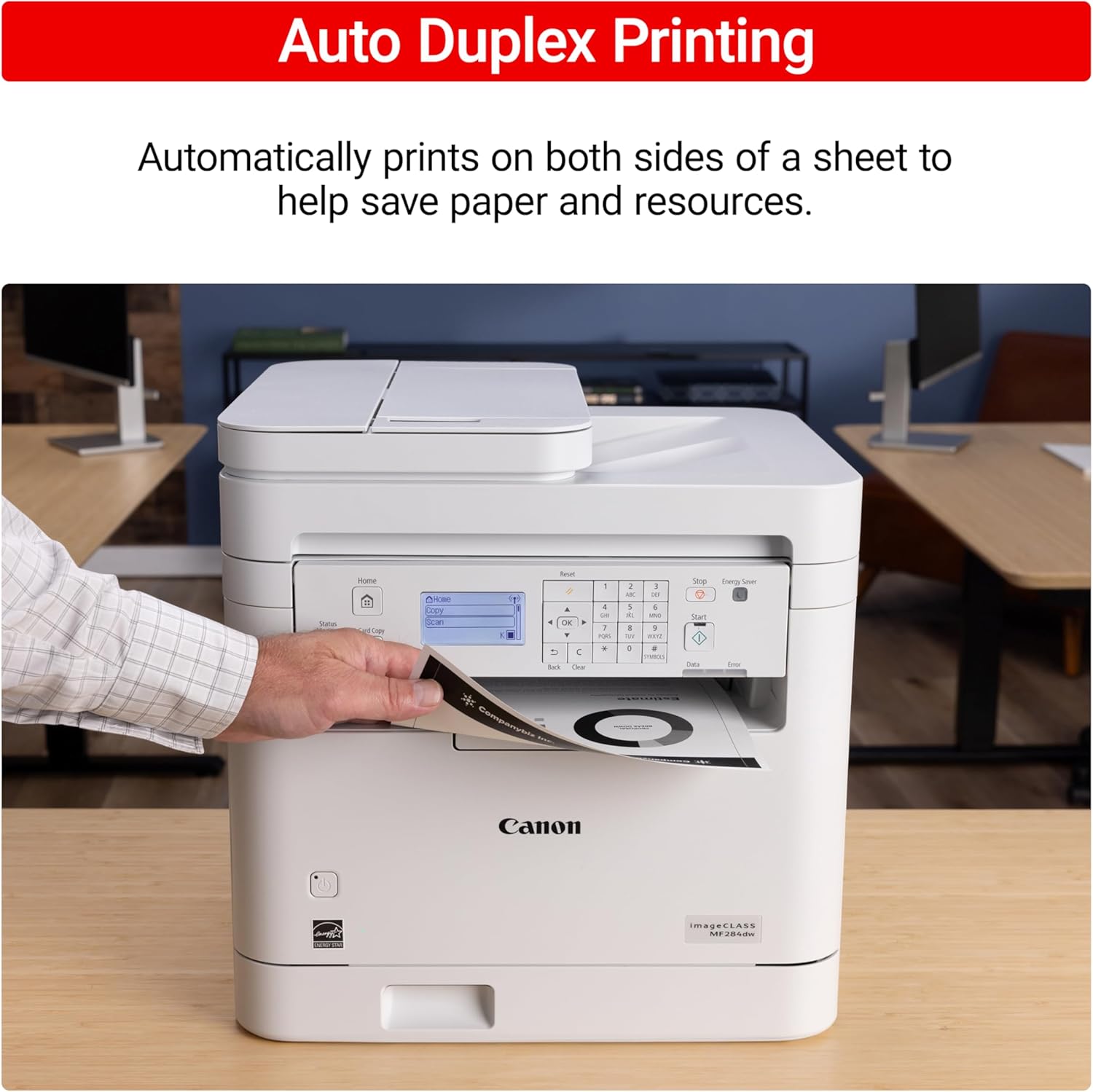
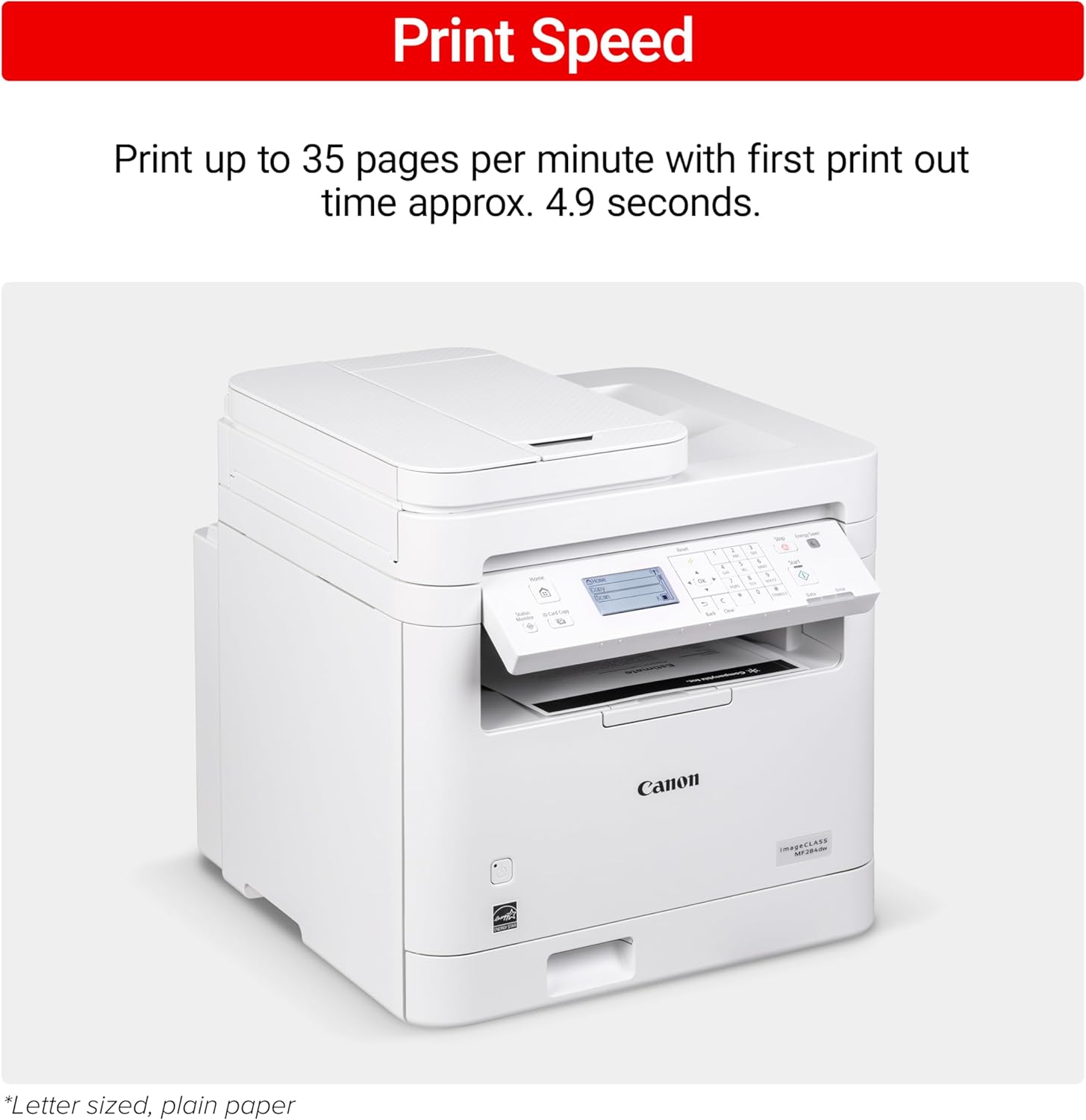
The Canon imageCLASS MF284dw’s print speed of up to 35 pages-per-minute (letter) is a key differentiator in the laser printer market. This speed is achieved through a high-performance print engine that processes data efficiently, reducing the time required for large print jobs. The first print time of less than 4.9 seconds ensures minimal wait time for initial output, which is particularly beneficial for users who need quick access to printed documents. The printer’s duty cycle of 10,000 pages per month indicates its ability to handle moderate to high-volume workloads without compromising reliability. This specification is important for users who require consistent performance over extended periods, such as small businesses or home offices with regular printing needs. The combination of speed and duty cycle ensures that the printer can meet the demands of typical workloads without frequent maintenance or downtime.
High-Speed Printing for Productivity
The MF284dw’s 35 PPM print speed is well-suited for environments where rapid document output is critical. This speed is achieved through a laser print engine optimized for text and line art, which is ideal for business correspondence, reports, and forms. The printer’s ability to process high-volume print jobs quickly reduces the time spent waiting for output, allowing users to focus on other tasks. For users who frequently handle large print jobs, such as payroll or invoice processing, this speed ensures that documents are available promptly without disrupting workflow. The printer’s efficiency is further enhanced by its automatic duplex printing feature, which reduces paper usage and associated costs while maintaining high-speed performance.
Duty Cycle and Workload Capacity
The MF284dw’s duty cycle of 10,000 pages per month is a crucial metric for assessing its suitability for different workloads. This specification indicates the printer’s ability to handle continuous printing without overheating or experiencing mechanical wear. For home users and small offices with moderate printing needs, this duty cycle ensures reliable performance without requiring frequent maintenance. However, users with higher volume requirements, such as those in busy commercial environments, may find this capacity insufficient. The printer’s design prioritizes stability and longevity, making it a practical choice for environments where consistent, reliable printing is essential. This specification also highlights the printer’s scalability, as users can upgrade to higher-capacity toner options to extend its operational range.
Connectivity and Mobile Compatibility
The Canon imageCLASS MF284dw offers a range of connectivity options that enhance its versatility in modern work environments. The printer supports Wi-Fi connectivity, allowing users to print from mobile devices, tablets, and computers without the need for physical cables. This feature is particularly valuable for remote workers and small businesses that require seamless integration with digital workflows. Additionally, the printer is compatible with Canon Print App, Canon PRINT Business, Apple AirPrint, and Mopria Print Service, ensuring broad compatibility with different operating systems and mobile platforms. These connectivity options reduce the complexity of managing print tasks, making the printer accessible to users with varying technical proficiency levels. The ability to print from mobile devices is especially beneficial for users who need to produce documents on-the-go, such as field workers or sales teams.

Wireless Printing for Remote Access
The MF284dw’s Wi-Fi connectivity enables users to print from anywhere within the network, making it ideal for environments where mobility is essential. This feature is particularly advantageous for users who work remotely or need to print documents while away from their primary workspace. The printer’s compatibility with Canon Print App and Canon PRINT Business ensures that users can manage print jobs, monitor toner levels, and troubleshoot issues remotely. For small businesses with multiple users, this capability reduces the need for physical access to the printer, streamlining document management. The wireless printing feature also supports secure printing protocols, which is important for users who handle sensitive or confidential information.
Mobile Device Integration
The printer’s compatibility with Apple AirPrint and Mopria Print Service makes it a versatile option for users with diverse mobile device ecosystems. These features allow seamless printing from iOS devices and Android smartphones, respectively, without the need for additional software installation. This is particularly beneficial for users who frequently print from mobile devices, such as students, freelancers, and remote workers. The ability to print from mobile devices enhances flexibility and convenience, enabling users to produce documents on-the-go. However, users who rely on specific mobile printing protocols or advanced features may need to verify compatibility with their devices to ensure optimal performance.
Print Quality and Output Characteristics
The Canon imageCLASS MF284dw delivers consistent print quality suitable for text-heavy documents and basic graphics. The printer’s laser technology ensures sharp, clean text output, which is essential for business correspondence, reports, and forms. While the printer does not support color printing, its monochrome output is optimized for clarity and readability, making it ideal for environments where black-and-white printing is sufficient. The automatic duplex printing feature helps reduce paper usage while maintaining high-quality output on both sides of the page. The printer’s ability to produce consistent results across different media types, such as letter, legal, and A4 sizes, ensures reliability for users with varied printing needs. However, the absence of color printing capabilities may limit its suitability for users who require color output for presentations or marketing materials.

Text Clarity and Readability
The MF284dw’s laser print engine is designed to produce sharp, high-contrast text, which is essential for professional documents. The printer’s resolution and toner distribution ensure that text remains clear and legible even at high speeds. This is particularly important for users who frequently print reports, invoices, or other business documents where readability is critical. The printer’s ability to maintain consistent text quality across different paper types and thicknesses further enhances its reliability for office environments. However, users who require high-resolution graphics or detailed images may find the printer’s capabilities limited, as it is optimized for text-based output rather than photographic quality.
Media Compatibility and Paper Handling
The MF284dw supports a range of media types, including standard letter, legal, and A4 paper sizes, ensuring compatibility with most office printing needs. The printer’s paper handling system is designed to accommodate these sizes without requiring frequent adjustments, making it convenient for users with varying document formats. The automatic duplex printing feature ensures that both sides of the paper are printed consistently, reducing the need for manual intervention. However, the printer’s media compatibility is limited to standard paper types, which may not be sufficient for users who require specialized media such as glossy or thick cardstock. This limitation is important to consider for users who frequently print on non-standard paper types.

Pros & Cons
Pros
- High-Speed Printing: The MF284dw’s 35 PPM print speed ensures quick output for text-heavy documents, reducing wait times for users with high-volume printing needs.
- Wireless Connectivity: Support for Wi-Fi, Canon Print App, Apple AirPrint, and Mopria Print Service enhances flexibility and accessibility for users with mobile devices.
- Automatic Duplex Printing: The printer’s automatic two-sided printing reduces paper consumption and associated costs, making it an eco-friendly option for home and small office use.
- High-Capacity Toner Option: The availability of high-capacity toner reduces the frequency of toner replacements, minimizing interruptions for regular printing tasks.
- Reliable Duty Cycle: The 10,000 pages-per-month duty cycle ensures the printer can handle moderate to high-volume workloads without compromising reliability.
- User-Friendly Interface: The printer’s display screen provides clear status updates and simplifies navigation for users with varying technical proficiency levels.
Cons
- No Color Printing: The MF284dw is limited to monochrome output, which may not meet the needs of users requiring color for presentations or marketing materials.
- Limited Media Compatibility: The printer supports only standard paper sizes and types, making it unsuitable for users who require specialized media such as glossy or thick cardstock.
- No Fax Functionality: The absence of a fax feature may be a drawback for users who rely on fax machines for document transmission.
- No Built-In Scanner for Color: While the printer includes a scanner, it is optimized for black-and-white document scanning rather than color imaging tasks.
- No Built-In Copier for Color: The copier function is limited to monochrome output, which may not meet the needs of users requiring color copies for specific purposes.
Final Verdict: Who This Printer Is Best For (and Who Should Skip It)
The Canon imageCLASS MF284dw is best suited for home users and small office environments where high-speed, monochrome printing is the primary requirement. Its 35 PPM print speed, automatic duplex printing, and wireless connectivity make it an efficient choice for users who need to produce text-heavy documents quickly. The high-capacity toner option and reliable duty cycle further enhance its suitability for environments with moderate to high-volume printing needs. However, users who require color printing, specialized media compatibility, or advanced scanning and copying capabilities should consider alternative printers. The MF284dw’s lack of color functionality and limited media support makes it less suitable for businesses that require color output or specialized printing tasks. For users prioritizing speed, connectivity, and cost-effective duplex printing, the MF284dw offers a practical and reliable solution.

Frequently Asked Questions (FAQs)
Is the Canon imageCLASS MF284dw suitable for home use?
Yes, the Canon imageCLASS MF284dw is well-suited for home use due to its high-speed printing, automatic duplex functionality, and wireless connectivity. Its 35 PPM print speed and 10,000 pages-per-month duty cycle make it reliable for moderate home printing needs, while the high-capacity toner option reduces frequent replacements.
Can the MF284dw print on different paper sizes?
The MF284dw supports standard paper sizes including letter, legal, and A4. It is optimized for these sizes and does not include specialized media compatibility for thick cardstock or glossy paper, which may limit its use for certain printing tasks.
What connectivity options are available for the MF284dw?
The MF284dw offers Wi-Fi connectivity, compatibility with Canon Print App, Canon PRINT Business, Apple AirPrint, and Mopria Print Service. These options allow users to print from mobile devices and computers without physical cables, enhancing flexibility for remote access.
Does the MF284dw support color printing?
No, the Canon imageCLASS MF284dw is a monochrome laser printer and does not support color printing. It is designed for high-quality black-and-white output, making it ideal for text-heavy documents and forms.
How does the MF284dw handle duplex printing?
The MF284dw includes an automatic duplex printing feature that prints on both sides of the paper without manual intervention. This reduces paper consumption and associated costs, making it an eco-friendly option for regular printing tasks.
What is the first print time for the MF284dw?
The MF284dw has a first print time of less than 4.9 seconds, ensuring quick output for initial print jobs. This feature is particularly beneficial for users who need rapid access to printed documents.
Is the MF284dw suitable for small business environments?
Yes, the MF284dw is well-suited for small business environments due to its high-speed printing, reliable duty cycle, and multifunctional capabilities. Its wireless connectivity and automatic duplex printing make it efficient for handling regular office printing tasks.
What is the page yield of the starter toner?
The starter toner included with the MF284dw has a page yield of 1000 pages, which is suitable for moderate printing needs. Users with higher volume requirements can upgrade to high-capacity toner options to extend their printing capacity.