HP Envy Inspire 7955e Printer Review: Print, Scan, Copy, and Mobile Printing
The Importance of Choosing the Right Printer for Modern Workflows
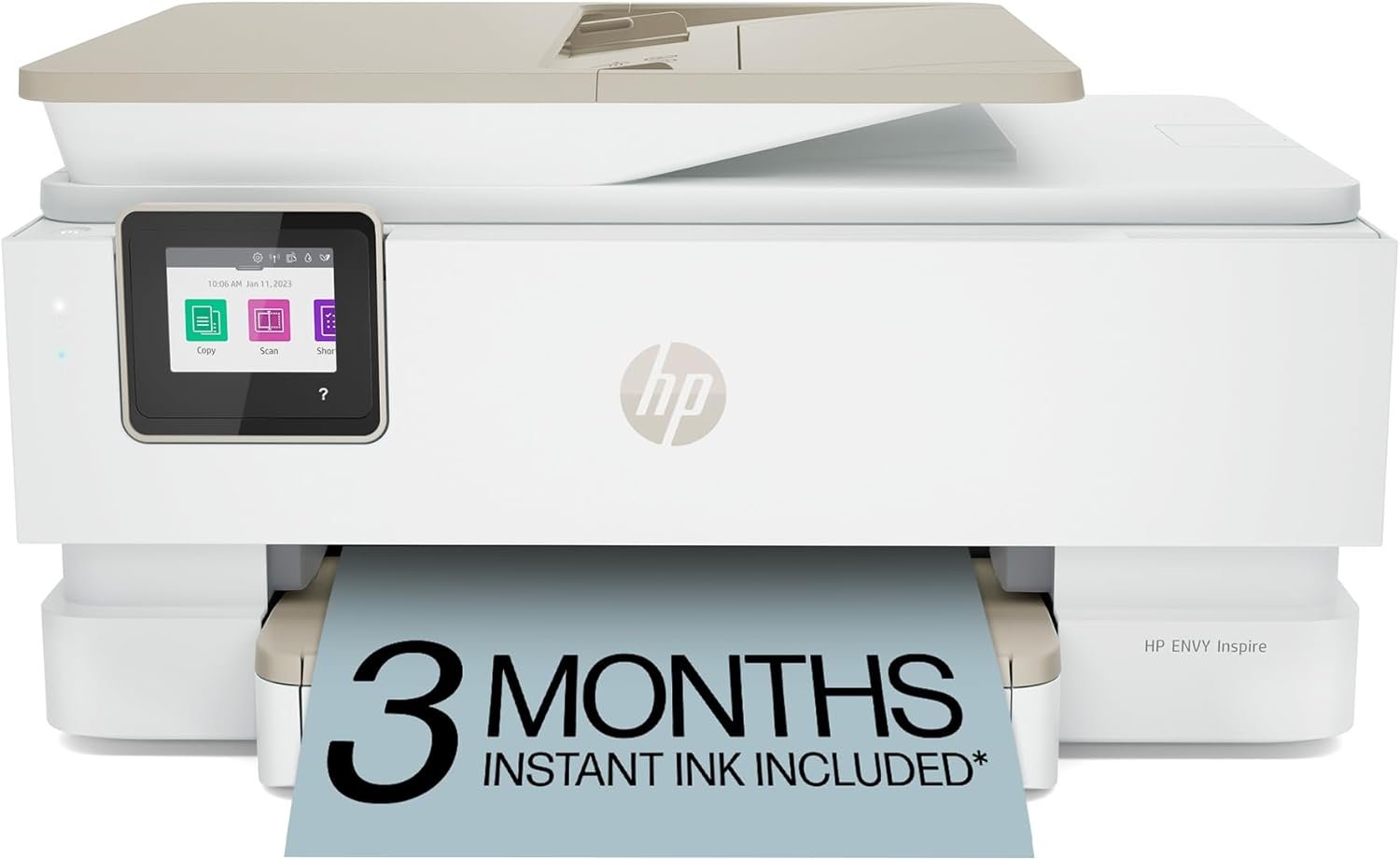
In today’s fast-paced digital environment, the right printer can significantly impact productivity, creativity, and efficiency. Whether you’re managing household tasks, running a small business, or working remotely, a printer that meets your specific needs is essential. The HP Envy Inspire 7955e represents a compelling option for users who require a versatile, reliable, and feature-rich all-in-one printer. Its combination of advanced connectivity, high-quality output, and user-friendly design makes it a strong contender for home and small office environments. However, with so many printer models available, understanding the key factors that influence performance—such as print quality, speed, media compatibility, and connectivity—can help users make informed decisions. This review evaluates the HP Envy Inspire 7955e based on its technical specifications, supported functions, and real-world usability, providing a comprehensive analysis to guide potential buyers in 2026.
Quick Overview
| Feature | Details |
|---|---|
| Printer Type | Wireless Color Inkjet Printer |
| Printing Technology | Inkjet with HP Ink System |
| Supported Functions | Print, Scan, Copy, Mobile Printing |
| Print Speed | Up to 10 ppm color, 15 ppm black |
| Print Resolution | 4800 x 1200 DPI color, 1200 x 1200 DPI black |
| Media Sizes | 3.85 x 8.5 to 8.5 x 14 inches |
| Connectivity | Wi-Fi, USB, Amazon Alexa |
| Ink System | HP Ink with HP+ Smart Features |
| Duty Cycle | Designed for home and light office use |
| Warranty | Extended Warranty |
| Additional Features | 2.7″ Touchscreen, Auto-Duplex, ADF |
The HP Envy Inspire 7955e is tailored for users who need a balance of speed, versatility, and ease of use. Its wireless connectivity, dedicated photo tray, and high-resolution output make it suitable for both everyday printing and creative projects. The inclusion of HP+ Smart Features enhances functionality for mobile users, while its compact design and energy-efficient operation cater to home environments. These specifications position the printer as a practical choice for those prioritizing convenience and reliability over high-volume commercial printing.
Print Quality and Resolution: Meeting Text, Graphic, and Photo Demands
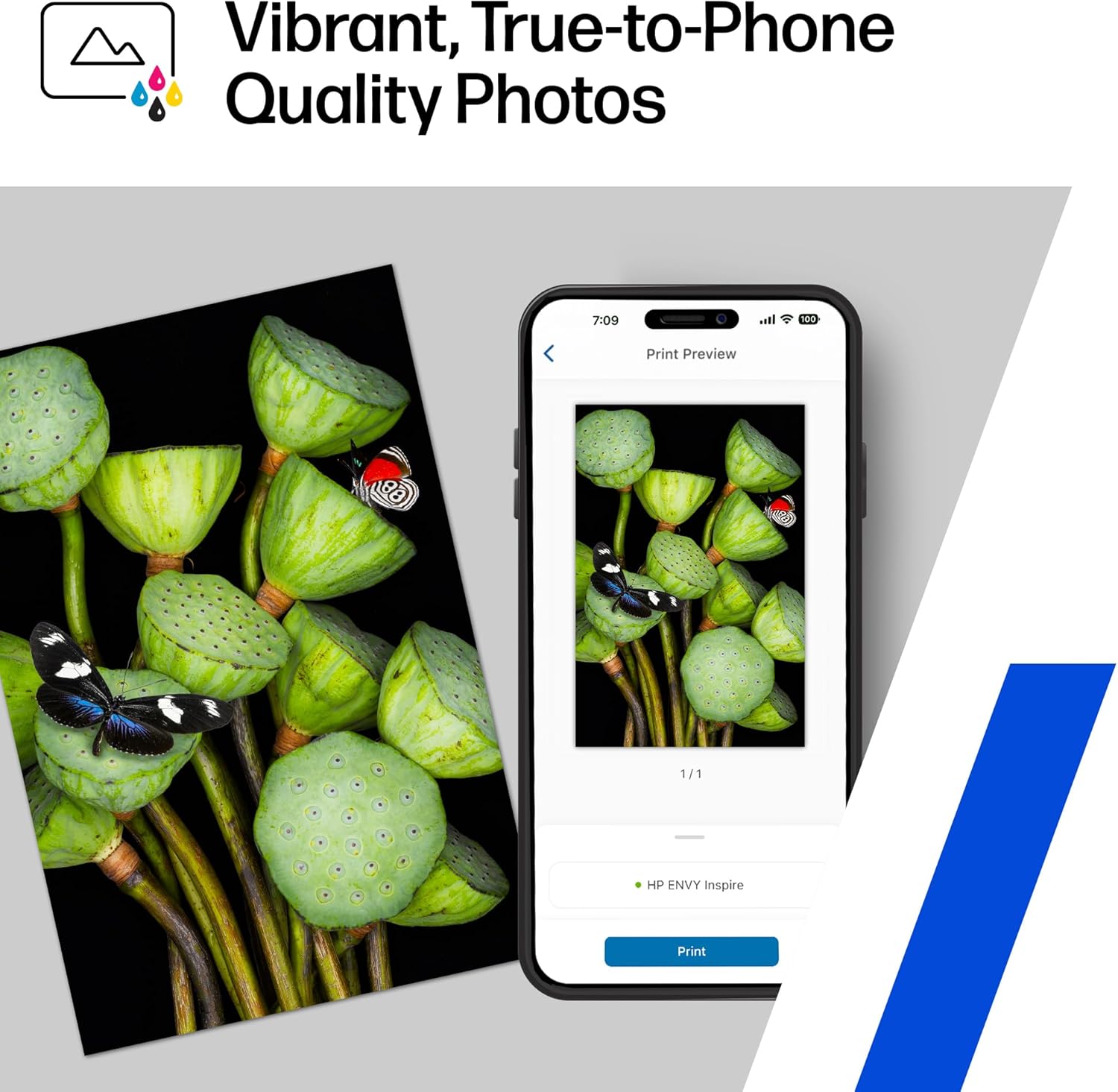
The HP Envy Inspire 7955e delivers high-quality output through its advanced inkjet technology and precision print resolution. Its maximum color print resolution of 4800 x 1200 DPI ensures sharp, detailed images and vibrant colors, making it ideal for printing photos, graphics, and documents with fine text. The printer’s ability to produce true-to-screen color quality is particularly beneficial for users who frequently print photos or creative projects. Additionally, the 1200 x 1200 DPI black-and-white resolution supports crisp, clear text printing, which is essential for documents, invoices, and forms.

Photo Printing and Media Compatibility
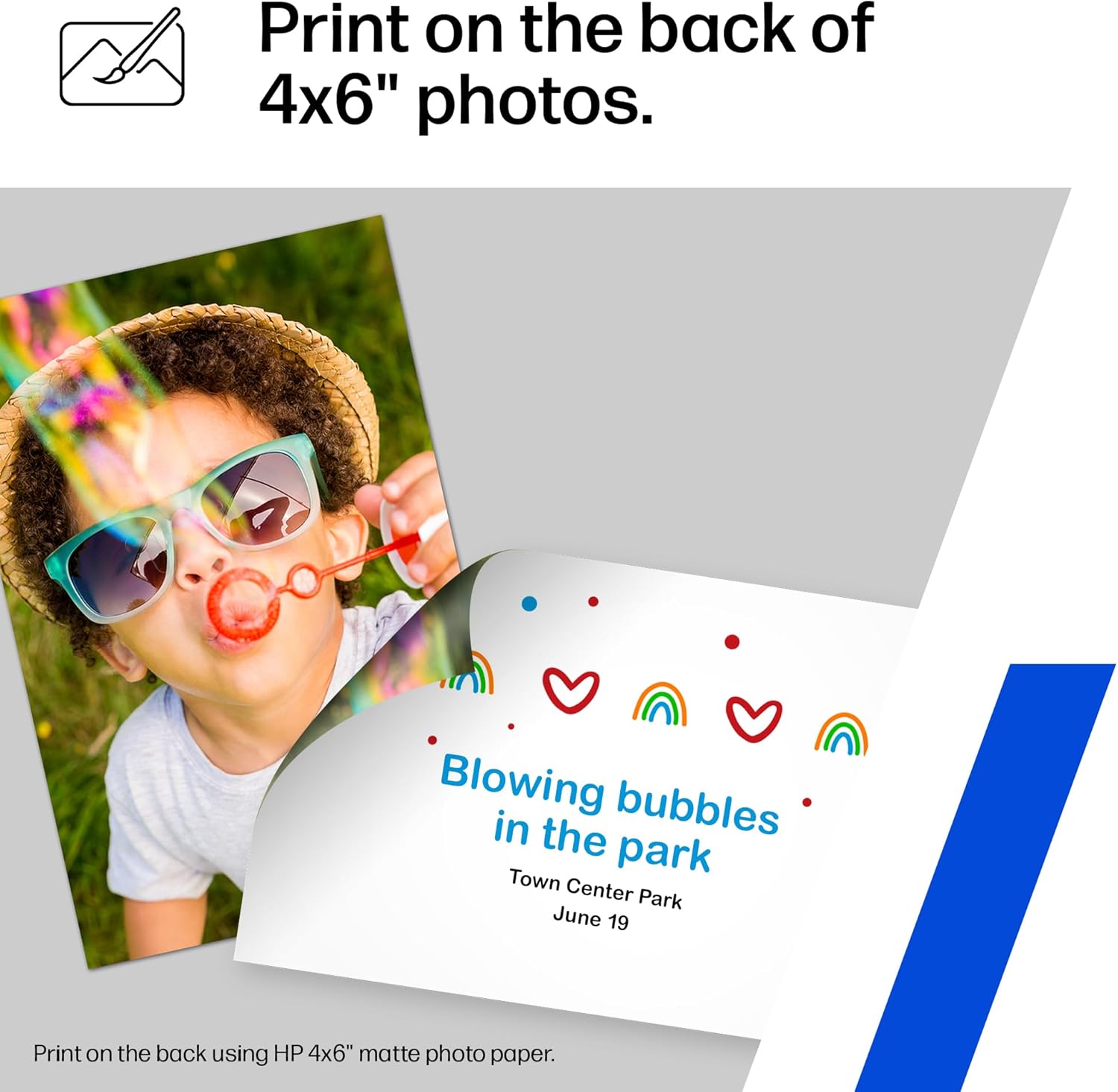
The printer’s dedicated photo tray and support for HP 5×5″ square and 4×12″ panoramic photo paper sizes optimize its performance for photo printing. These paper types are specifically engineered to enhance color accuracy and detail retention, ensuring that printed photos maintain their vibrancy and clarity. The Envy Inspire 7955e also supports a wide range of media types, including card stock, envelopes, glossy photo paper, labels, and standard paper. This versatility allows users to print on various materials without compromising quality, making it suitable for both professional and personal use.
Text and Graphic Output
For users who prioritize text and graphic printing, the Envy Inspire 7955e excels in delivering consistent, legible output. The high-resolution print heads and precise ink distribution ensure that text remains sharp and readable even at smaller sizes. The printer’s ability to handle complex graphics and images without color bleeding or smudging further enhances its appeal for creative and business users. Its support for multiple paper sizes and types also ensures compatibility with a variety of printing needs, from standard documents to specialized projects.
Connectivity and Mobility: Seamless Integration with Smart Devices
The HP Envy Inspire 7955e’s connectivity options and mobile printing capabilities make it a convenient choice for users who rely on smart devices. Its Wi-Fi and USB connectivity allow for easy setup and integration with computers, laptops, and mobile devices. The printer’s support for Amazon Alexa integration enables voice-activated printing, adding an extra layer of convenience for users who prefer hands-free operation. Additionally, the HP Smart app provides a centralized platform for managing print jobs, scanning documents, and accessing advanced features like automatic updates and security settings.

Mobile Printing and App Integration
The printer’s mobile printing functionality, facilitated by the HP Smart app, allows users to print, scan, and copy directly from their smartphones and tablets. This feature is particularly beneficial for users who frequently work on-the-go or need to access printing capabilities from multiple devices. The app’s intuitive interface simplifies the process of managing print jobs, selecting media types, and adjusting print settings, ensuring a seamless experience for both casual and frequent users.
Network and Device Compatibility
The Envy Inspire 7955e’s compatibility with a wide range of devices, including laptops, PCs, smartphones, and tablets, ensures that it can integrate smoothly into various home and office environments. Its support for both wired and wireless connections provides flexibility in setup and usage, catering to users with different connectivity preferences. The printer’s ability to maintain a stable connection through self-healing Wi-Fi technology further enhances its reliability, minimizing disruptions during print jobs.
Performance and Efficiency: Handling Workloads and Duty Cycles
The HP Envy Inspire 7955e is designed to handle a variety of workloads while maintaining efficiency and reliability. Its duty cycle, which refers to the maximum number of pages it can print over a period without requiring maintenance, is suitable for home and light office use. The printer’s energy-efficient operation, with a power consumption of 1.02 watts, aligns with modern sustainability standards, making it an eco-friendly choice for users concerned about energy usage.
Print Speed and Throughput
The printer’s print speeds of up to 10 ppm color and 15 ppm black are adequate for most home and small office tasks. While these speeds may not match those of high-volume commercial printers, they are sufficient for everyday printing needs such as documents, invoices, and photos. The Envy Inspire 7955e’s ability to handle multiple print jobs efficiently ensures that users can complete tasks without significant delays, even during peak usage times.
Maintenance and Consumable Considerations
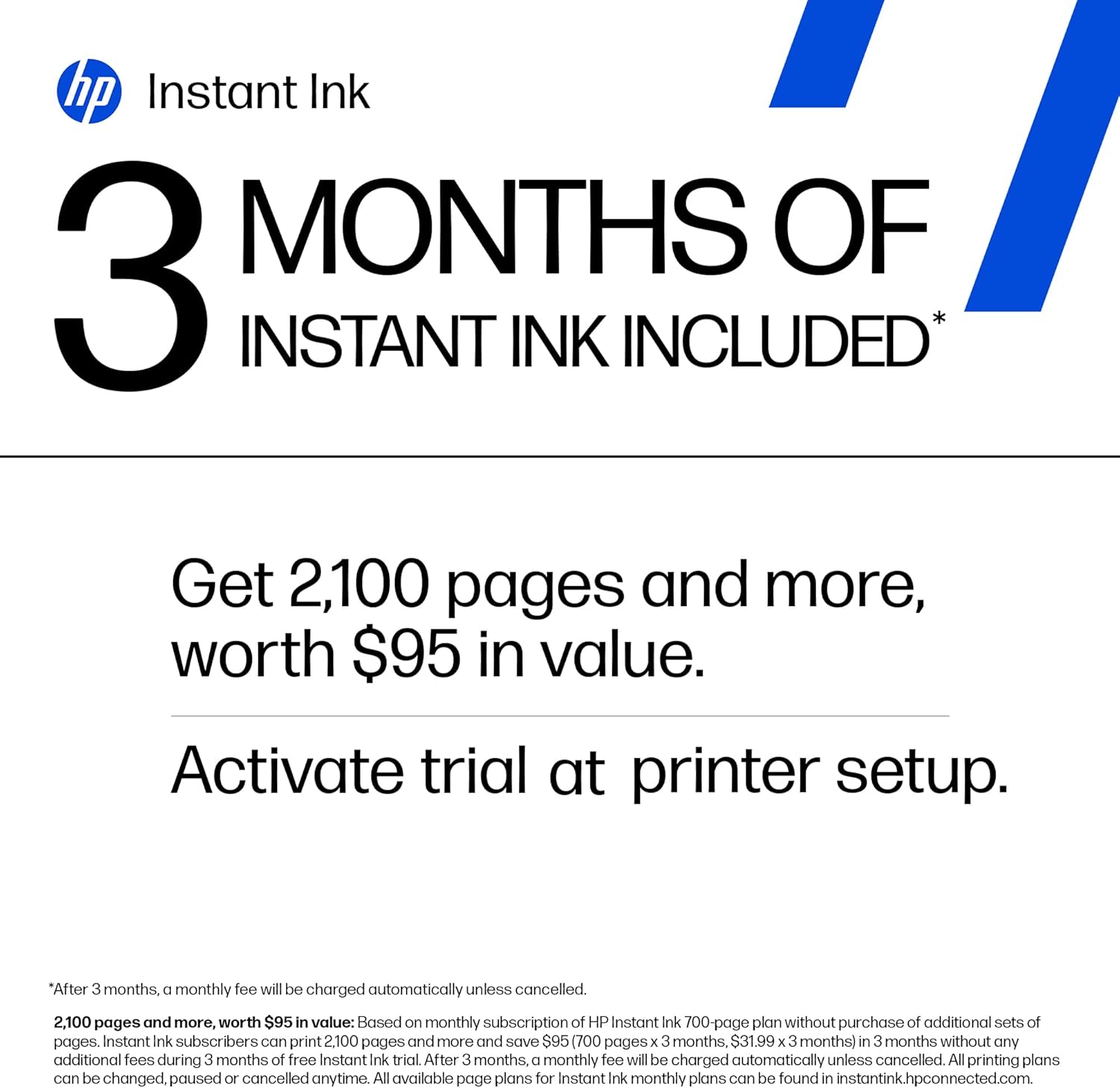
The printer’s use of HP Ink and the inclusion of HP+ Smart Features streamline the management of ink consumption and replenishment. The 3-month ink trial with HP+ ensures that users have a reliable supply of ink without the need for frequent refills, reducing the hassle of manual monitoring. However, the ongoing monthly fee for HP+ after the initial trial period may be a consideration for users who prefer to manage ink costs independently.

Pros & Cons
Pros
- High-Quality Print Output: The Envy Inspire 7955e delivers sharp, vibrant color prints and crisp text, making it ideal for photos, graphics, and documents.
- Versatile Media Support: The printer handles a wide range of paper types, including glossy photo paper, card stock, and labels, enhancing its adaptability for different tasks.
- User-Friendly Features: The 2.7″ touchscreen, HP Smart app, and Amazon Alexa integration simplify navigation and control, improving the overall user experience.
- Efficient Connectivity: Wi-Fi, USB, and mobile printing capabilities ensure seamless integration with various devices, catering to modern workflows.
- Energy Efficiency: The printer’s low power consumption aligns with eco-friendly practices, making it a sustainable choice for home users.
- Dedicated Photo Tray: The specialized tray for photo printing enhances the printer’s performance for creative and professional use.
Cons
- Limited Duty Cycle: The printer is best suited for home and light office environments, making it less ideal for high-volume commercial printing.
- Ongoing HP+ Costs: After the initial 3-month ink trial, users must pay a monthly fee for HP+ services, which may be a drawback for budget-conscious buyers.
- Moderate Print Speeds: While adequate for everyday use, the print speeds may not meet the demands of users requiring faster output for large print jobs.
- Dependence on HP+ Features: The full range of advanced features, such as automatic updates and security settings, requires an active HP+ subscription, limiting functionality without it.
- Limited Commercial Use: The printer’s design and specifications are optimized for personal and small office use, making it less suitable for heavy-duty industrial applications.
Final Verdict: Who This Printer Is Best For (and Who Should Skip It)
The HP Envy Inspire 7955e is an excellent choice for users who prioritize print quality, versatility, and ease of use in a home or small office setting. Its high-resolution output, dedicated photo tray, and mobile printing capabilities make it ideal for families, students, and remote workers who need a reliable printer for everyday tasks. The printer’s energy efficiency and user-friendly design further enhance its appeal for casual users who value convenience and sustainability.
However, users with high-volume printing needs, such as those in commercial or industrial environments, may find the Envy Inspire 7955e insufficient. Its limited duty cycle and moderate print speeds are not designed to handle the demands of large-scale operations. Additionally, the ongoing costs associated with HP+ services may deter budget-conscious buyers who prefer to manage ink and maintenance independently. For these users, alternative printers with higher duty cycles or more flexible consumable options may be a better fit. Overall, the Envy Inspire 7955e remains a strong contender for its target audience, offering a balance of performance and usability in 2026.
Frequently Asked Questions (FAQs)
What print resolution does the HP Envy Inspire 7955e offer?
The HP Envy Inspire 7955e provides a maximum color print resolution of 4800 x 1200 DPI and 1200 x 1200 DPI for black-and-white prints. This high resolution ensures sharp, detailed images and crisp text output, making it suitable for both photos and documents.
Can the HP Envy Inspire 7955e print on specialty media types?
Yes, the printer supports a variety of media types including glossy photo paper, card stock, envelopes, labels, and standard paper. This versatility allows users to print on different materials without compromising print quality.
How does the HP Envy Inspire 7955e handle mobile printing?
The printer enables mobile printing through the HP Smart app, which allows users to print, scan, and copy directly from smartphones and tablets. This feature simplifies the process of managing print jobs from multiple devices.
What connectivity options does the HP Envy Inspire 7955e support?
The HP Envy Inspire 7955e offers Wi-Fi, USB, and Amazon Alexa integration for seamless connectivity. These options provide flexibility in setup and usage, catering to different user preferences and environments.
Is the HP Envy Inspire 7955e suitable for high-volume printing?
The printer is designed for home and light office use, with a duty cycle that supports moderate print volumes. It may not be ideal for high-volume commercial printing due to its limited capacity and moderate print speeds.
What are the ink management options for the HP Envy Inspire 7955e?
The printer uses HP Ink and includes a 3-month ink trial with HP+ Smart Features. After the trial, users can subscribe to HP+ for automatic ink delivery and advanced features, though a monthly fee applies.
Can the HP Envy Inspire 7955e handle photo printing?
Yes, the printer features a dedicated photo tray optimized for HP 5×5″ square and 4×12″ panoramic photo paper. This setup ensures vibrant, true-to-screen color quality for photo printing.
What is the printer’s energy efficiency rating?
The HP Envy Inspire 7955e has a low power consumption of 1.02 watts, making it an energy-efficient choice for home users. This feature aligns with eco-friendly practices and reduces electricity costs over time.