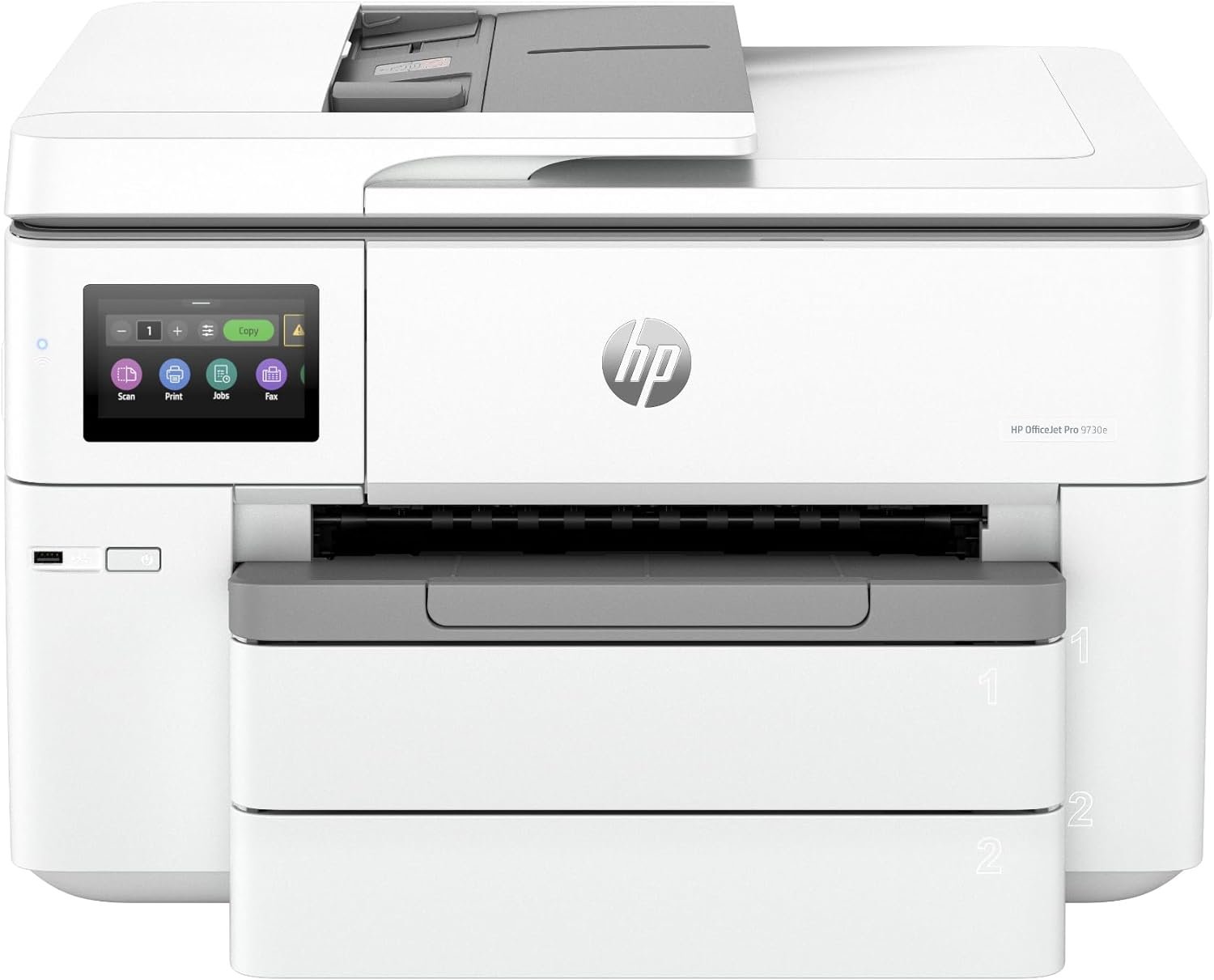
HP OfficeJet Pro 9730e Review: Office-Ready Color Printing with AI and Wireless Connectivity
The Importance of Choosing the Right Printer for Modern Workflows
In today’s fast-paced business environment, selecting the right printer is critical for maintaining productivity and meeting professional output standards. Whether managing large-format documents, creating visual presentations, or handling high-volume printing tasks, the performance and reliability of a printer can directly impact operational efficiency. For offices requiring color printing, scanning, and copying capabilities, the HP OfficeJet Pro 9730e emerges as a versatile solution. This printer balances speed, connectivity, and print quality to address common challenges such as wasted pages, inconsistent color reproduction, and manual document handling. Its integration of AI-driven print optimization and wireless connectivity caters to modern workflows that demand flexibility and precision. Understanding the technical specifications, supported media types, and usage scenarios is essential for evaluating whether this printer aligns with specific office needs. By analyzing its print speed, color accuracy, and compatibility with various devices, users can determine if the HP OfficeJet Pro 9730e is a suitable investment for their workspace.
Quick Overview
| Feature | Details |
|---|---|
| Printer Type | Wide-format inkjet all-in-one printer |
| Supported Functions | Print, scan, copy, duplex printing, automatic document feeder |
| Print Resolution | 4800 x 1200 dpi (color), 4800 x 1200 dpi (black and white) |
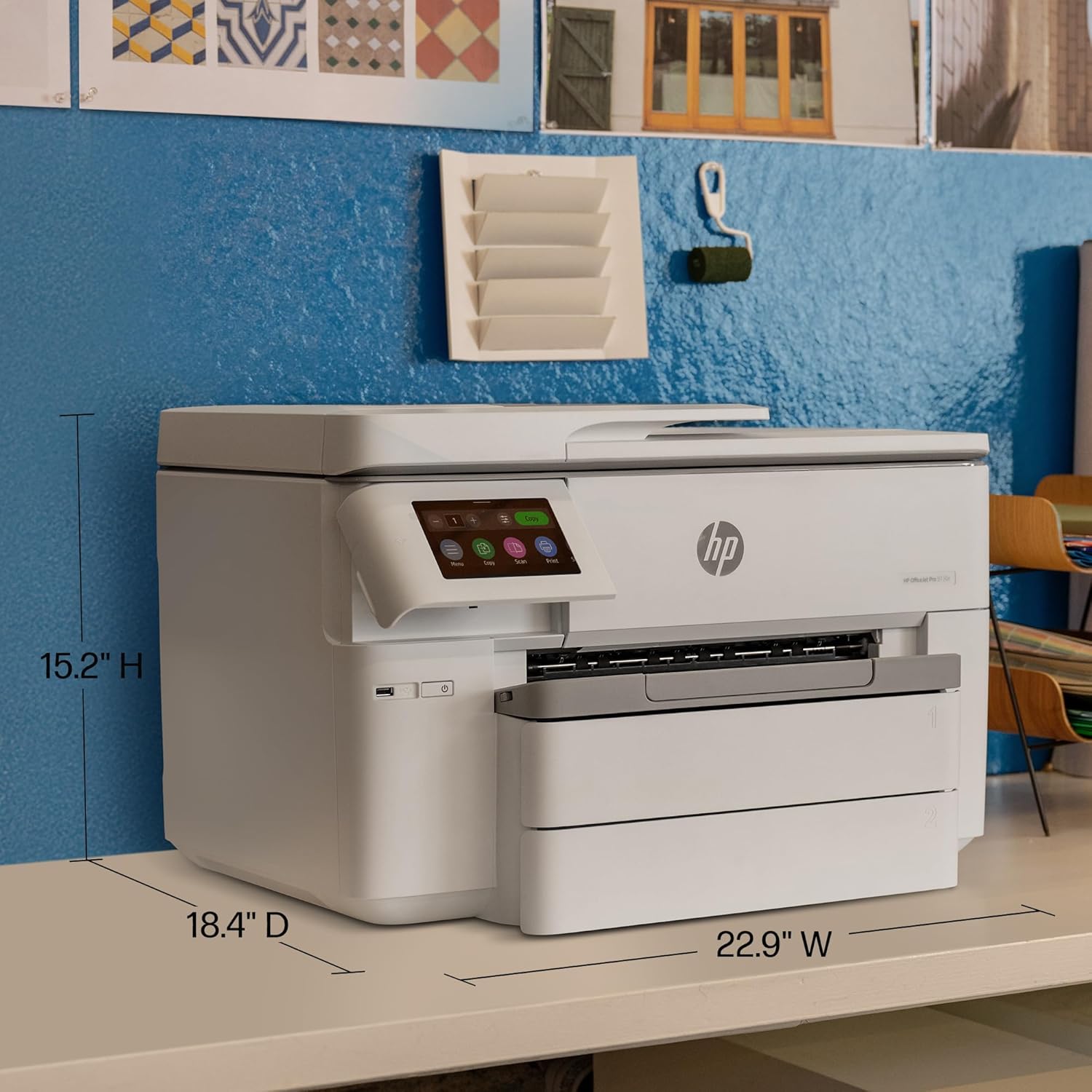
| Media Sizes | 3 x 5 to 11 x 17 inches (tabloid) |
| Connectivity | Wi-Fi (dual-band), Ethernet, USB |
| Duty Cycle | Designed for office environments with high-volume printing |
| Ink System | Original HP ink cartridges |
| Warranty | Limited warranty |
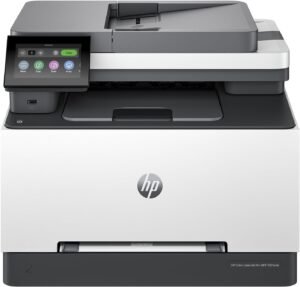
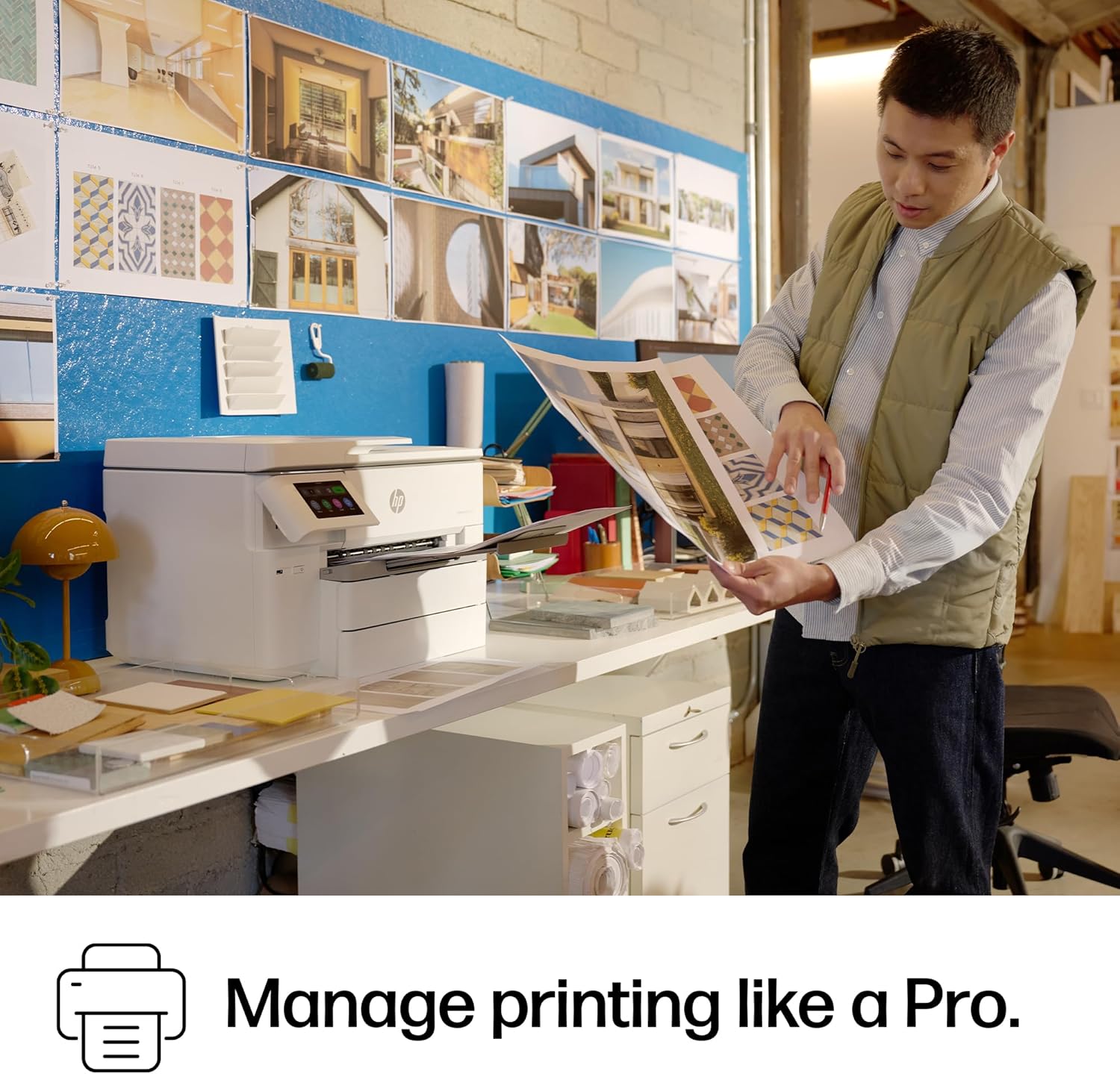
The HP OfficeJet Pro 9730e is tailored for office settings requiring professional-grade color printing, scanning, and copying. Its combination of high-resolution output, wireless connectivity, and automatic duplex printing makes it suitable for tasks such as creating floorplans, mood boards, and detailed spreadsheets. The printer’s ability to handle large media sizes and its integration with mobile devices enhance its utility in collaborative work environments.

Color Printing and Image Accuracy
The HP OfficeJet Pro 9730e excels in delivering vibrant, screen-accurate color prints through its P3 color gamut support. This feature ensures that printed materials maintain the intended hues and gradients, making it ideal for creative and professional applications. The printer’s 4800 x 1200 dpi resolution provides sharp text and detailed graphics, which is particularly beneficial for documents requiring high visual clarity. Additionally, the printer’s ability to handle glossy photo paper and other specialty media allows for consistent output quality across different print types. However, users should note that the printer’s color accuracy may vary depending on the specific media used and the calibration settings applied. For optimal results, selecting the correct paper type and ensuring proper print settings are crucial. The AI-enabled print optimization further enhances color consistency by automatically adjusting print parameters to match the intended output.

Color Gamut and Media Compatibility
The inclusion of P3 color space in the HP OfficeJet Pro 9730e expands its ability to reproduce a wider range of colors compared to standard sRGB profiles. This is particularly advantageous for printing photographs, marketing materials, and design mockups where color fidelity is essential. The printer supports a variety of media types, including glossy photo paper, matte paper, and standard office paper, allowing users to adapt to different print requirements. However, the printer’s maximum media size of 11 x 17 inches may limit its use for extremely large-format projects compared to dedicated wide-format printers. Users should also consider that the printer’s color output may require periodic calibration to maintain accuracy over time.
Print Resolution and Detail Clarity
The HP OfficeJet Pro 9730e’s 4800 x 1200 dpi resolution ensures that both text and graphics are rendered with high precision. This is particularly beneficial for printing detailed spreadsheets, charts, and technical drawings where clarity is paramount. The printer’s ability to handle complex layouts without compromising on sharpness makes it suitable for professional environments. However, the resolution may not be sufficient for ultra-high-detail applications such as fine art prints or specialized industrial graphics. Users should also be aware that higher resolution settings may increase print time and ink consumption, which could impact operational costs.
AI-Driven Print Optimization
The AI-enabled features of the HP OfficeJet Pro 9730e help streamline the printing process by automatically removing unwanted content and adjusting layout settings. This reduces the likelihood of wasted pages and awkward print formats, especially when printing web pages or emails. The AI functionality also helps ensure that documents are printed in their intended layout, minimizing the need for manual adjustments. While these features enhance user convenience, they may not fully replace the need for manual oversight in highly customized print jobs. The effectiveness of the AI system also depends on the printer’s connectivity and the quality of the digital source material being printed.
Connectivity and Wireless Integration
The HP OfficeJet Pro 9730e’s dual-band Wi-Fi connectivity ensures reliable performance in environments with multiple devices and potential signal interference. This feature allows users to print from smartphones, tablets, and computers without the need for physical cables, enhancing mobility and workflow efficiency. The printer’s Ethernet port provides an additional option for wired connections, which can be beneficial in settings where wireless stability is a concern. However, the reliance on wireless connectivity may introduce latency issues if the network is congested or poorly configured. Users should also note that the printer’s wireless capabilities are optimized for standard office environments, and performance may vary in more complex or high-density network setups.
Dual-Band Wi-Fi and Network Stability
The dual-band Wi-Fi feature of the HP OfficeJet Pro 9730e helps reduce interference by utilizing both 2.4 GHz and 5 GHz frequency bands. This is particularly useful in offices with multiple wireless devices, as it allows the printer to maintain a stable connection even when other devices are using the same network. The printer’s ability to automatically detect and resolve connection issues further minimizes downtime. However, users should ensure that their network infrastructure supports dual-band connectivity to fully leverage this feature. In environments where wired connections are preferred, the Ethernet port provides a reliable alternative for consistent performance.
Mobile and Cross-Device Compatibility
The HP OfficeJet Pro 9730e’s compatibility with smartphones, tablets, and computers enhances its flexibility for modern work environments. The HP Print app simplifies the process of sending print jobs from mobile devices, reducing the need for manual setup. However, the printer’s mobile functionality is dependent on the availability of the HP app and the user’s device compatibility. While the printer supports a wide range of devices, users should verify that their specific operating system and hardware are compatible with the app. This ensures that mobile printing remains a seamless part of the workflow without additional technical barriers.
Efficiency and Workflow Optimization
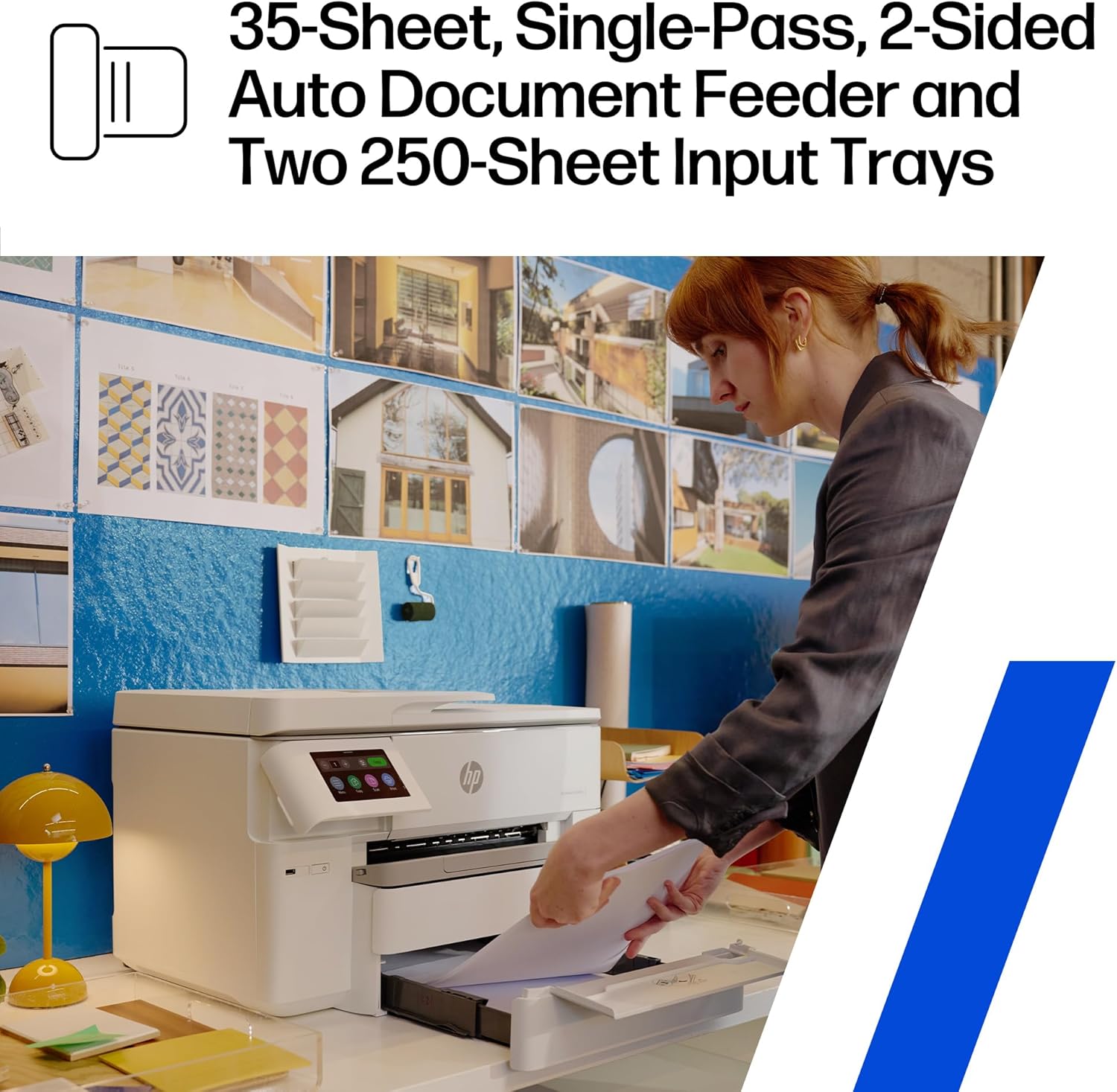
The HP OfficeJet Pro 9730e is designed to streamline office workflows through features such as automatic duplex printing, an automatic document feeder (ADF), and two 250-sheet input trays. These capabilities reduce manual intervention, allowing users to focus on more critical tasks. The printer’s ability to handle large volumes of print jobs efficiently makes it suitable for busy office environments. However, users should be mindful of the printer’s recommended duty cycle, which is optimized for office use rather than high-volume industrial applications. The printer’s performance in handling multiple simultaneous tasks may also be limited compared to dedicated multifunction printers designed for heavy-duty use.
Automatic Duplex and Document Feeder
The automatic duplex printing feature of the HP OfficeJet Pro 9730e reduces paper waste by printing on both sides of the page without requiring manual intervention. This is particularly beneficial for printing large documents such as reports and presentations. The built-in automatic document feeder (ADF) further enhances efficiency by allowing users to scan or copy multiple pages with minimal effort. However, the ADF may not be suitable for very thick or irregularly shaped documents, which could lead to feeding issues. Users should also be aware that the ADF is primarily designed for standard office paper and may not handle specialty media as effectively as dedicated scanners or copiers.
Input Trays and Paper Handling
The HP OfficeJet Pro 9730e’s two 250-sheet input trays provide ample capacity for handling large print jobs without frequent refills. This is particularly useful for offices with high-volume printing needs. However, the printer’s paper handling capabilities are optimized for standard office paper and may not accommodate specialized media such as thick cardstock or textured paper as effectively. Users should also consider the printer’s paper tray dimensions, which are designed for 11 x 17-inch media, and ensure that their paper stock fits within these specifications to avoid feeding issues.
Durability and Long-Term Reliability
The HP OfficeJet Pro 9730e is built to withstand the demands of an office environment, with a design that prioritizes durability and long-term reliability. Its components are engineered to handle continuous use, making it suitable for environments with regular printing activity. However, the printer’s longevity may depend on factors such as maintenance practices and the quality of the ink cartridges used. Regular cleaning and proper storage can help extend the printer’s lifespan, while neglecting these aspects may lead to performance degradation over time. The printer’s warranty and support coverage also play a role in its long-term reliability, providing users with peace of mind in case of unexpected issues.
Print Engine and Component Longevity
The print engine of the HP OfficeJet Pro 9730e is designed for consistent performance over time, with components that are built to handle the rigors of daily office use. However, the printer’s longevity may be influenced by factors such as the frequency of use and the types of media being printed. For example, printing on specialty media or using low-quality ink cartridges may accelerate wear on the print head and other internal components. Users should follow the manufacturer’s recommended maintenance procedures to ensure optimal performance and extend the printer’s lifespan.
Warranty and Support Coverage
The HP OfficeJet Pro 9730e comes with a limited warranty that covers defects in materials and workmanship. While this provides basic protection against manufacturing flaws, users should be aware that the warranty does not cover damage caused by improper use or maintenance. The printer’s support coverage includes access to technical resources and customer service, which can be valuable for troubleshooting common issues. However, extended warranty options are available for users who require additional protection beyond the standard coverage period.

Pros & Cons
Pros
- High Print Speeds: The printer delivers color prints at up to 18 ppm and black-and-white prints at 22 ppm, making it suitable for offices with moderate to high-volume printing needs.
- AI-Driven Print Optimization: The AI features automatically adjust print settings to enhance color accuracy and reduce wasted pages, improving overall efficiency.
- Wireless Connectivity: Dual-band Wi-Fi ensures reliable performance in environments with multiple devices, while the Ethernet port provides a wired alternative for stability.
- Versatile Media Support: The printer handles a wide range of media types, including glossy photo paper and standard office paper, allowing for diverse printing applications.
- Automatic Duplex Printing: The built-in duplex feature reduces paper waste and is ideal for printing large documents without manual intervention.
- User-Friendly Interface: The HP Print app simplifies the process of sending print jobs from mobile devices, enhancing convenience for users.
Cons
- Limited Media Size: The maximum media size of 11 x 17 inches may not be sufficient for extremely large-format projects compared to dedicated wide-format printers.
- Ink Consumption: The printer’s high-resolution output and color capabilities may lead to increased ink usage, which can impact operational costs over time.
- Connectivity Limitations: While the dual-band Wi-Fi is reliable, performance may vary in complex or high-density network environments.
- Maintenance Requirements: Regular cleaning and proper maintenance are necessary to ensure long-term reliability, which may require additional effort from users.
- Warranty Coverage: The limited warranty does not cover damage from improper use, which may leave users without support for certain issues.
Final Verdict: Who This Printer Is Best For (and Who Should Skip It)
The HP OfficeJet Pro 9730e is an excellent choice for offices requiring professional-grade color printing, scanning, and copying capabilities. Its combination of high print speeds, AI-driven optimization, and wireless connectivity makes it ideal for environments where efficiency and accuracy are priorities. The printer’s support for a wide range of media types and its ability to handle large print jobs with automatic duplex printing further enhance its suitability for busy workspaces. However, users with extremely high-volume printing needs or those requiring specialized media handling may find this printer less suitable. Additionally, those who prefer laser printers for their faster black-and-white printing or those who prioritize minimal maintenance may want to consider alternative options. Overall, the HP OfficeJet Pro 9730e is a reliable and versatile solution for offices seeking a balance between performance, cost, and ease of use.
Frequently Asked Questions (FAQs)
What are the print speeds for the HP OfficeJet Pro 9730e?
The HP OfficeJet Pro 9730e prints color documents at up to 18 pages per minute (ppm) and black-and-white documents at 22 ppm. These speeds are suitable for office environments with moderate to high-volume printing needs, ensuring efficient document production without significant delays.
Does the HP OfficeJet Pro 9730e support wireless printing?
Yes, the HP OfficeJet Pro 9730e features dual-band Wi-Fi connectivity, allowing users to print wirelessly from smartphones, tablets, and computers. This ensures reliable performance in environments with multiple devices, while the Ethernet port provides a wired alternative for added stability.
What media sizes does the HP OfficeJet Pro 9730e support?
The HP OfficeJet Pro 9730e supports media sizes ranging from 3 x 5 inches to 11 x 17 inches (tabloid). This versatility allows users to print on a variety of paper types, including glossy photo paper, standard office paper, and specialty media, making it suitable for different printing applications.
How does the AI feature enhance print quality?
The AI-enabled print optimization in the HP OfficeJet Pro 9730e automatically adjusts print settings to ensure accurate color reproduction and remove unwanted content. This reduces the likelihood of wasted pages and awkward layouts, delivering professional-grade results with minimal manual intervention.
Can the HP OfficeJet Pro 9730e handle large-format documents?
The HP OfficeJet Pro 9730e is designed for office environments and supports media sizes up to 11 x 17 inches. While it is suitable for large-format printing, it may not be ideal for extremely large projects compared to dedicated wide-format printers. Users should ensure their media fits within these specifications for optimal performance.
What is the recommended maintenance for the HP OfficeJet Pro 9730e?
Regular cleaning and proper maintenance are essential to ensure the HP OfficeJet Pro 9730e operates efficiently over time. Users should follow the manufacturer’s guidelines for cleaning the print head and maintaining the paper trays. Additionally, using original HP ink cartridges and adhering to recommended print settings can help prolong the printer’s lifespan.
What are the connectivity options for the HP OfficeJet Pro 9730e?
The HP OfficeJet Pro 9730e offers dual-band Wi-Fi for wireless connectivity and an Ethernet port for a wired connection. These options provide flexibility for users in different network environments, ensuring reliable performance and seamless integration with various devices.
Is the HP OfficeJet Pro 9730e suitable for high-volume printing?
The HP OfficeJet Pro 9730e is designed for office environments and can handle moderate to high-volume printing tasks. Its duty cycle is optimized for continuous use, making it suitable for busy workspaces. However, users with extremely high-volume needs may require a dedicated multifunction printer for optimal performance.