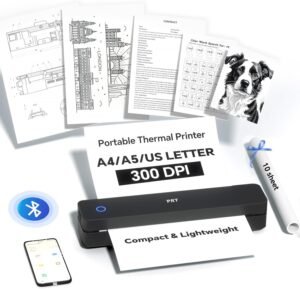
iDPRT MT890 Portable Wireless Printer Review: Thermal Printing for Mobile Workflows
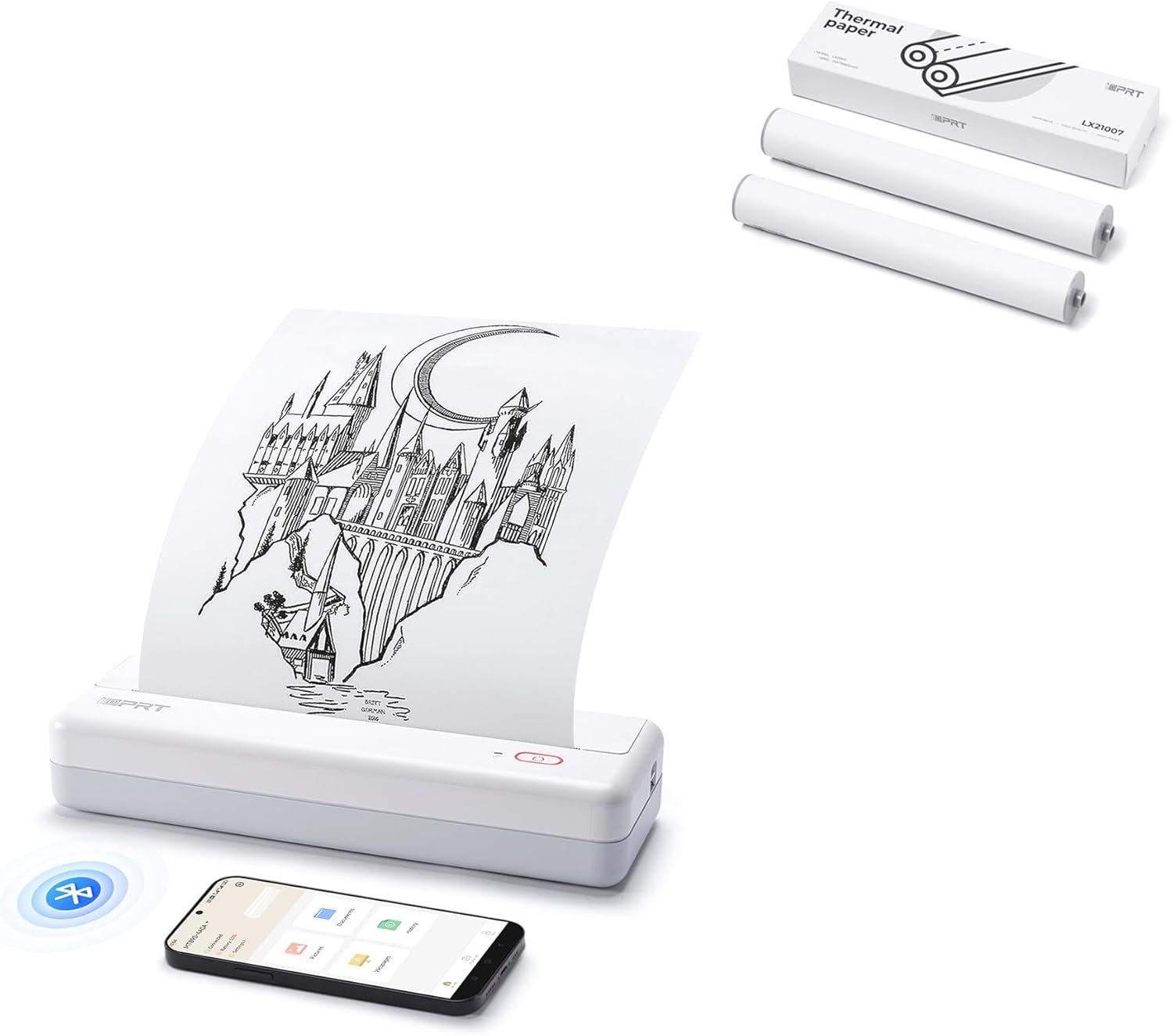
The Importance of Choosing the Right Printer for Modern Workflows
In today’s fast-paced business environment, selecting the right printer can significantly impact productivity and operational efficiency. Whether you’re managing field operations, handling on-the-go documentation, or streamlining workflow processes, the right printing solution must balance speed, reliability, and adaptability to specific use cases. Thermal printers have emerged as a critical tool for environments requiring high-speed, low-maintenance printing, particularly in scenarios where portability and immediate output are essential. The iDPRT MT890 Portable Wireless Printer represents a modern iteration of this technology, designed to meet the demands of mobile professionals and remote operations. Its integration of inkless thermal printing, built-in roll paper design, and wireless connectivity positions it as a viable option for users prioritizing flexibility and efficiency. However, understanding the technical specifications, media compatibility, and operational constraints of this device is crucial for determining its suitability for various applications. This review evaluates the iDPRT MT890’s capabilities in the context of 2026’s printing market, focusing on how its design and features align with user needs across different environments.
Quick Overview
| Feature | Details |
|---|---|
| Printer Type | Thermal Printer |
| Printing Technology | Inkless Thermal |
| Printer Output | Monochrome |
| Connectivity | Bluetooth, USB |
| Maximum Media Size | A4 |
| Print Resolution | 203 dpi |
| Print Speed | 5-8 seconds per A4 sheet |
| Media Compatibility | Thermal paper (A4, custom length) |
| Duty Cycle | 100 sheets max input |
| Additional Functions | Print Only |
| Control Method | Mobile App |
| Number of Trays | 1 |
| USB Ports | 1 |
| Warranty | Not specified |
The iDPRT MT890’s design emphasizes portability and ease of use, making it ideal for users who require on-the-go printing without the need for traditional ink or toner systems. Its thermal printing technology eliminates the need for consumables like ink cartridges, reducing maintenance requirements. The built-in roll paper system allows for continuous printing on A4-sized sheets, with the option to adjust paper length as needed. These features make the MT890 a compelling choice for applications such as field service, logistics, and mobile business operations where immediate, reliable printing is critical.

Thermal Printing Technology and Inkless Operation
The iDPRT MT890’s core innovation lies in its thermal printing technology, which eliminates the need for ink or toner. Instead, it uses heat-sensitive thermal paper to produce high-quality monochrome output. This method is particularly advantageous for environments where quick, low-maintenance printing is essential. Thermal printers like the MT890 are commonly used in industries such as retail, healthcare, and logistics, where labels, receipts, and forms need to be generated rapidly without the complexity of traditional printing systems. The MT890’s 5-8 second print time per A4 sheet ensures minimal downtime, making it suitable for high-volume operations that require immediate output. However, thermal printing is inherently limited to monochrome output, which may not meet the needs of users requiring color printing. Additionally, the reliance on thermal paper means that the printer cannot produce prints on standard plain paper, restricting media compatibility to specialized thermal media.

Thermal Paper Durability and Environmental Considerations
Thermal paper used in the MT890 is designed for high-quality white material with excellent print clarity, ensuring that text and graphics remain legible under normal conditions. However, exposure to heat, light, or humidity can degrade the paper’s surface, potentially affecting print longevity. This limitation is important for users in environments where thermal prints may be exposed to extreme conditions, such as outdoor field operations or archival storage. While the printer’s design allows for continuous printing on custom-length rolls, the lack of a built-in paper storage compartment means users must manage paper rolls manually, which could be inconvenient for frequent users.
Monochrome Output and Application Suitability
The MT890’s monochrome output is well-suited for applications where text clarity and simplicity are prioritized. Contracts, work orders, and linear drawings are among the most common use cases for this printer, as they typically require clear, readable text without color. However, users requiring color printing or complex graphics may find the MT890 unsuitable. The absence of color capabilities also limits its use in scenarios such as marketing materials or detailed reports where visual differentiation is necessary. For users whose workflows rely on monochrome outputs, the MT890’s efficiency and low maintenance make it a strong contender.
Connectivity and Device Compatibility
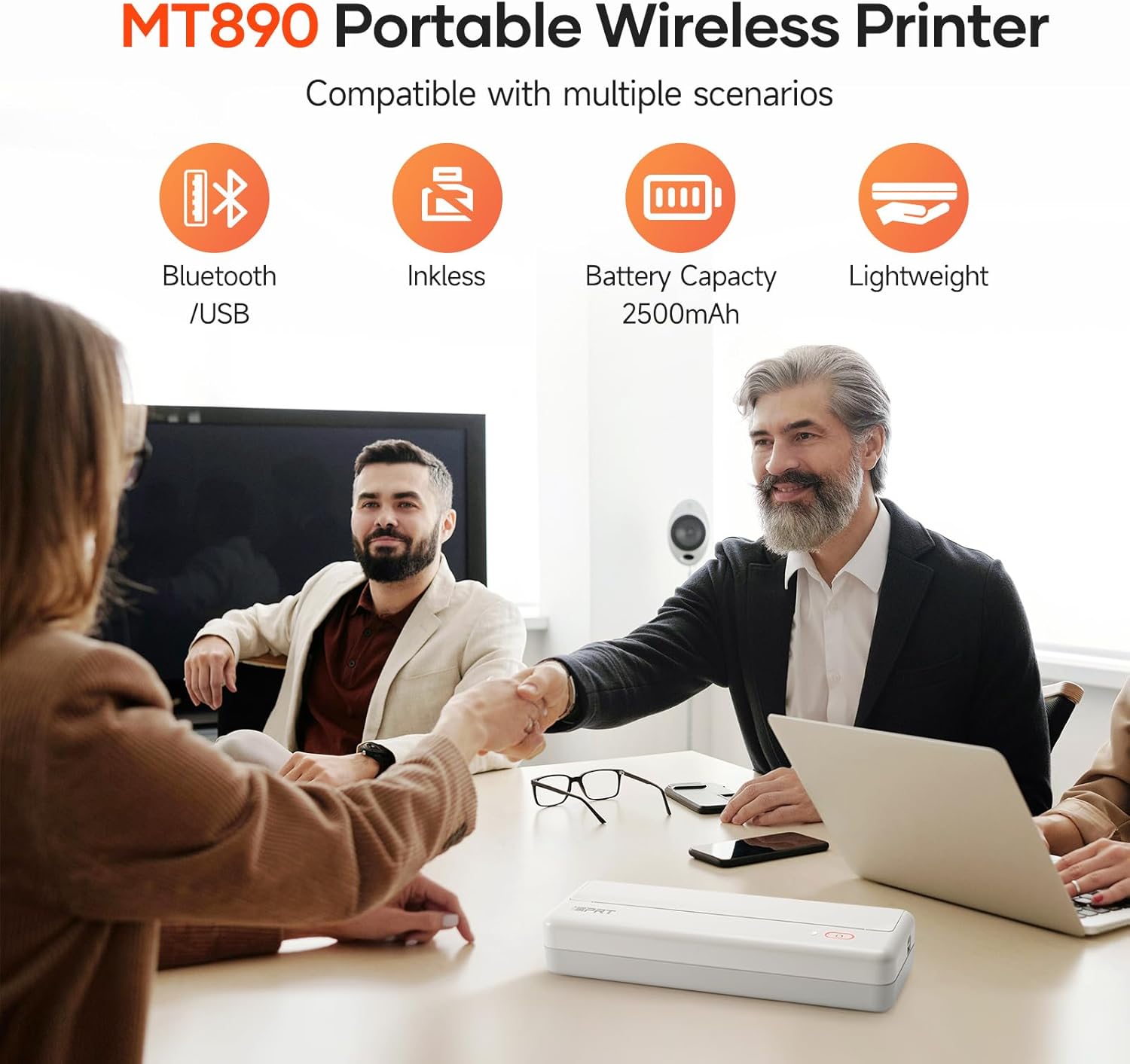
The MT890’s connectivity options—Bluetooth and USB—provide flexibility in how users interact with the printer. Bluetooth connectivity allows for wireless printing from mobile devices, which is particularly beneficial for users who need to print on-the-go without carrying additional cables. USB connectivity, on the other hand, offers a direct, reliable method for printing from laptops or desktop computers, ensuring compatibility with a wide range of operating systems. The printer’s support for Android and iOS devices enhances its appeal for mobile professionals, as it eliminates the need for additional hardware or software to facilitate printing. However, the lack of Wi-Fi connectivity may be a drawback for users requiring more robust network printing capabilities, particularly in environments with multiple devices or shared printing needs.

Mobile App Integration and User Experience
The MT890’s reliance on a mobile app for control and configuration is a key aspect of its design. The app provides users with the ability to manage print settings, monitor paper roll levels, and troubleshoot common issues without requiring physical access to the printer. This feature is particularly useful for users who operate the printer in remote locations or have limited access to physical controls. However, the absence of a physical control panel may be a limitation for users who prefer tactile feedback or direct adjustments. The app’s usability is critical for ensuring a seamless user experience, and its design must align with standard mobile printing interfaces to minimize learning curves.
Compatibility with Existing Workflows
The MT890’s compatibility with laptops, PCs, and mobile devices ensures that it can integrate into a variety of existing workflows. Its support for standard USB and Bluetooth protocols means that users can connect it to most modern computing systems without requiring additional adapters or software. This compatibility is particularly important for businesses looking to adopt a portable printing solution without disrupting existing workflows. However, the printer’s limited function set—focused solely on printing—means it may not replace multifunctional printers in environments where scanning or copying is required. For users whose needs are strictly limited to printing, the MT890’s simplicity is an advantage.
Media Compatibility and Print Quality
The MT890’s use of thermal paper is a defining characteristic of its operation, offering both advantages and limitations in terms of media compatibility. Thermal paper is designed for high-quality white material that ensures clear, readable text and graphics, making it ideal for applications such as contracts, forms, and linear drawings. However, the reliance on thermal media means that the printer cannot produce prints on standard plain paper, restricting its use to specialized applications. This limitation is important for users who may need to print on a variety of media types, as the MT890’s design does not support inkjet or laser printing capabilities.

Print Quality and Resolution
The MT890’s maximum black and white print resolution of 203 dpi ensures that printed content remains legible and sharp, even when printed at high speeds. This resolution is sufficient for most text-based documents and forms, where clarity is essential. However, users requiring higher-resolution prints for detailed graphics or photographs may find the MT890’s capabilities inadequate. The printer’s thermal printing process also means that the quality of the output is dependent on the quality of the thermal paper used, which can vary between manufacturers. For users prioritizing print clarity, selecting high-quality thermal paper is crucial to achieving optimal results.
Custom Length Printing and Paper Management
The MT890’s built-in roll paper design allows for printing on A4-sized sheets as well as custom lengths, providing flexibility for users with varying document requirements. The serrated tearing knife included with the printer facilitates easy paper removal, reducing the risk of jams or misfeeds. This feature is particularly beneficial for users who need to print long documents or forms that exceed standard A4 dimensions. However, the lack of a built-in paper storage compartment means that users must manage paper rolls manually, which could be inconvenient for frequent users. The printer’s ability to handle custom lengths also means that users must ensure they have the appropriate paper rolls on hand for their specific printing needs.

Pros & Cons
Pros
- Portability and Design: The MT890’s compact, lightweight design makes it ideal for users requiring on-the-go printing without the need for traditional ink or toner systems. Its built-in roll paper system allows for continuous printing on A4-sized sheets, with the option to adjust paper length as needed.
- High-Speed Printing: With a print time of 5-8 seconds per A4 sheet, the MT890 ensures minimal downtime, making it suitable for high-volume operations that require immediate output.
- Wireless Connectivity: Bluetooth and USB connectivity provide flexibility in how users interact with the printer, allowing for wireless printing from mobile devices and direct printing from laptops or desktops.
- Monochrome Output Quality: The printer’s 203 dpi resolution ensures clear, legible text and graphics, making it well-suited for contracts, work orders, and linear drawings.
- Ease of Use: The mobile app interface simplifies control and configuration, enabling users to manage print settings, monitor paper levels, and troubleshoot issues without physical access to the printer.
- Durability and Reliability: The MT890’s design and thermal printing technology are engineered for consistent performance in environments where quick, low-maintenance printing is critical.
Cons
- Limited Media Compatibility: The MT890’s reliance on thermal paper restricts its use to specialized media, making it unsuitable for printing on standard plain paper or color documents.
- Single-Sided Printing: The printer’s design does not support duplex printing, meaning users must manage paper manually for double-sided documents.
- No Scanning or Copying: The MT890’s function set is limited to printing, making it unsuitable for environments requiring scanning or copying capabilities.
- Environmental Sensitivity: Thermal paper is susceptible to degradation from heat, light, or humidity, which could affect print longevity in certain conditions.
- Manual Paper Management: The lack of a built-in paper storage compartment requires users to manage paper rolls manually, which may be inconvenient for frequent users.
Final Verdict: Who This Printer Is Best For (and Who Should Skip It)
The iDPRT MT890 Portable Wireless Printer is best suited for users who require quick, low-maintenance printing in environments where monochrome output is sufficient. Its portability, high-speed printing, and thermal paper design make it an excellent choice for field service technicians, logistics professionals, and mobile business operators who need to generate documents on-the-go without the complexity of traditional printing systems. The printer’s integration with Bluetooth and USB connectivity further enhances its appeal for users who need flexibility in how they interact with the device. However, the MT890 is not ideal for users requiring color printing, scanning, or copying capabilities. Its reliance on thermal paper also limits its use in environments where long-term print storage is necessary, as the material is susceptible to degradation from environmental factors. For users whose workflows are strictly limited to printing monochrome documents, the MT890 offers a reliable, efficient solution that aligns with the demands of modern mobile operations.
Frequently Asked Questions (FAQs)
What types of documents is the iDPRT MT890 best suited for?
The iDPRT MT890 is ideal for printing monochrome documents such as contracts, work orders, forms, and linear drawings. Its thermal printing technology ensures clear, legible text and graphics, making it suitable for applications where quick, reliable output is essential.
Can the iDPRT MT890 print on standard plain paper?
No, the iDPRT MT890 is designed to use thermal paper only. It cannot produce prints on standard plain paper, as its thermal printing technology relies on heat-sensitive media to generate output.
How long does it take to print an A4 sheet with the iDPRT MT890?
The iDPRT MT890 prints an A4 sheet in 5-8 seconds, ensuring rapid output for high-volume operations. This speed is optimized for environments where immediate printing is critical.
What connectivity options does the iDPRT MT890 offer?
The iDPRT MT890 supports both Bluetooth and USB connectivity. Bluetooth allows wireless printing from mobile devices, while USB provides a direct connection for laptops and desktop computers.
Is the iDPRT MT890 suitable for color printing?
No, the iDPRT MT890 is designed for monochrome printing only. Its thermal printing technology does not support color output, making it unsuitable for applications requiring color documents.
Can the iDPRT MT890 print on custom-length paper rolls?
Yes, the iDPRT MT890 is equipped with a built-in roll paper design that allows printing on A4-sized sheets as well as custom lengths. This flexibility accommodates varying document requirements.
What are the limitations of using thermal paper with the iDPRT MT890?
Thermal paper is susceptible to degradation from heat, light, and humidity, which can affect print longevity. Users must store printed documents in controlled environments to preserve print quality.
Does the iDPRT MT890 support duplex printing?
No, the iDPRT MT890 does not support duplex printing. It is designed for single-sided printing only, requiring users to manage paper manually for double-sided documents.