NDYIN N80 Portable Printer Review: Thermal Printing for Travel, Home, and Office Use
The Importance of Choosing the Right Printer for Modern Workflows
In today’s fast-paced digital environment, the ability to produce high-quality, reliable printed documents quickly and efficiently is critical for both personal and professional use. Whether managing a small business, handling administrative tasks, or working remotely, the right printer can streamline workflows, reduce delays, and ensure accurate output. However, selecting the appropriate printer requires careful consideration of factors such as print technology, connectivity options, media compatibility, and portability. For users who prioritize mobility, such as travelers, remote workers, or field professionals, a portable printer with wireless capabilities can be a game-changer. This review evaluates the NDYIN N80 Portable Printer, a wireless thermal printer designed for on-the-go printing needs. By analyzing its technical specifications, connectivity features, print quality, and usability, this article provides a comprehensive overview to help buyers determine if this printer aligns with their specific requirements.
Quick Overview
| Feature | Details |
|---|---|
| Printer Type | Wireless thermal printer |
| Printing Technology | Direct thermal printing |
| Supported Media Sizes | US Letter (8.5″ x 11″) and A4 |
| Print Resolution | 203 dpi |
| Print Speed | 4 ppm (black and white) |
| Connectivity Options | Bluetooth, USB-C |
| Battery Life | 2600mAh rechargeable battery (160 sheets on a full charge) |
| Dimensions | 3.3″D x 11″W x 2″H |
| Weight | 1.7 pounds |
| Included Components | USB-C cable, thermal paper roll, user manual, type-C adapter |
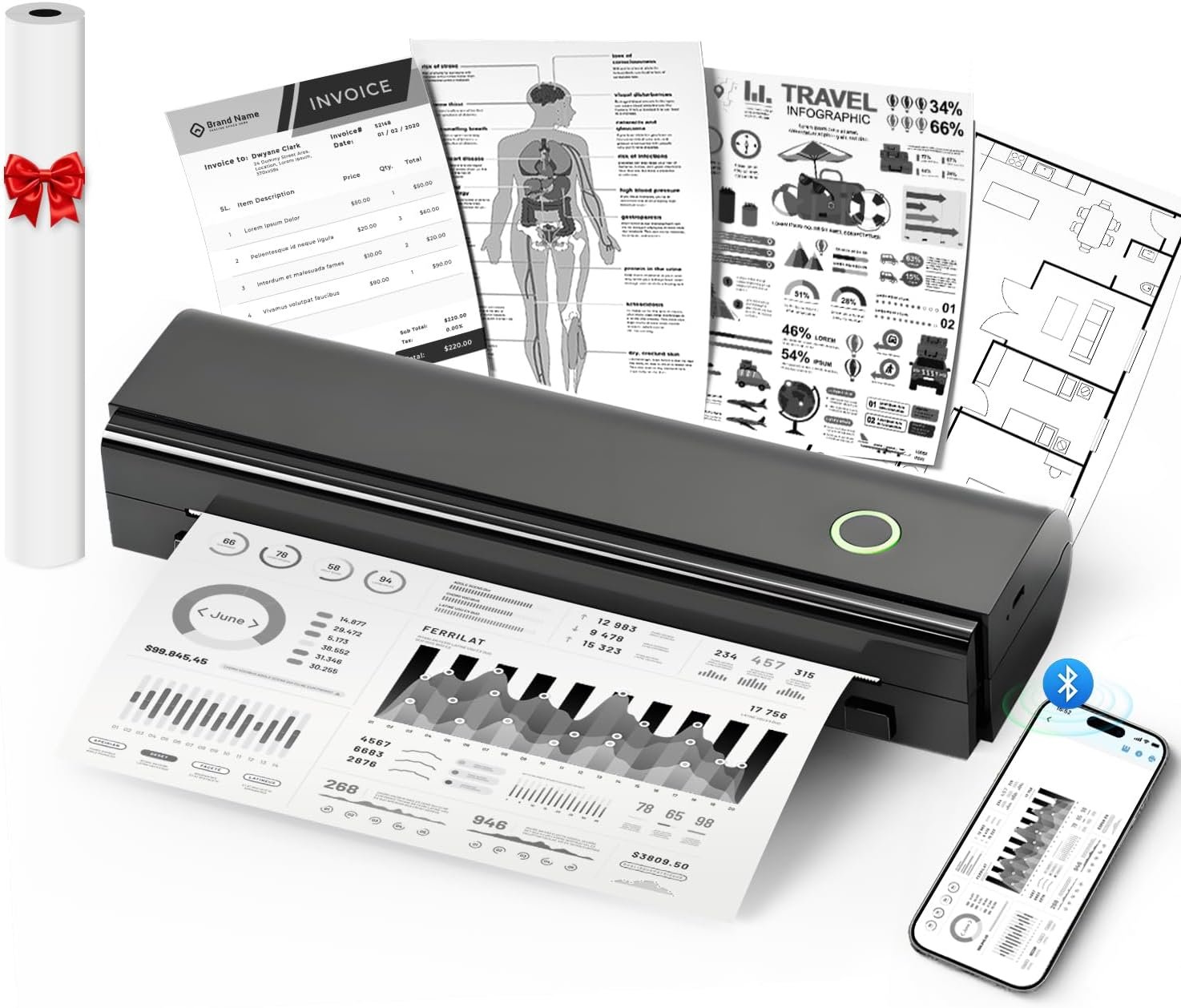
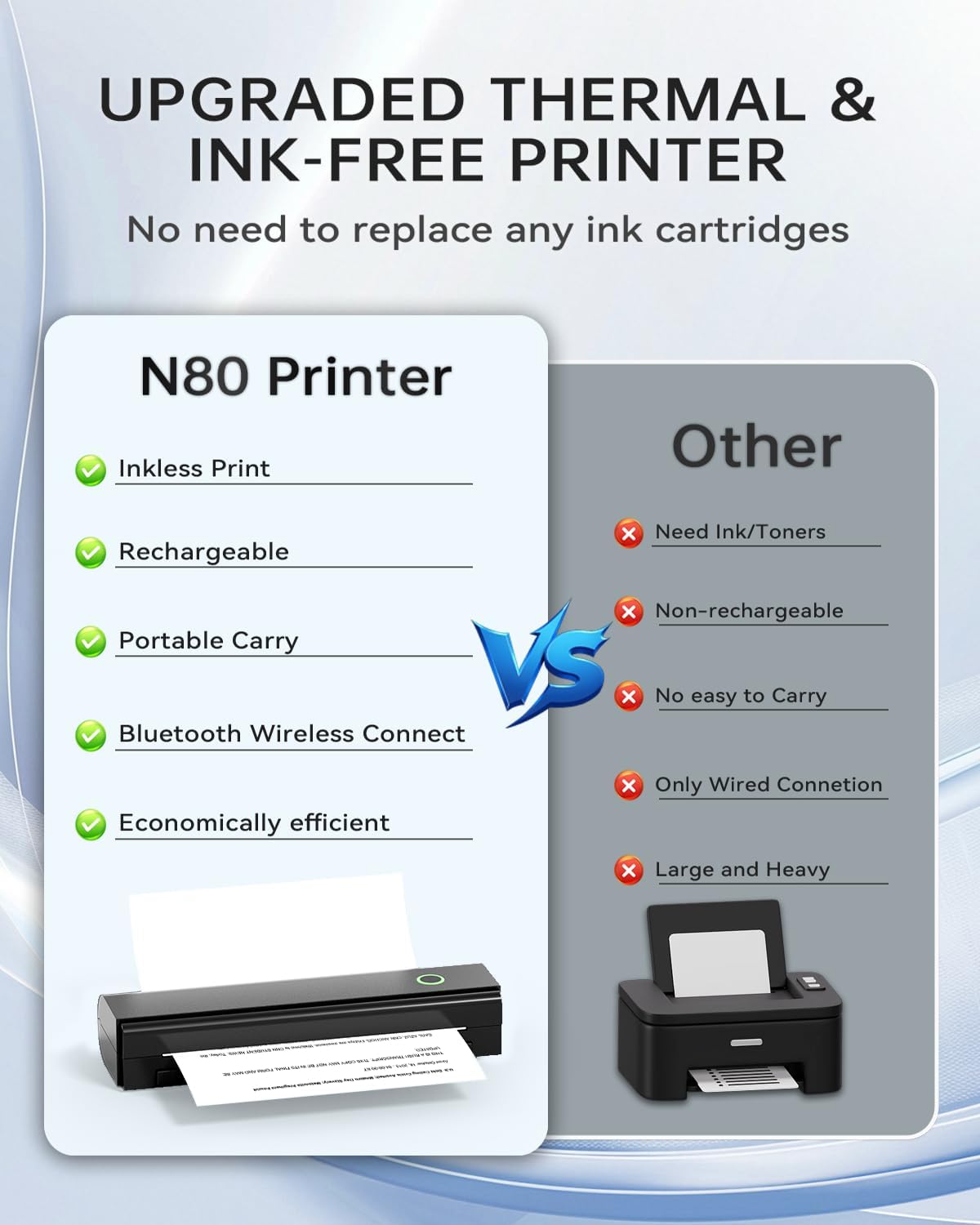
The NDYIN N80 Portable Printer is designed for users who require a compact, wireless printing solution with minimal setup. Its thermal printing technology eliminates the need for ink or toner, making it ideal for environments where maintenance and consumables are a concern. The printer’s portability and battery life make it well-suited for travel, outdoor work, or small office settings where access to power or traditional printers may be limited.

Portability and Battery Life: Key Considerations for Mobile Users
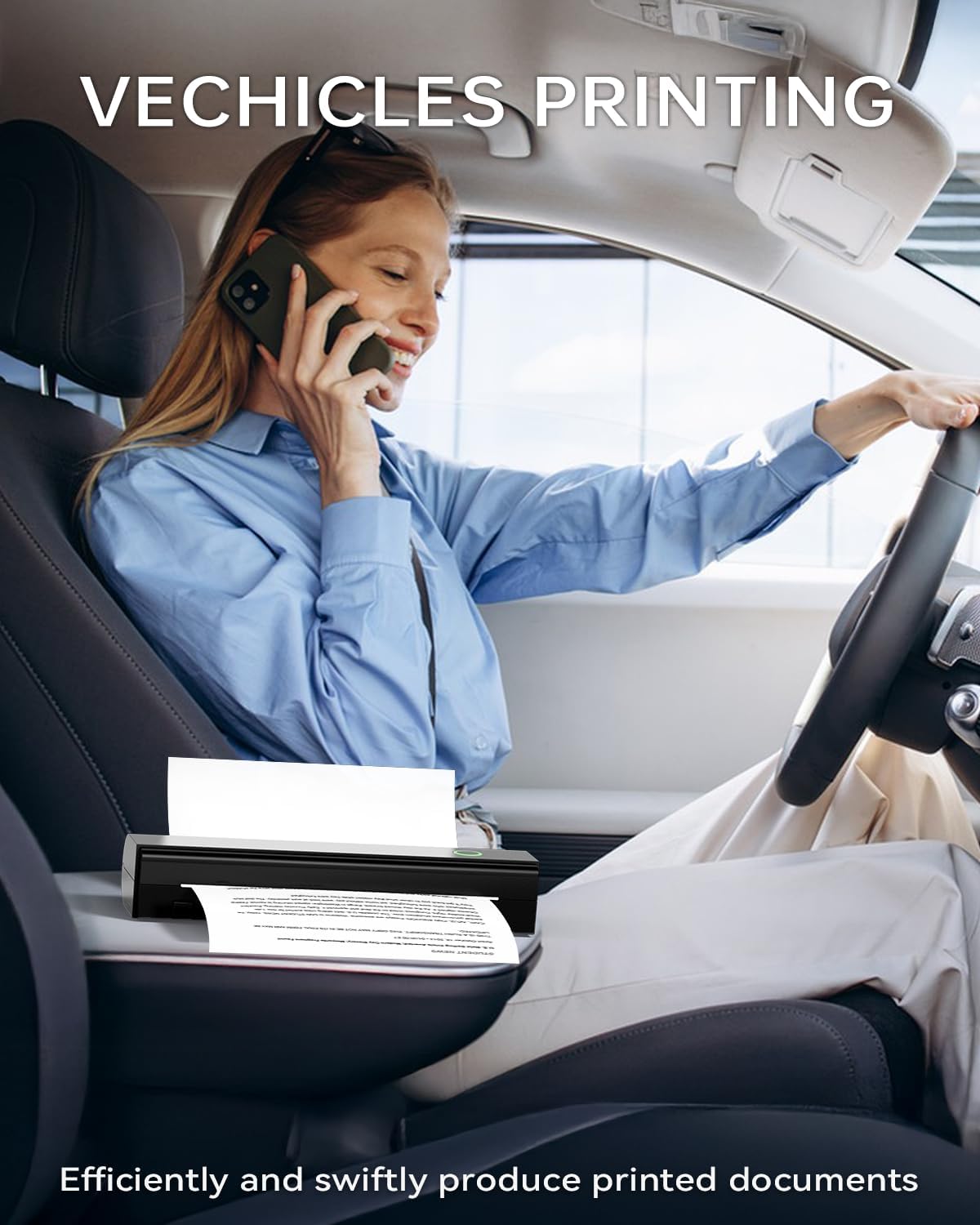
The NDYIN N80’s primary advantage lies in its portability and battery life, making it an excellent choice for users who need to print on the go. The printer’s lightweight design (1.7 pounds) and compact dimensions (3.3″D x 11″W x 2″H) allow it to be easily carried in a backpack, briefcase, or even a laptop bag. This is particularly beneficial for professionals who travel frequently, such to conferences, fieldwork, or remote work environments where access to a desktop printer is limited.
Battery Performance and Charging
The built-in 2600mAh rechargeable battery provides up to 160 sheets of 8.5″ x 11″ thermal paper on a single charge, according to the manufacturer. While this is sufficient for light to moderate use, users with high-volume printing needs may find the battery life inadequate for extended periods without access to a power source. The printer’s USB-C port allows for both charging and data transfer, ensuring flexibility in power management. However, the absence of a built-in battery charger means users must carry an external power source, which could be a drawback for those prioritizing complete portability.
Real-World Usability
The printer’s portability is further enhanced by its wireless connectivity options. The Bluetooth feature enables seamless pairing with smartphones, tablets, and laptops, while the USB-C port provides an alternative for users who prefer wired connections. However, the requirement to install drivers for laptop and computer connections may be a minor inconvenience for some users. The included thermal paper roll (7m/roll) ensures immediate usability, though users must remember to adjust the paper size setting in the accompanying Nada Print app to avoid misprints.
Connectivity Options: Bluetooth and USB-C Compatibility
The NDYIN N80’s connectivity features are designed to accommodate a variety of user scenarios, from mobile devices to desktop computers. The inclusion of both Bluetooth and USB-C ports provides flexibility in how users interact with the printer, though each option has its own limitations and advantages.

Bluetooth Pairing and Mobile Integration
The Bluetooth connectivity allows users to print directly from their smartphones, tablets, or laptops without the need for additional hardware. The Nada Print app facilitates seamless pairing and printing, supporting a range of file types including PDFs, Word documents, and web pages. However, the reliance on Bluetooth may introduce latency or connectivity issues in environments with multiple devices or interference from other wireless signals. Users should also note that the app is required for full functionality, which may be a barrier for those unfamiliar with the app or unwilling to download it.
USB-C Port and Desktop Compatibility
For users who prefer wired connections, the USB-C port offers a reliable alternative. However, the printer’s compatibility with laptops and computers is limited to devices that can install the necessary drivers. This may pose a challenge for users who rely on operating systems or hardware that does not support the required drivers. Additionally, the USB-C port is not designed for simultaneous charging and data transfer, which could be a drawback for users who need to power the printer while transferring files.
Print Quality and Resolution: Thermal Printing Performance
The NDYIN N80’s print quality is determined by its thermal printing technology, which relies on heat-sensitive paper rather than ink or toner. While this eliminates the need for consumables, it also imposes certain limitations on print longevity and output characteristics. The printer’s 203 dpi resolution ensures clear, legible text, making it suitable for documents such as invoices, boarding passes, and contracts. However, the absence of color printing capabilities and the reliance on thermal paper may affect its suitability for tasks requiring vibrant graphics or long-term archival storage.
Text and Document Printing
For users primarily focused on text-based documents, the NDYIN N80 delivers consistent results. The high-definition printing technology ensures that fonts and formatting remain intact, even when printing from PDFs or Word documents. The printer’s ability to handle roll paper, folded paper, and tattoo transfer paper adds versatility, though the use of specialized thermal paper is recommended to achieve optimal print quality. The single-sided printing limitation may be a consideration for users who require double-sided output, though this is a common constraint in thermal printers.
Image and Graphic Printing
While the printer is capable of printing images and web pages, the lack of color support and the nature of thermal paper may affect the clarity of intricate graphics or photographs. The absence of a dedicated image processing feature means that the quality of printed images is dependent on the source file and the thermal paper’s sensitivity. Users who require high-quality photo printing or color accuracy should consider alternative printing technologies, such as inkjet or laser printers.
Pros & Cons
Pros
- Portability: The NDYIN N80’s lightweight design and compact size make it ideal for travel and on-the-go printing.
- Battery Life: The 2600mAh battery provides up to 160 sheets of thermal paper, suitable for light to moderate use.
- Wireless Connectivity: Bluetooth pairing with smartphones and tablets simplifies the printing process.
- No Ink or Toner Required: The thermal printing technology eliminates the need for consumables, reducing long-term costs.
- Versatile Paper Compatibility: The printer supports roll paper, folded paper, and tattoo transfer paper, expanding its use cases.
- Easy Setup: The included thermal paper roll and user manual ensure quick start-up without additional purchases.
Cons
- Limited Print Speed: The 4 ppm print speed may be too slow for high-volume printing tasks.
- Thermal Paper Dependency: The printer requires specialized thermal paper, which may not be readily available in all locations.
- Single-Sided Printing: The lack of duplex printing functionality limits output efficiency for documents requiring double-sided pages.
- Driver Requirements: Laptop and computer users must install drivers, which may be a barrier for some.
- Battery Constraints: The 160-sheet capacity may not suffice for extended use without access to power.
- No Color Printing: The thermal printing technology does not support color output, restricting its use for graphic-heavy tasks.
Final Verdict: Who This Printer Is Best For (and Who Should Skip It)
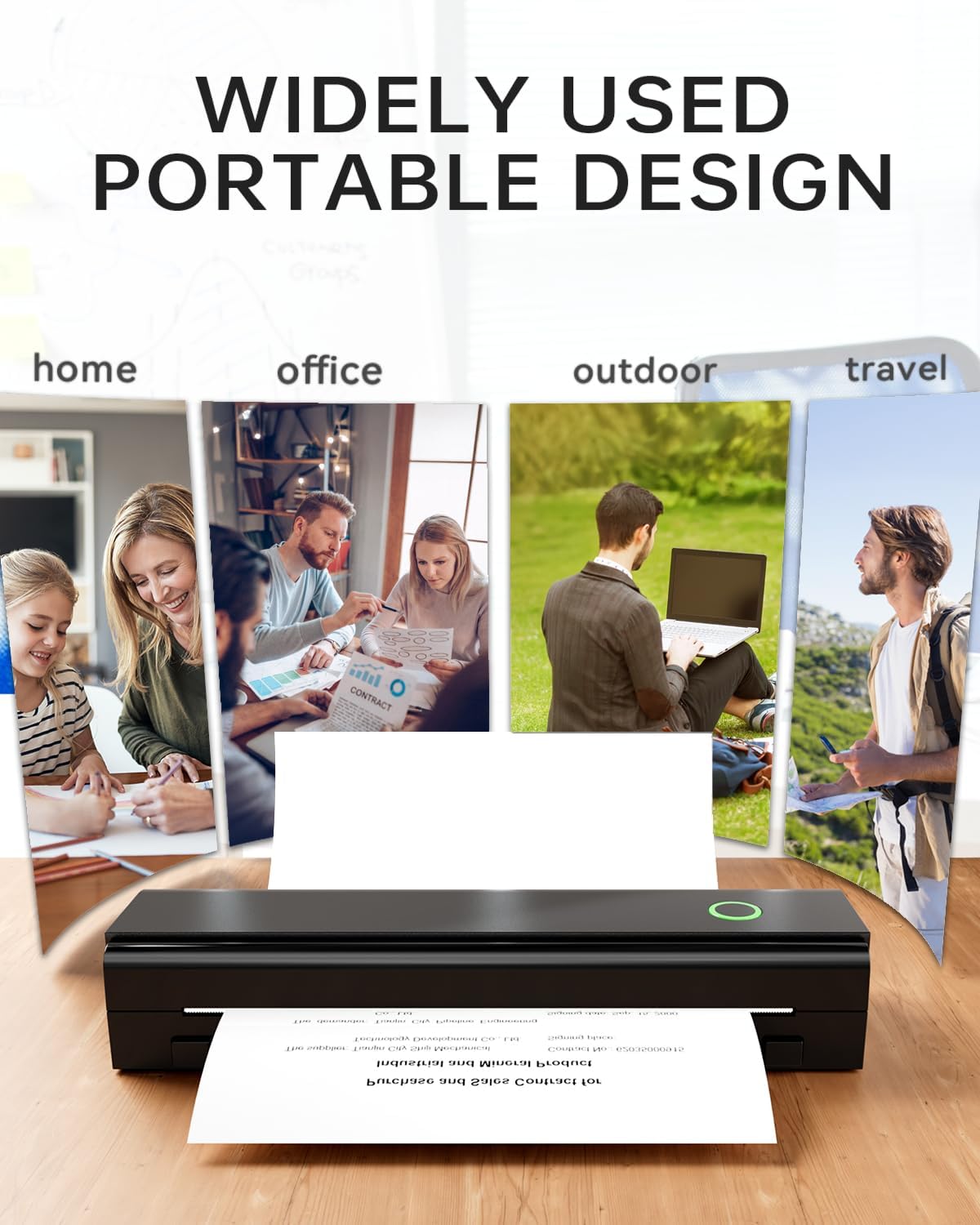
The NDYIN N80 Portable Printer is best suited for users who prioritize portability and simplicity in their printing needs. Its wireless connectivity, no-ink design, and compact size make it an excellent choice for travelers, remote workers, and small business owners who require quick, reliable printing in environments with limited access to traditional printers. The printer’s ability to handle roll paper and tattoo transfer paper also expands its utility for creative professionals and hobbyists.
However, users with high-volume printing requirements, color output needs, or a preference for inkjet or laser printing may find the NDYIN N80 inadequate. The printer’s reliance on thermal paper and single-sided printing limits its suitability for tasks requiring long-term archival or double-sided documents. Additionally, the need for specialized paper and the absence of color support may deter users looking for a more versatile printing solution. For those who value portability and minimal maintenance, the NDYIN N80 remains a practical and cost-effective option.
Frequently Asked Questions (FAQs)
Can the NDYIN N80 Printer use regular paper?
No, the NDYIN N80 requires thermal paper for printing. Regular paper cannot be used as the thermal printing technology relies on heat-sensitive materials to produce images and text.
How long does the NDYIN N80 battery last?
The built-in 2600mAh battery provides up to 160 sheets of 8.5″ x 11″ thermal paper on a full charge, making it suitable for light to moderate use without access to power.
Is the NDYIN N80 compatible with color printing?
No, the NDYIN N80 uses direct thermal printing technology, which only supports monochrome output. Color printing is not available with this model.
What file types can the NDYIN N80 print?
The printer supports printing from various file types including PDFs, Word documents, images, and web pages, provided they are compatible with the Nada Print app and thermal paper.
Can the NDYIN N80 print on both sides of the paper?
No, the NDYIN N80 is designed for single-sided printing only. Duplex printing functionality is not supported in this model.
What is the maximum print speed of the NDYIN N80?
The NDYIN N80 has a maximum black and white print speed of 4 pages per minute (ppm), which is suitable for low to moderate volume printing tasks.
Does the NDYIN N80 require a separate charging adapter?
The NDYIN N80 includes a USB-C adapter for charging, but it is not included in the package. Users must provide their own power source for charging.
Is the NDYIN N80 suitable for outdoor use?
The NDYIN N80 is designed for use in various environments, including outdoor settings. However, it is recommended to protect the printer from extreme temperatures and humidity to maintain optimal performance.