Epson 202 Claria Standard Capacity Ink Combo Review
Epson 202 Claria Ink Standard Capacity Review for WorkForce and Expression Printers
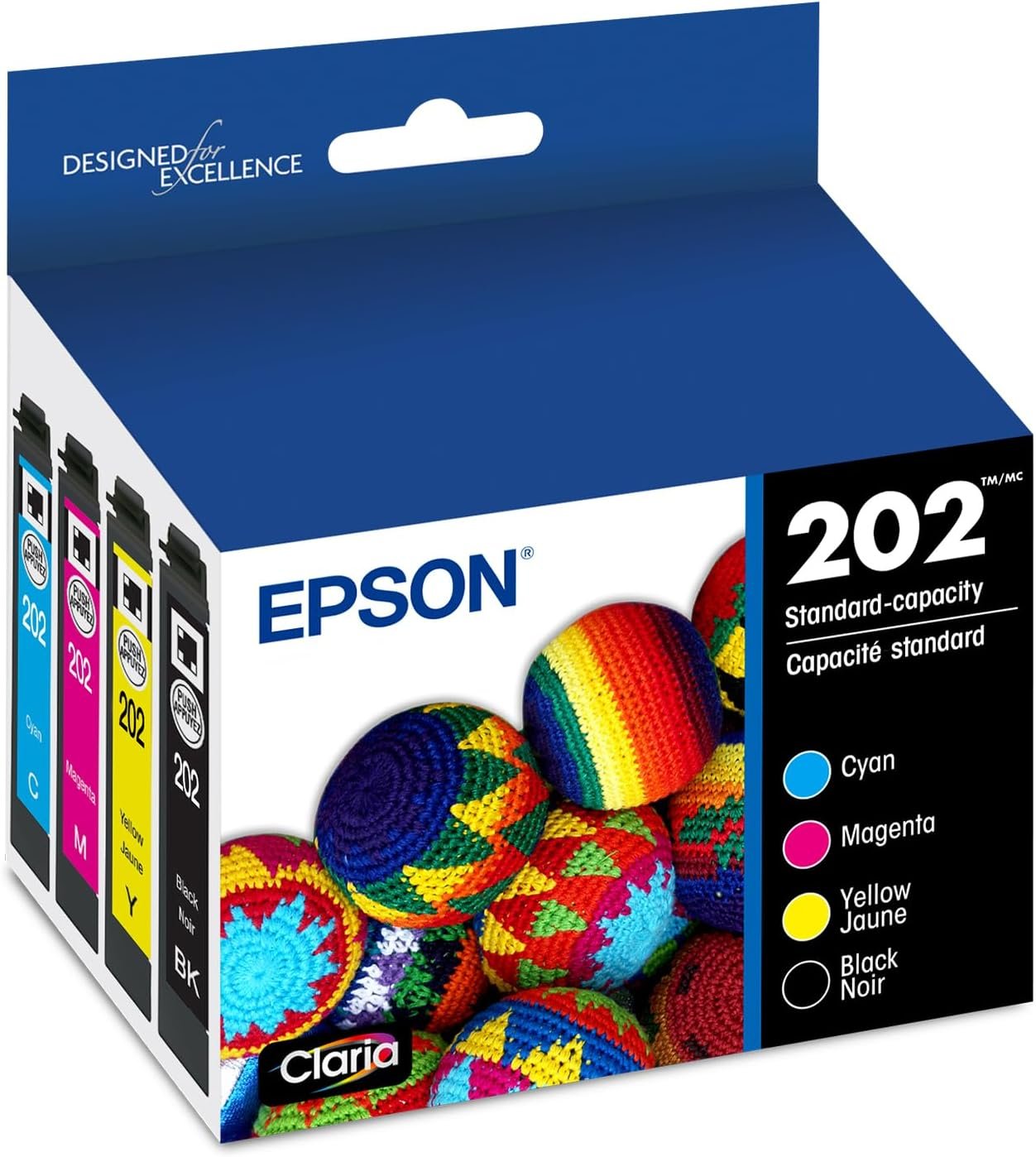
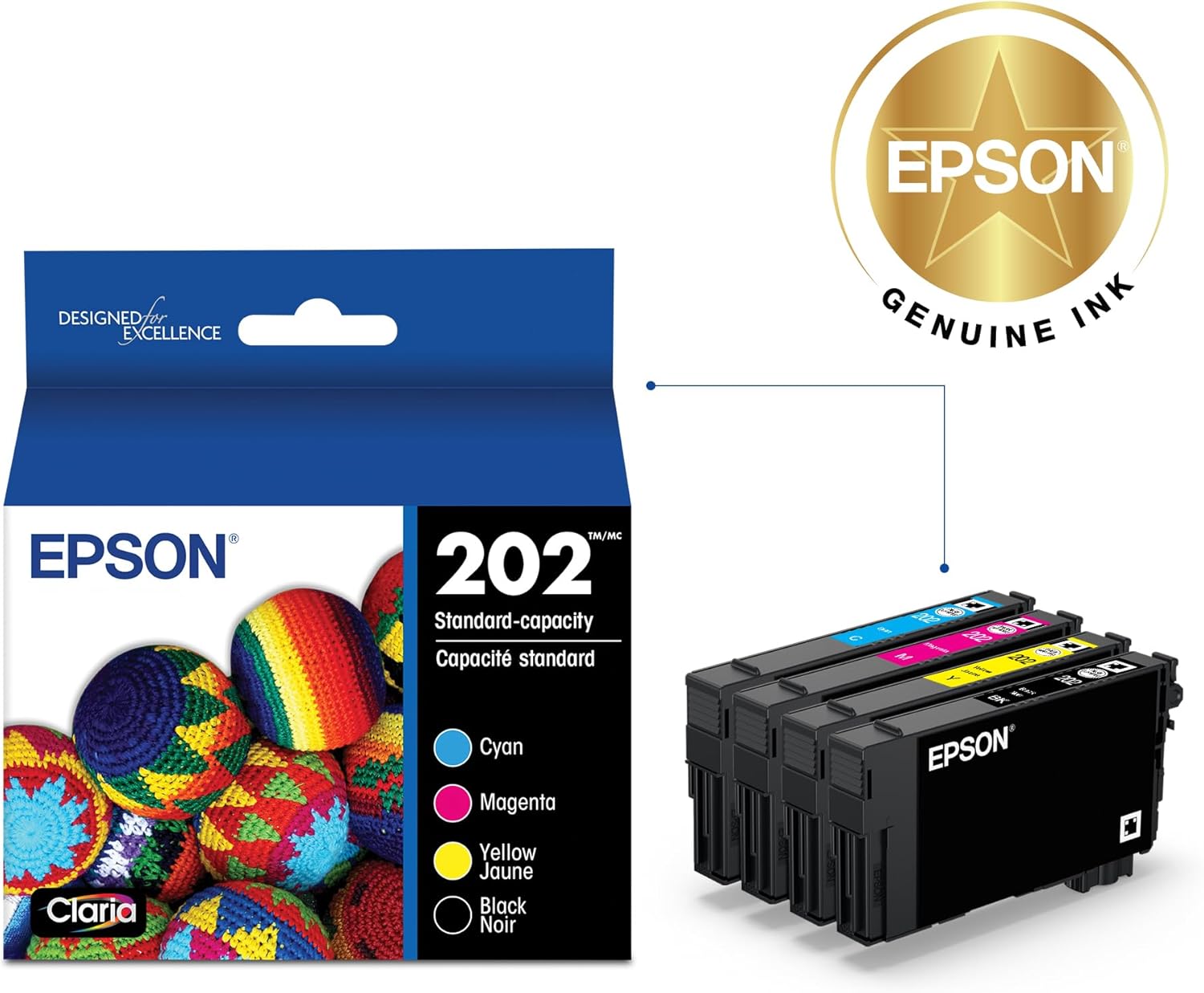
Epson’s 202 Claria Standard Capacity ink combo pack pairs a fast-drying, water-based dye formulation with four individually replaceable cartridges, giving households and small offices a straightforward way to keep compatible printers running without swapping an entire multi-color unit at once. This Epson 202 Claria ink standard capacity review looks at how the black, cyan, magenta, and yellow set performs across everyday documents, mixed-content pages, and photo prints when installed in the two machines it is built for. Printing needs vary widely between users who mostly output text-heavy reports and those who regularly produce color graphics, labels, or glossy photo pages, and the ink system installed in a printer directly shapes how well it meets those different workloads. A cartridge set that dries quickly, resists water smudging, and holds enough capacity to avoid frequent reordering matters more as print volume grows. Because this combo pack is designed specifically around the WorkForce WF-2860 and Expression XP-5100 print engines, its practical value depends heavily on how those two printers are actually used day to day, which the sections below address in detail.
Quick Overview
| Feature | Details |
|---|---|
| Product Type | Standard capacity ink cartridge combo pack |
| Ink Technology | Claria dye-based, water ink formulation |
| Cartridge Colors | Black, Cyan, Magenta, Yellow (individual cartridges) |
| Combined Page Yield | Approximately 705 pages across the set |
| Compatible Printers | Epson WorkForce WF-2860, Epson Expression XP-5100 |
| Printer Functions Supported | Print, scan, copy (fax on WF-2860) |
| Media Compatibility | Plain paper and glossy photo paper |
| Special Characteristics | Water-resistant output, fast-drying formulation |
| Compatibility Type | OEM (original equipment manufacturer) |
| Installation Style | Individual cartridge replacement per color |
These specifications translate into a consumable system built for mixed home and light-office printing rather than high-volume production. The individual cartridge design means a printer keeps functioning even when only one color runs low, while the water-resistant, fast-drying ink chemistry supports documents and images that need to withstand light handling immediately after printing. The 705-page combined yield across four cartridges positions this as a standard-capacity option suited to moderate, recurring print activity rather than heavy daily output.
Epson Claria Ink Technology and the Inkjet Printing Process
The Epson 202 Claria Standard Capacity set uses a dye-based, water ink formulation engineered to work with the piezoelectric print heads found in the WorkForce WF-2860 and Expression XP-5100. Understanding the inkjet printer working principle helps explain why this cartridge design matters: microscopic nozzles fire precisely metered ink droplets onto the page as the print head passes across it, building text and images line by line at resolutions fine enough to render small font sizes and detailed line art cleanly. Claria dye ink is formulated to dry rapidly on contact with plain and glossy paper, reducing smearing risk immediately after a page exits the tray, which is particularly relevant for households handling freshly printed forms, labels, or school materials. Because the cartridges separate colors individually rather than combining them into one tank, the inkjet printing process draws only from the specific color reservoir needed for a given job, which helps preserve ink efficiency across mixed black-and-white and color print runs and avoids the cross-contamination of hues that can occur in shared-chamber cartridge designs.

Dye-Based Ink Formulation and Fast-Drying Design
Dye-based inks like Claria dissolve fully into the paper fibers rather than sitting on the surface, which produces smooth color transitions and sharp fine detail on text and line art. The fast-drying characteristic reduces the chance of smudging when pages are handled shortly after printing, a common concern with water-based formulations, and it lessens the risk of ink transfer when multiple printed sheets are stacked immediately after a print job finishes. This formulation trades some of the water resistance seen in pigment inks for broader color vibrancy, making it a practical middle ground for mixed household and office documents that combine text, charts, and occasional photos rather than archival-grade prints intended for long-term display.
How the Inkjet Printing Process Applies This Ink
Within the WF-2860 and XP-5100, the print head applies ink through a series of controlled droplet firings coordinated with the printer’s internal driver software. Each pass builds resolution incrementally, layering cyan, magenta, yellow, and black in varying densities to reproduce the full color range a document or image requires, with software-managed dithering patterns smoothing transitions between adjacent tones. This layered approach is central to how inkjet printers achieve photo-realistic gradients that toner-based systems handle differently, since toner fuses as solid particles rather than blending liquid droplets. The precision of droplet placement directly affects perceived sharpness, particularly on text-heavy pages printed at standard resolution settings where font edges must remain crisp.
Individual Cartridge Design for Selective Replacement
Rather than bundling all four colors into a single tri-color tank, the 202 series uses separate cartridges for black, cyan, magenta, and yellow. This design allows a single depleted color to be replaced without discarding ink still remaining in the others, which is a meaningful efficiency advantage over combined-tank cartridge systems where one exhausted hue can force premature disposal of an entire tank. For users who print more black text than color graphics, or vice versa, this arrangement can extend the practical life of a full combo pack purchase and simplify tracking which color needs restocking next.
Compatibility with the Epson WorkForce WF-2860 and Expression XP-5100
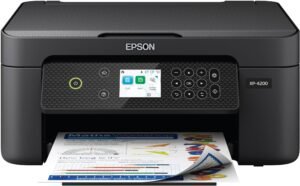
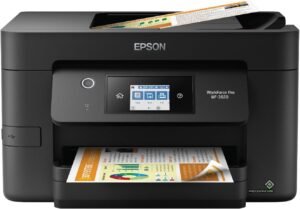
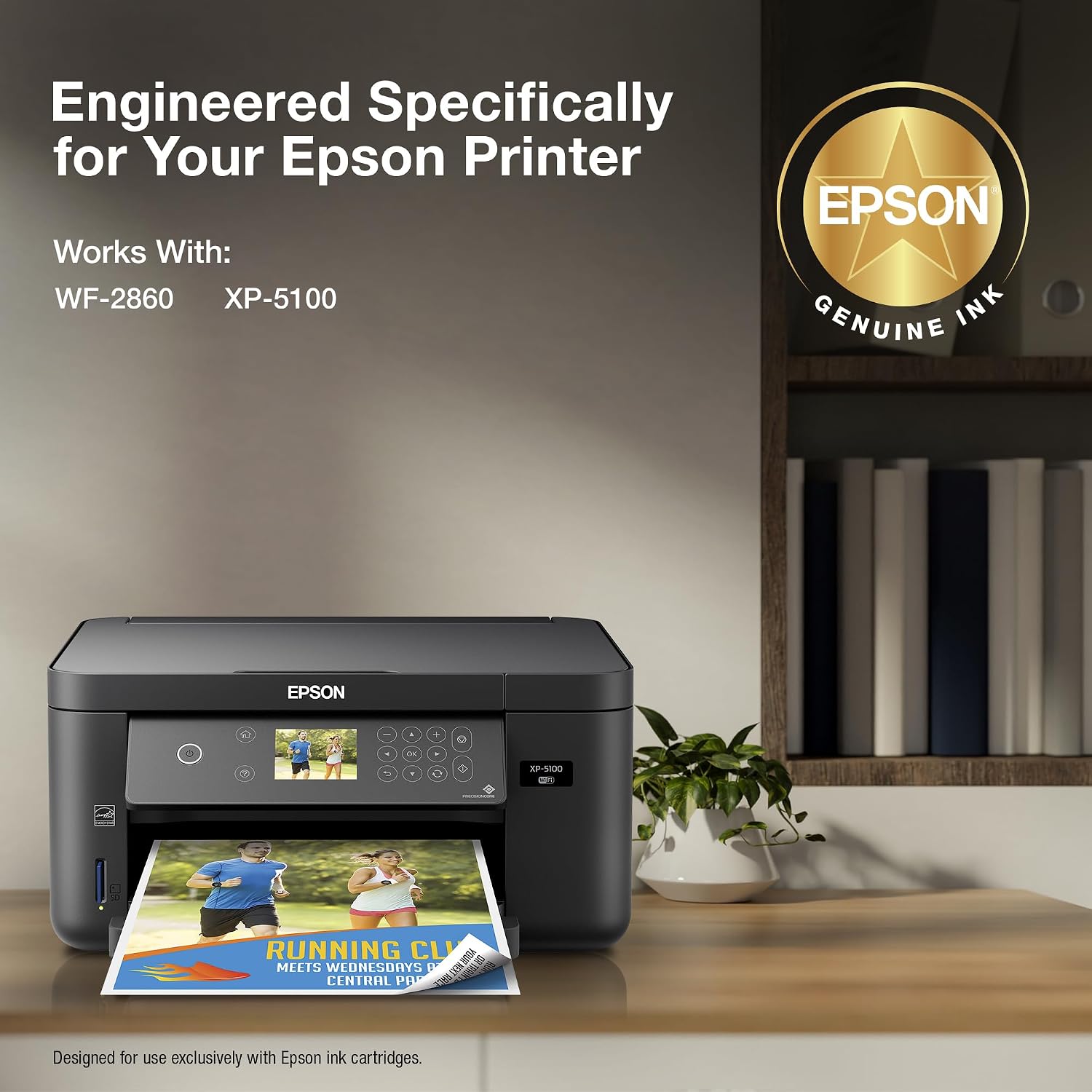
This combo pack is formulated as an OEM match for two specific Epson print engines, the WorkForce WF-2860 and the Expression XP-5100, rather than as a universal cartridge set. Compatibility accuracy matters because printer firmware in many inkjet models checks cartridge chip data before accepting ink, and mismatched formulations can affect print head performance over time or trigger error messages that block printing entirely. The WF-2860 is positioned as a compact office all-in-one with scanning, copying, and faxing, while the XP-5100 leans toward home and photo-oriented use with print, scan, and copy functions but without fax support. Buyers should confirm their printer model against the packaging before purchasing, since visually similar Epson cartridges are not always interchangeable across different print engine generations, even within the same broader product family.

WorkForce WF-2860 Office and Home Use
The WF-2860 targets small-office and home-office environments that need print, scan, copy, and fax functionality from one compact unit. Paired with the 202 Claria cartridges, it supports routine business documents, forms, and correspondence where consistent black text clarity matters most, particularly for multi-page reports printed in quick succession. The inclusion of fax capability distinguishes this model from purely home-oriented units, making it relevant for users who still exchange documents through traditional office channels alongside digital workflows, such as small medical, legal, or administrative practices.
Expression XP-5100 Home and Photo Printing
The XP-5100 is built with photo and home printing in mind, supporting glossy paper alongside standard plain paper stock. When loaded with the same 202 Claria cartridges, it draws on the dye-based formulation’s color range to render photographs, greeting cards, and graphic-heavy documents with smoother gradients than typical office-only printers, benefiting from the four-color separation to keep skin tones and background hues distinct. This makes the combo pack particularly relevant for households that mix everyday document printing with occasional photo output rather than committing to a dedicated photo printer.
OEM Compatibility and Cartridge Verification
Because this is an OEM-specified product rather than a universal or remanufactured cartridge, it is engineered to match the exact ink delivery specifications of the WF-2860 and XP-5100 print heads. Verifying model compatibility before installation reduces the risk of print quality inconsistencies or cartridge recognition errors. Printers outside these two model lines, including other WorkForce or Expression variants, typically require a different cartridge series even if the physical packaging looks similar.
Print Quality, Page Yield and Running Costs
Print output quality from this combo pack depends on the interaction between Claria dye chemistry and each printer’s native resolution settings, with sharper results generally appearing on plain paper for text and on glossy stock for photo-oriented content. The standard capacity classification means the 705-page combined yield sits below extra-high-capacity alternatives, positioning this set for moderate, recurring print volumes rather than continuous high-output use. Consumers evaluating running costs should weigh page yield against their typical monthly print volume, since standard-capacity cartridges generally require more frequent reordering than high-capacity equivalents, and budgeting for replacements ahead of time helps avoid mid-task interruptions. Individual-cartridge replacement also affects cost planning, since only the depleted color needs restocking rather than the full set, which can smooth out consumable spending over several months instead of concentrating it into a single large purchase.

Text Clarity and Color Accuracy
Black text printed from the dedicated black cartridge typically renders with clean edges and consistent density across a page, which is characteristic of dye-based formulations tuned for document work such as invoices, letters, and printed forms. Color accuracy for charts, graphics, and mixed-content pages benefits from the four-cartridge separation, since each hue is applied from its own reservoir rather than a blended tank. This tends to produce more consistent color output across a full page compared to systems where dwindling ink in one shared chamber can skew overall tone toward whichever color remains most abundant.
Photo and Glossy Paper Output
On glossy photo paper, the Claria dye formulation is designed to produce smoother tonal gradients and richer color saturation than plain-paper settings typically allow. This makes the XP-5100 pairing particularly suited to occasional photo printing, greeting cards, and image-heavy projects. Photo output quality from dye-based ink generally trails dedicated photo-specific ink systems in long-term fade resistance, though short-to-medium-term color vibrancy remains a practical strength for home use.
Standard Capacity Page Yield and Replacement Planning
A combined yield near 705 pages across four cartridges translates to roughly moderate use before a full restock is needed, assuming a typical mix of text and color content. Households or offices with higher monthly print volumes should factor in more frequent cartridge purchases compared to extra-high-capacity alternatives. Because each color is replaced individually, actual reorder frequency will vary by color depending on whether a user prints more black text or more color-heavy pages.
Inkjet Printer vs Laser Printer Considerations and Workload Fit
Choosing between an inkjet printer vs laser printer setup depends heavily on the mix of content being produced and how frequently the device is used. The WF-2860 and XP-5100, both inkjet models relying on this Claria cartridge system, are engineered around versatility across text, graphics, and photo output rather than the high-speed monochrome throughput associated with laser engines, which fuse toner powder using heat rather than depositing liquid droplets. Understanding the features of inkjet printers, including their ability to reproduce continuous color gradients and support varied paper types such as glossy photo stock, clarifies where this cartridge combo fits within a broader printer landscape dominated by both technologies. Workload capacity, connectivity options, and duty cycle expectations all factor into whether this ink system suits a given household or office environment over sustained use.
Inkjet Printer Advantages and Disadvantages
Weighing inkjet printer advantages and disadvantages against this cartridge system highlights strengths in color versatility and photo capability, paired with tradeoffs in per-page running costs at higher volumes. Inkjet engines like those in the WF-2860 and XP-5100 handle mixed media, including glossy photo stock, more naturally than most laser printers. The tradeoff is that dye-based cartridges such as the 202 series generally have lower page yields than laser toner cartridges, meaning replacement frequency increases for users with heavier monthly print demands.
Inkjet Printer for Vinyl and Specialty Media
Some users explore an inkjet printer for vinyl or specialty craft media, though the WF-2860 and XP-5100 are designed primarily around standard plain and glossy photo paper rather than specialty vinyl stock. Attempting non-standard media types outside manufacturer specifications can affect print head performance and ink adhesion. Buyers with vinyl or specialty printing goals should confirm paper compatibility guidance for these specific models before relying on the Claria ink system for that purpose.
Duty Cycle and Connectivity for Everyday Workloads
Both compatible printers are built for consumer and small-office duty cycles rather than industrial-scale output, aligning with the standard-capacity nature of this ink combo pack. Wireless and USB connectivity on the WF-2860 and XP-5100 support typical home network printing from computers and mobile devices. This combination of moderate duty cycle and standard connectivity options makes the cartridge set well matched to routine, intermittent printing rather than continuous high-volume production runs.
Pros & Cons
Pros
- Individual cartridge design allows single-color replacement, reducing waste compared to combined-tank systems where unused ink is discarded alongside a depleted color.
- Fast-drying Claria dye formulation lowers smudge risk on freshly printed pages, which benefits documents that are handled or filed shortly after printing.
- Water-resistant output characteristics help printed pages hold up better against incidental moisture exposure than some standard dye-ink alternatives.
- OEM-specified compatibility with the WF-2860 and XP-5100 reduces the risk of print quality inconsistencies tied to third-party or remanufactured cartridges.
- Four-color separation supports more consistent color accuracy across mixed text and graphic content compared to single-tank tri-color systems.
- Suitability for both plain paper documents and glossy photo stock gives the combo pack flexibility across office and home photo printing tasks.
- A 4.1 average customer rating across roughly 3,671 reviews suggests broadly consistent satisfaction among buyers using this cartridge set in its intended printers.
Cons
- Standard-capacity yield near 705 combined pages is lower than extra-high-capacity alternatives, which may require more frequent reordering for high-volume users.
- Strict OEM model compatibility limits this cartridge set to the WF-2860 and XP-5100, offering no flexibility for other Epson printer lines.
- Dye-based ink formulations generally show less long-term fade resistance than pigment-based alternatives, a relevant factor for archival photo printing.
- Running costs per page tend to be higher than laser toner systems for users with substantial monthly black-and-white text volume.
Final Verdict: Who This Printer Is Best For (and Who Should Skip It)
This Epson 202 Claria Standard Capacity combo pack suits households and small offices using the WorkForce WF-2860 or Expression XP-5100 for a routine mix of text documents, occasional color graphics, and light photo printing in 2026. The individual cartridge design, fast-drying dye formulation, and water-resistant output make it a practical match for users who value flexibility across plain and glossy media without needing extremely high monthly print volumes. Its four-color separation and OEM-tuned compatibility also support consistent output quality for buyers who prioritize predictable results over the flexibility of universal or remanufactured ink options.
Users with high-volume monochrome printing needs, or those seeking the lower per-page costs typical of laser toner systems, may find the standard-capacity yield and dye-ink running costs less efficient for sustained heavy use. Buyers exploring specialty media such as vinyl stock, or seeking maximum photo archival longevity, should also look beyond this combo pack toward printers and ink systems purpose-built for those needs. For its intended audience, however, this cartridge set offers a balanced, moderate-volume solution tailored specifically to two well-defined Epson print engines.
Frequently Asked Questions (FAQs)
Is the Epson 202 Claria ink compatible with printers other than the WF-2860 and XP-5100?
No. This cartridge combo pack is formulated as an OEM match specifically for the Epson WorkForce WF-2860 and Expression XP-5100 print engines. Other Epson WorkForce or Expression models typically require a different cartridge series, even when packaging appears visually similar. Confirming the exact printer model against the cartridge specification before purchase helps avoid compatibility errors or print head performance issues tied to mismatched ink formulations.
How many pages can the Epson 202 Claria Standard Capacity combo pack print?
The four-cartridge set has a combined page yield of approximately 705 pages, covering black, cyan, magenta, and yellow ink together. Actual page counts vary based on content type, since text-heavy documents consume less color ink than graphic-rich or photo pages. Because each cartridge is replaced individually, actual yield per color depends on the specific mix of black-and-white versus color printing a user performs.
Is an inkjet printer better than a laser printer for home use?
Inkjet printers, including the WF-2860 and XP-5100, generally offer broader color versatility and better photo output than laser printers, making them well suited to mixed home printing needs. Laser printers typically provide lower per-page costs and faster output for high-volume monochrome text. The better choice depends on whether a household prioritizes color and photo flexibility or high-speed, high-volume text printing.
Can this ink cartridge combo pack be used to print on vinyl or specialty media?
The WF-2860 and XP-5100 are designed primarily for plain paper and glossy photo paper rather than vinyl or specialty craft media. Using non-standard media outside manufacturer specifications can affect ink adhesion and print head performance. Buyers interested in vinyl printing should check dedicated media compatibility guidance for these specific printer models before relying on this ink system for that purpose.
Does the Epson 202 Claria ink produce water-resistant prints?
Yes. The Claria dye-based formulation used in this combo pack is designed with water-resistant characteristics, helping printed pages better withstand incidental moisture exposure compared to some standard dye inks. This does not make prints fully waterproof, but it reduces the risk of smudging or running if a printed page is briefly exposed to water, condensation, or humidity shortly after coming out of the printer.
What is the difference between standard capacity and high-capacity Epson 202 cartridges?
Standard capacity cartridges, like this combo pack, hold less ink per cartridge and yield fewer total pages than extra-high-capacity versions of the same 202 series. Standard capacity suits moderate, recurring print volumes, while high-capacity options reduce replacement frequency for heavier monthly usage. Both versions use the same Claria dye ink formulation and remain compatible with the same WF-2860 and XP-5100 printers.
Do the WF-2860 and XP-5100 support wireless printing?
Both printers include wireless connectivity alongside USB connections, allowing documents to be sent from computers, tablets, and mobile devices over a shared home or office network without a direct cable connection. This connectivity supports typical consumer and small-office workflows rather than large networked print environments handling many simultaneous users. Wireless setup generally follows Epson’s standard configuration process through the printer’s control panel or companion mobile printing software.
Why does the Epson 202 combo pack use individual cartridges instead of one ink tank?
Separating black, cyan, magenta, and yellow into individual cartridges allows a single depleted color to be replaced without discarding ink remaining in the others. This design tends to reduce waste compared to combined-tank systems, where one exhausted color can force early replacement of an entire tank. It also allows users to buy only the specific color they need when reordering.