
Laser printers: pages per minute, and the numbers behind them
A laser printer fuses toner powder to the page with heat. That single fact explains most of the spec sheet: why it is fast, why the first page takes longer than the rest, why a cartridge lasts thousands of pages, and why it is the wrong printer for photographs.
What the category is
Monochrome lasers print black text; colour lasers add three more toner cartridges and cost more per page for it. Both print on plain paper, both are indifferent to how long they sit unused, and both are built around one figure the listing puts first: pages per minute.
How to read the spec sheet
Pages per minute is quoted for single-sided letter or A4 at normal quality. It is a real figure for a long job and a misleading one for a short one, because of the next line.
First-page-out time is how long the first sheet takes from a warm start — typically 6 to 10 seconds, longer from sleep. For someone printing one page at a time, this figure matters more than the headline speed.
Monthly duty cycle is the most misread number on any printer spec sheet. It is the maximum the manufacturer says the machine will survive in a month, and it is often 10,000 to 30,000 pages for a printer meant for a household. The figure to find instead is recommended monthly volume, which is what the machine is designed to do routinely — usually a tenth of the duty cycle or less. A review should quote both and say which is which.
Toner yield is quoted in pages at 5% coverage, which is a sparse page of text. Dense documents, headers, logos and tables use more. The cartridge in the box is frequently a “starter” or “introductory” cartridge at a fraction of the standard yield; the listing says so somewhere, and a review should find it.
Duplex means automatic two-sided printing. Manual duplex means you turn the stack over. Sheets that say “duplex” without “automatic” usually mean the second.
Paper handling: input tray capacity (150 or 250 sheets is typical at home, 500 in an office), whether there is a bypass slot for envelopes and labels, and the heaviest paper weight the fuser will take.
Connectivity: Ethernet is the reliable choice for a shared printer; Wi-Fi is convenient; USB alone means one computer. Mobile printing support (AirPrint, Mopria) is worth confirming if phones will print.
Who it suits
Anyone whose printing is mostly text and whose volume is steady: homework, invoices, contracts, shipping paperwork. A monochrome laser is the cheapest per page of any printer here and the least fussy about being left alone for a month.
Who should skip it
Anyone printing photographs. Toner on plain paper does not produce a photograph, and a colour laser’s colour is for charts and logos, not prints. Look at the inkjet and photo printer hubs instead. And anyone who needs a scanner should read the all-in-one hub, since the print side is identical.
Where to start
Six of the 97 laser printers reviewed on this site, one per model, across manufacturers. Every review is written from the manufacturer’s published specifications — how, and what that leaves out.
- Brother Compact Monochrome Laser Printer, HL
- HP Color LaserJet 5550DN Printer (Renewed)
- Canon Color imageCLASS LBP622Cdw Wireless Laser Printer
- Xerox C230dni Wireless Printer
- Lexmark CS431dw Color Laser Printer
- KYOCERA ECOSYS MA4000wfx Monochrome Laser Printer
All 97 laser printer reviews
Newest first. Consumables, accessories and parts that were once filed here are excluded.
-
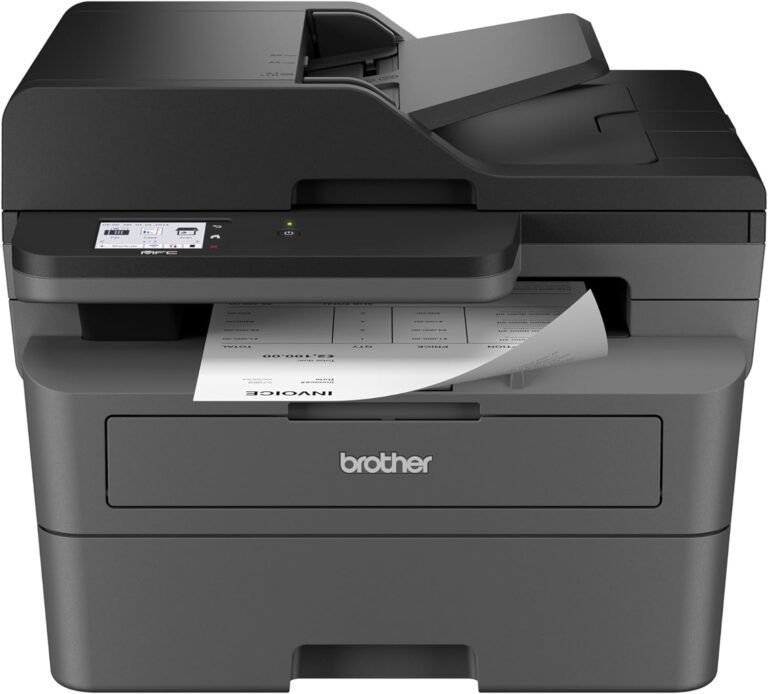
Brother MFC-L2820DW Monochrome Laser Printer Review: Performance, Features, and Use Cases
Evaluate the Brother MFC-L2820DW’s print speed, connectivity, media compatibility, and reliability for small offices. Learn about its 36 ppm printing, wireless options,…
-
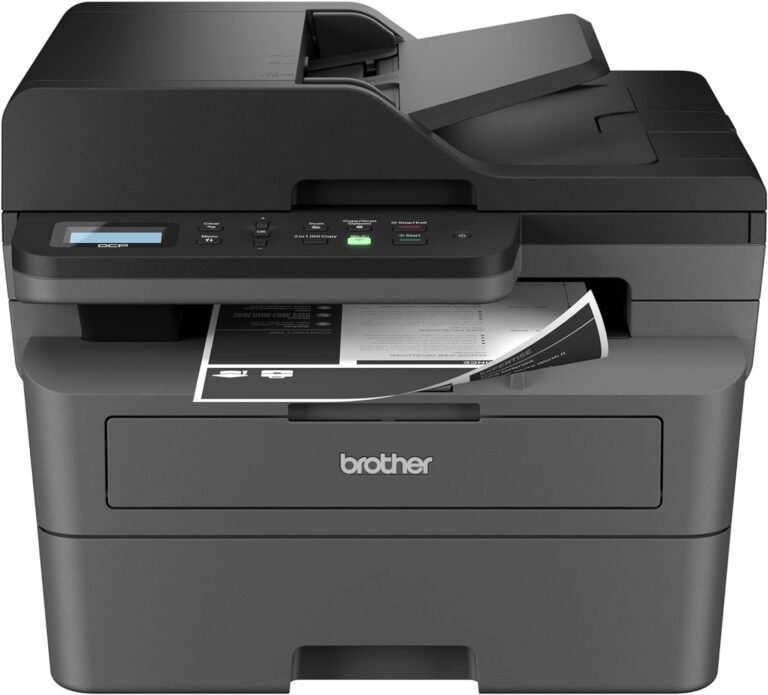
Brother DCP-L2640DW Monochrome Laser Printer Review: Productivity, Connectivity, and Reliability for Small Businesses
Evaluate the Brother DCP-L2640DW monochrome laser printer for small businesses. Learn about its print speed, connectivity, toner system, and network capabilities in…