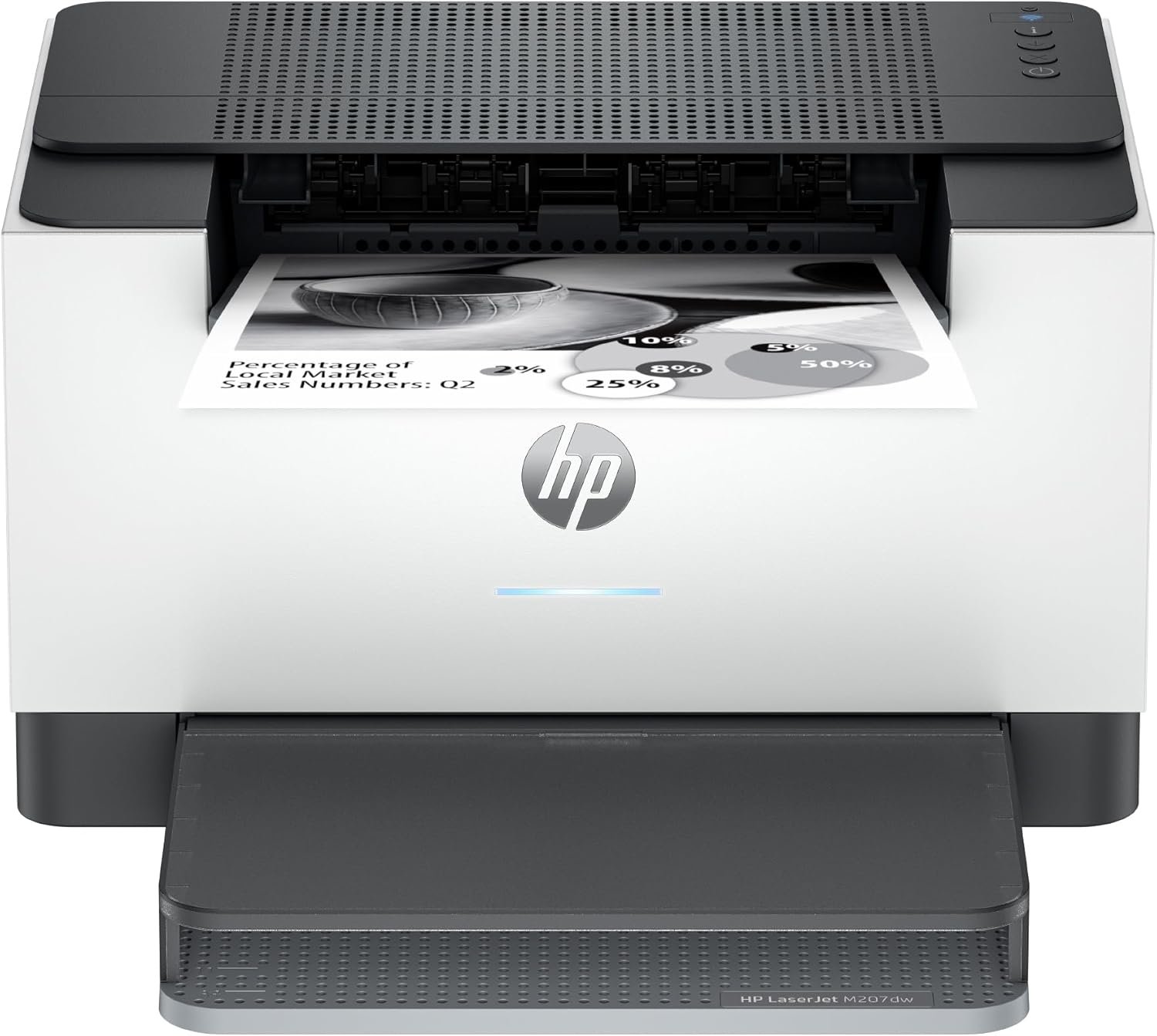
HP LaserJet M207dw Laser Wireless Printer, Black and White, Duplex, Best-for-Office
The Importance of Choosing the Right Printer for Your Workflow
Selecting the appropriate printer for your business or home office environment is a critical decision that directly impacts productivity, operational efficiency, and long-term cost management. Modern workplaces and households generate vast amounts of data, requiring reliable, high-performance printing solutions to meet deadlines and maintain professionalism. Whether you need to produce simple documents, manage complex workflows, or handle high-volume printing, the right printer must balance speed, reliability, and feature set to align with your specific needs. For small offices and home users, a monochrome laser printer like the HP LaserJet M207dw offers a compelling combination of performance, connectivity, and cost-effectiveness. Its design emphasizes fast, energy-efficient printing while supporting seamless integration with modern devices and networks. Understanding the technical specifications, connectivity options, and operational limitations of a printer like the M207dw is essential for making an informed decision. This review provides an in-depth analysis of its capabilities, helping users evaluate whether it suits their specific printing requirements in 2026.
Quick Overview
| Feature | Details |
|---|---|
| Printer Type | Laser Printer |
| Printing Technology | Laser |
| Supported Functions | |
| Print Resolution | Up to 600 x 600 dpi |
| Print Speed | Up to 28 pages per minute (single-sided) |
| Media Sizes | 8.5 x 11, 8.27 x 11.7, 8.5 x 14 inches |
| Connectivity | Dual-band Wi-Fi, Ethernet, USB 2.0 |
| Duty Cycle | Not specified |
| Toner System | HP Black Original LaserJet Toner Cartridge |
| Warranty | One-year limited warranty |
| Duplex Printing | Automatic (standard) |
| Power Consumption | 420 Watts |
| Included Components | Printer, toner cartridge, dust cover, power cord, reference guide |
The HP LaserJet M207dw is designed for environments requiring consistent, high-quality black-and-white printing. Its laser technology ensures sharp text and efficient page output, while the dual connectivity options and automatic duplex printing enhance workflow efficiency. The printer’s specifications make it well-suited for small offices and home users who prioritize speed and reliability over advanced features like color printing or scanning.
Print Speed and Throughput Performance
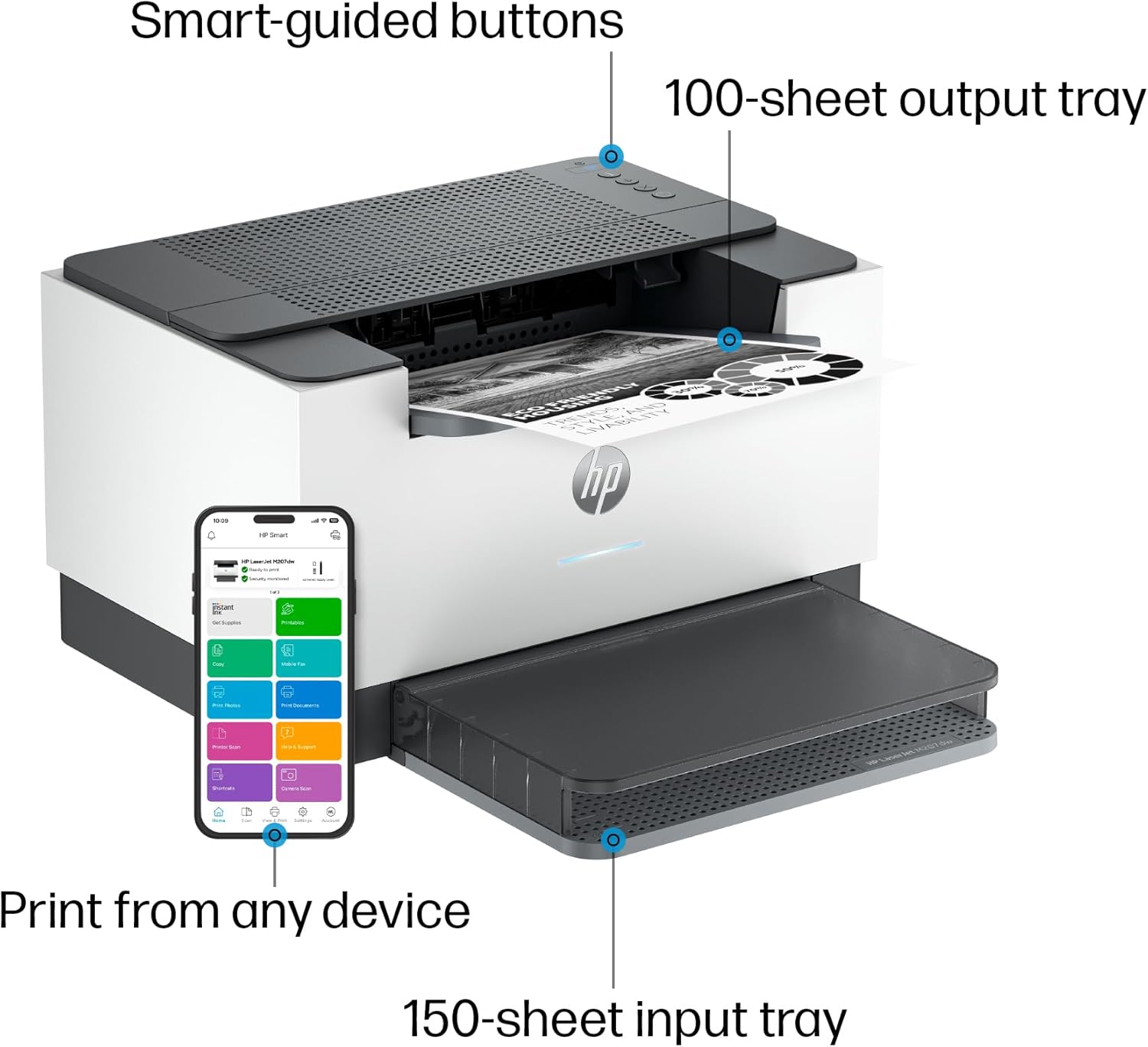
The HP LaserJet M207dw excels in environments where high-volume, single-sided printing is required. Its maximum print speed of 28 pages per minute (ppm) for monochrome documents positions it as a strong contender in its class, particularly for offices with moderate to high daily print demands. This speed is achieved through a combination of efficient laser printing technology and optimized internal hardware, which minimizes processing delays. The printer’s ability to handle continuous printing without significant degradation in output quality makes it ideal for tasks such as producing reports, invoices, or internal memos. However, its performance is tailored for black-and-white workloads, and users requiring color output will find this model unsuitable. The absence of a dedicated scanning or fax function further narrows its focus to core printing tasks, ensuring it remains a cost-effective solution for straightforward office needs.
Throughput and Duty Cycle Considerations
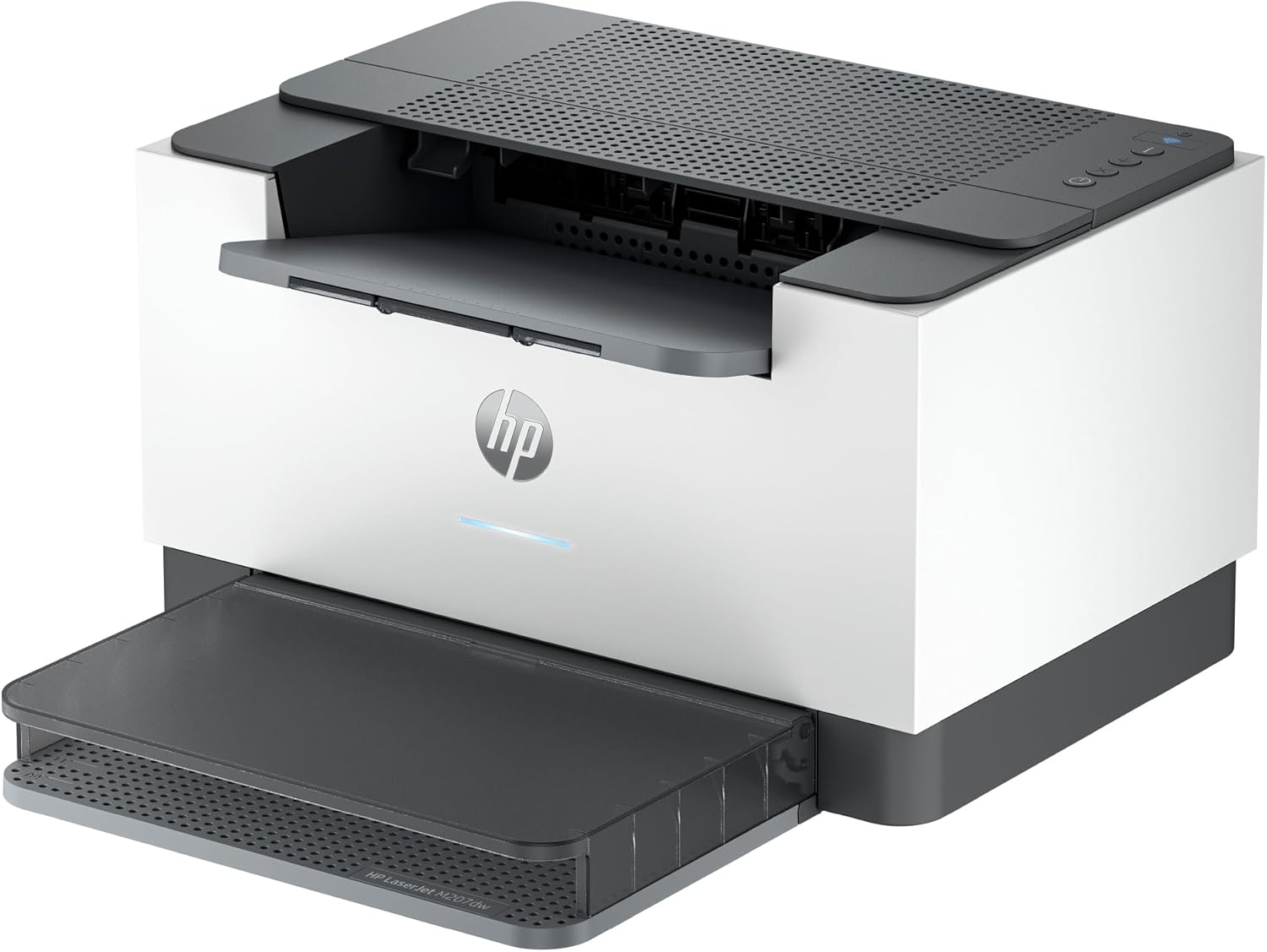
While the M207dw’s print speed is competitive, its duty cycle specifications are not explicitly detailed in the manufacturer’s documentation. This omission suggests that the printer is designed for standard office environments rather than heavy-duty industrial use. Users should expect it to handle typical workloads without overheating or mechanical strain, but prolonged, continuous operation may require periodic maintenance to ensure optimal performance. The printer’s energy-saving Auto-On/Auto-Off technology helps manage power consumption during idle periods, contributing to long-term operational efficiency. For users prioritizing reliability, the one-year warranty provides a baseline level of support, though extended coverage may require additional service agreements.
Print Resolution and Text Clarity
The M207dw’s maximum print resolution of 600 x 600 dpi ensures sharp, clear text output suitable for business documents, forms, and reports. This resolution is sufficient for most office applications, though it may fall short for specialized tasks requiring higher precision. The printer’s laser technology produces consistent toner distribution, minimizing streaks or smudges that could compromise document readability. However, users with specific requirements for graphic-heavy or photographic prints will find this model inadequate. The focus on monochrome output streamlines the printing process, reducing the complexity of color management and ensuring faster page output.
Energy Efficiency and Environmental Impact
The M207dw’s energy-saving features, including Auto-On/Auto-Off technology, contribute to its appeal in environments where power consumption is a concern. The printer’s power consumption of 420 watts during operation is relatively standard for a laser printer of this class, though users should consider the environmental impact of toner cartridges and paper usage. The absence of a built-in recycling system for toner or paper waste may be a drawback for eco-conscious users. However, the printer’s design for office use balances performance with energy efficiency, making it a practical choice for small to medium-sized workspaces.
Connectivity and Device Compatibility
The HP LaserJet M207dw offers a versatile array of connectivity options, ensuring seamless integration with a wide range of devices. Its dual-band Wi-Fi capability allows for stable wireless printing from mobile devices, laptops, and tablets, while the Ethernet port provides a reliable wired connection for environments with high network traffic. The inclusion of a USB 2.0 port further enhances compatibility, enabling direct printing from older devices or those lacking wireless connectivity. This multi-protocol approach reduces the need for additional adapters or intermediate devices, streamlining the printing process. However, the lack of support for advanced networking protocols or cloud-based printing services may limit its appeal to users seeking the latest connectivity features.
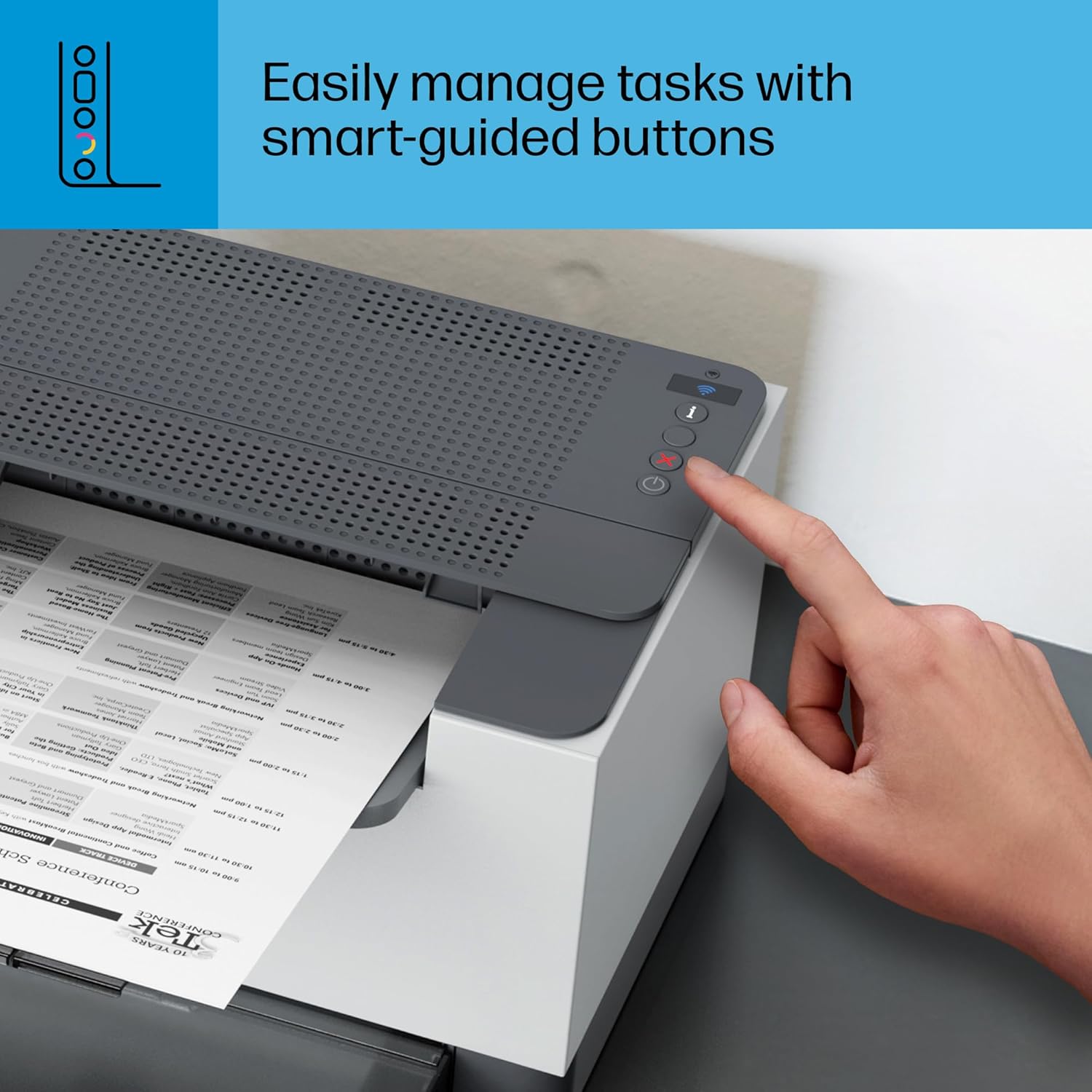
Wireless Printing and Network Stability
The dual-band Wi-Fi feature is a notable advantage, as it allows the printer to automatically detect and resolve connectivity issues, reducing downtime and user intervention. This self-resetting capability is particularly beneficial in environments where multiple devices share the same network. The printer’s ability to maintain a stable connection with both 2.4 GHz and 5 GHz bands ensures consistent performance, even in crowded wireless environments. Users should note that the printer’s wireless capabilities are optimized for standard office networks, and performance may vary in highly complex or interference-prone settings.
Cross-Platform Compatibility and Setup
The M207dw’s compatibility with major operating systems, including Windows, macOS, and Chrome OS, ensures broad device support. Its support for AirPrint and Android printing further expands its usability for mobile users. The setup process is designed to be straightforward, with guided instructions in the included reference guide and setup poster. However, the absence of detailed technical documentation for advanced configuration options may pose a challenge for users requiring custom network settings or integration with enterprise systems. The printer’s reliance on standard connectivity protocols simplifies setup but may limit its adaptability to specialized or legacy environments.
Mobile Printing and App Integration
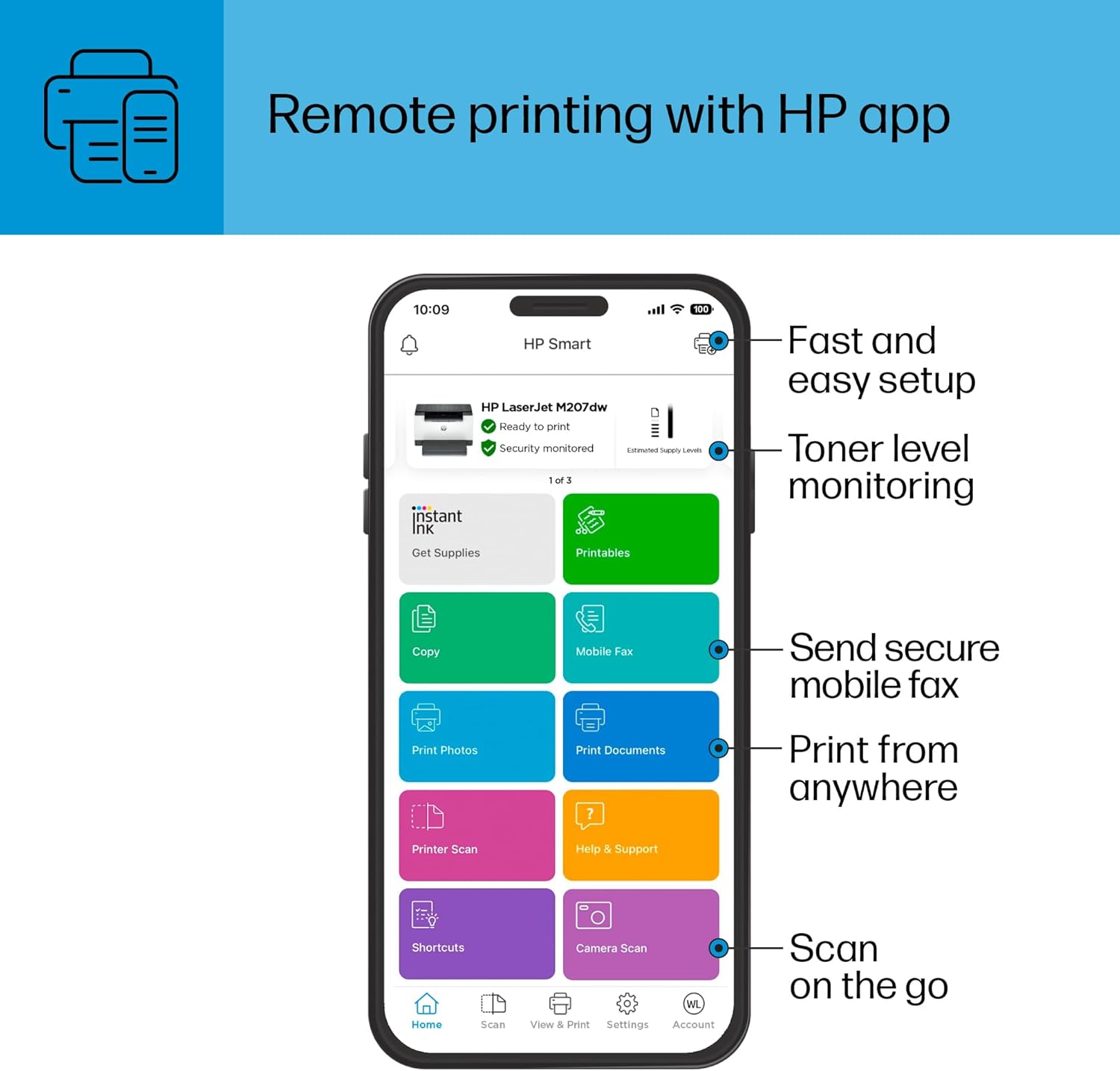
The HP LaserJet M207dw’s integration with the HP Print app enhances its usability for mobile users, enabling seamless printing from smartphones and tablets. The app’s intuitive interface allows users to manage print jobs, monitor ink levels, and troubleshoot connectivity issues remotely. However, the app’s functionality is limited to basic printing tasks, and users requiring advanced features such as print queue management or remote monitoring may need additional software solutions. The printer’s mobile printing capabilities are well-suited for casual use but may fall short for users with complex workflow requirements.
Security and Data Protection Features
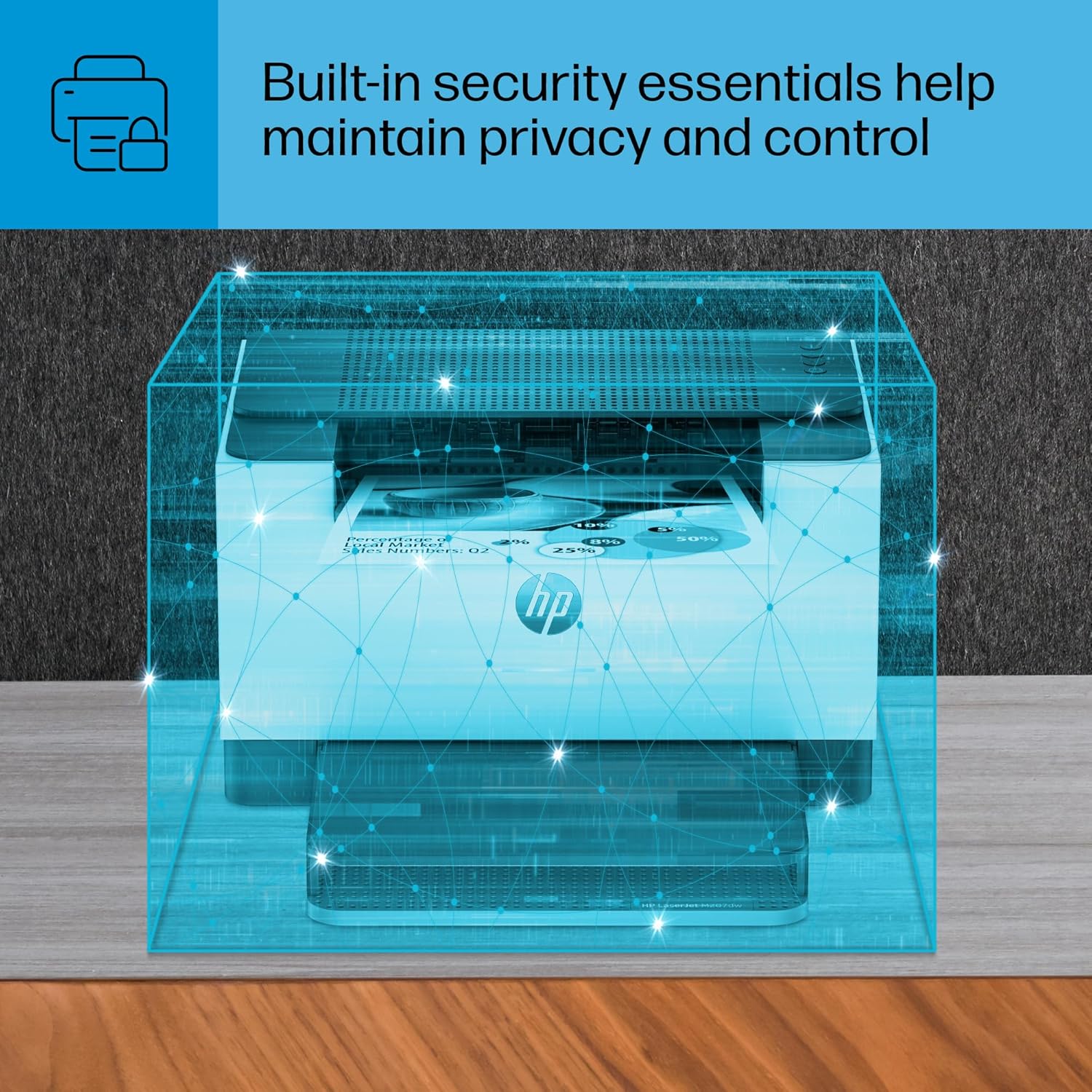
The HP LaserJet M207dw incorporates built-in security features to protect against potential cyber threats, making it a suitable choice for environments where data privacy is a concern. These features include secure printing protocols, user authentication options, and network encryption, which help prevent unauthorized access to printed documents and sensitive information. The printer’s ability to enforce secure printing policies ensures that only authorized users can retrieve printed materials, reducing the risk of data breaches. However, the absence of advanced security certifications or compliance with specific industry standards may be a consideration for users in highly regulated sectors.
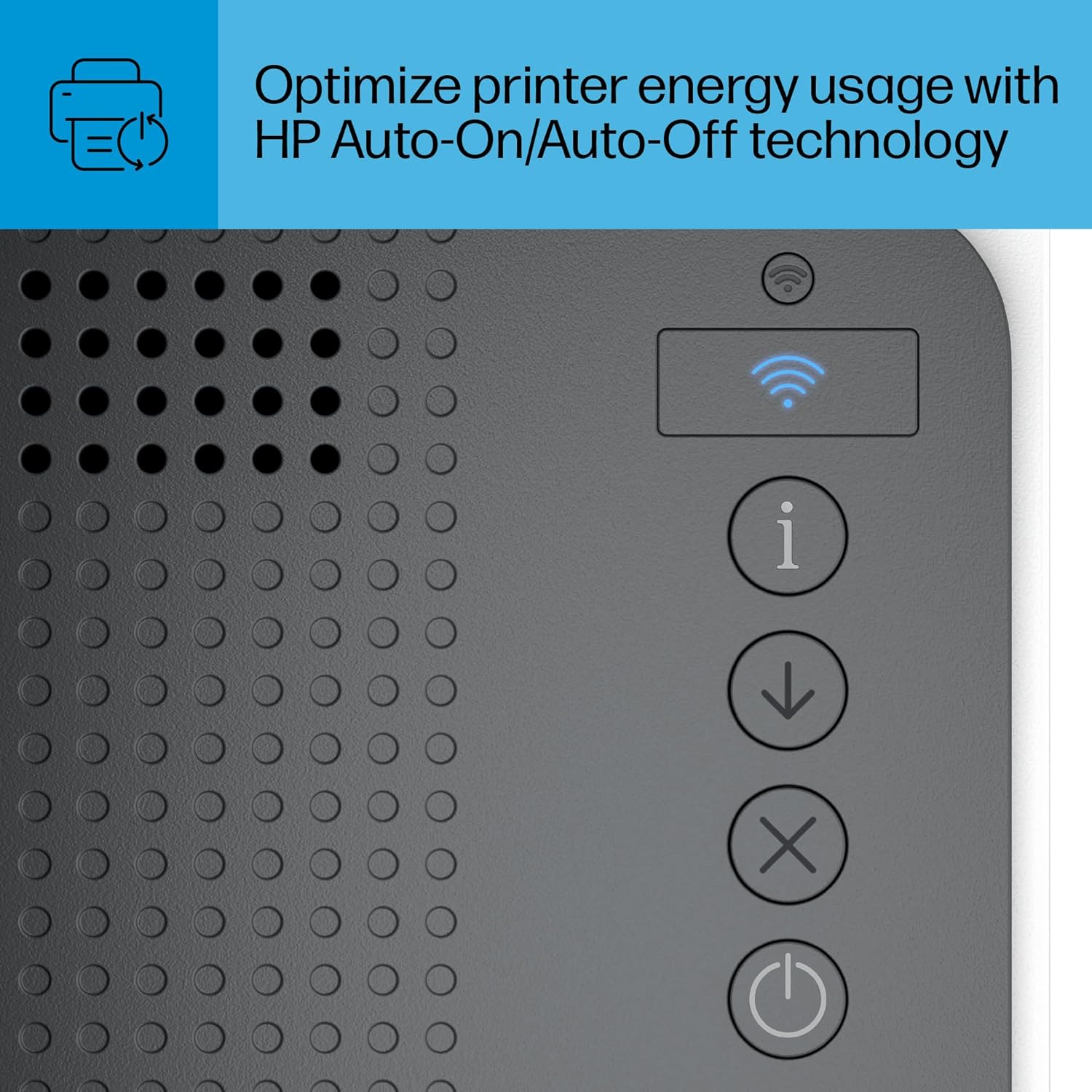
Secure Printing and Access Control
The M207dw’s secure printing functionality allows users to authenticate their identity before releasing print jobs, ensuring that sensitive documents are not left unattended. This feature is particularly valuable in shared office spaces where multiple users access the same printer. The printer’s support for user authentication through passwords or smart cards adds an extra layer of security, though the complexity of these options may vary depending on the network configuration. The integration of these security measures into the printer’s firmware ensures that they are applied consistently across all print jobs, minimizing the risk of unauthorized access.
Network Security and Encryption
The printer’s dual-band Wi-Fi capability includes support for network encryption protocols, such as WPA2, which helps protect data transmitted between the printer and connected devices. This encryption reduces the likelihood of eavesdropping or data interception, making the printer a safer option for environments with sensitive information. However, users should ensure that their network security settings are configured correctly to maximize the effectiveness of these protections. The printer’s reliance on standard encryption protocols means it may not meet the stringent requirements of certain industries, such as healthcare or finance, which often mandate additional security measures.
Firmware and Threat Mitigation
The M207dw’s firmware includes updates that address known vulnerabilities and enhance security protocols, though the frequency and availability of these updates may vary. The printer’s ability to automatically detect and resolve connectivity issues extends to security-related problems, such as identifying and blocking unauthorized access attempts. However, the lack of detailed information on firmware update schedules or security certifications may leave some users uncertain about the printer’s long-term security posture. For users prioritizing cybersecurity, the M207dw’s features provide a solid baseline but may require additional measures for comprehensive protection.
Pros & Cons
Pros
- Fast Print Speed: The M207dw’s 28 ppm print speed is ideal for high-volume office environments, ensuring quick turnaround for black-and-white documents.
- Dual Connectivity Options: Support for dual-band Wi-Fi, Ethernet, and USB 2.0 provides flexibility in network setup and device compatibility.
- Automatic Duplex Printing: The built-in duplex feature reduces paper usage and saves space, making it efficient for document management.
- Energy Efficiency: Auto-On/Auto-Off technology minimizes power consumption during idle periods, contributing to lower energy costs.
- Secure Printing Features: Built-in security protocols protect against unauthorized access, making it suitable for environments with sensitive data.
- User-Friendly Setup: The included reference guide and setup poster simplify the installation process for most users.
- Reliable Performance: The printer’s design focuses on consistent, high-quality output for standard office tasks.
- Compatibility with Major Platforms: Support for Windows, macOS, Chrome OS, and mobile devices ensures broad usability.
Cons
- Limited Color Output: The printer is designed exclusively for black-and-white printing, making it unsuitable for color documents or graphics.
- No Scanning or Fax Capabilities: The absence of these functions restricts its use to basic printing tasks.
- No Advanced Security Certifications: While basic security features are present, the printer lacks industry-specific security certifications for highly regulated environments.
- Duty Cycle Not Specified: The lack of detailed information on continuous operation limits its suitability for heavy-duty industrial use.
- No Built-In Recycling System: The printer does not include features for recycling toner or paper waste, which may be a drawback for eco-conscious users.
- Mobile App Limitations: The HP Print app provides basic functionality, lacking advanced features for complex workflow management.
Final Verdict: Who This Printer Is Best For (and Who Should Skip It)
The HP LaserJet M207dw is best suited for small offices, home users, and departments with a consistent need for high-speed, black-and-white printing. Its combination of fast print speed, reliable performance, and energy-efficient design makes it an excellent choice for environments where document production is the primary requirement. The printer’s dual connectivity options and secure printing features further enhance its appeal for users prioritizing convenience and data protection. However, it is not ideal for users requiring color printing, scanning, or fax capabilities. Additionally, the lack of detailed duty cycle information and advanced security certifications may deter users in highly regulated industries or those with complex printing needs. For those seeking a straightforward, cost-effective solution for everyday office tasks, the M207dw remains a strong contender in 2026.
Frequently Asked Questions (FAQs)
What is the maximum print speed of the HP LaserJet M207dw?
The HP LaserJet M207dw can print up to 28 pages per minute (ppm) for monochrome documents, making it suitable for high-volume office environments. This speed is achieved through efficient laser printing technology and optimized hardware.
Does the HP LaserJet M207dw support wireless printing?
Yes, the HP LaserJet M207dw includes dual-band Wi-Fi connectivity, allowing seamless wireless printing from mobile devices, laptops, and tablets. It also supports Ethernet and USB 2.0 for wired connections.
Can the HP LaserJet M207dw print on both sides of the paper?
Yes, the printer features automatic duplex printing, which prints on both sides of the paper by default. This reduces paper usage and helps save space in document management.
What security features does the HP LaserJet M207dw offer?
The HP LaserJet M207dw includes built-in security features such as secure printing protocols, user authentication options, and network encryption to protect against unauthorized access and data breaches.
Is the HP LaserJet M207dw compatible with mobile devices?
Yes, the printer supports mobile printing via the HP Print app, which is available for Android, iOS, and other platforms. This allows users to print from smartphones and tablets seamlessly.
What is the power consumption of the HP LaserJet M207dw?
The printer consumes up to 420 watts during operation, but it includes Auto-On/Auto-Off technology to reduce power usage when not in use, contributing to energy efficiency.
Does the HP LaserJet M207dw have a built-in scanner or fax function?
No, the HP LaserJet M207dw is designed for printing only and does not include built-in scanning or fax capabilities. It focuses on delivering reliable, high-quality monochrome printing for office environments.
What is the warranty coverage for the HP LaserJet M207dw?
The HP LaserJet M207dw comes with a one-year limited warranty, providing basic support and coverage for manufacturing defects. Extended warranty options may be available through additional service agreements.