Brother HL-L3300CDW Review: Color Laser Printer for Small Offices and Home Use
The Importance of Choosing the Right Printer
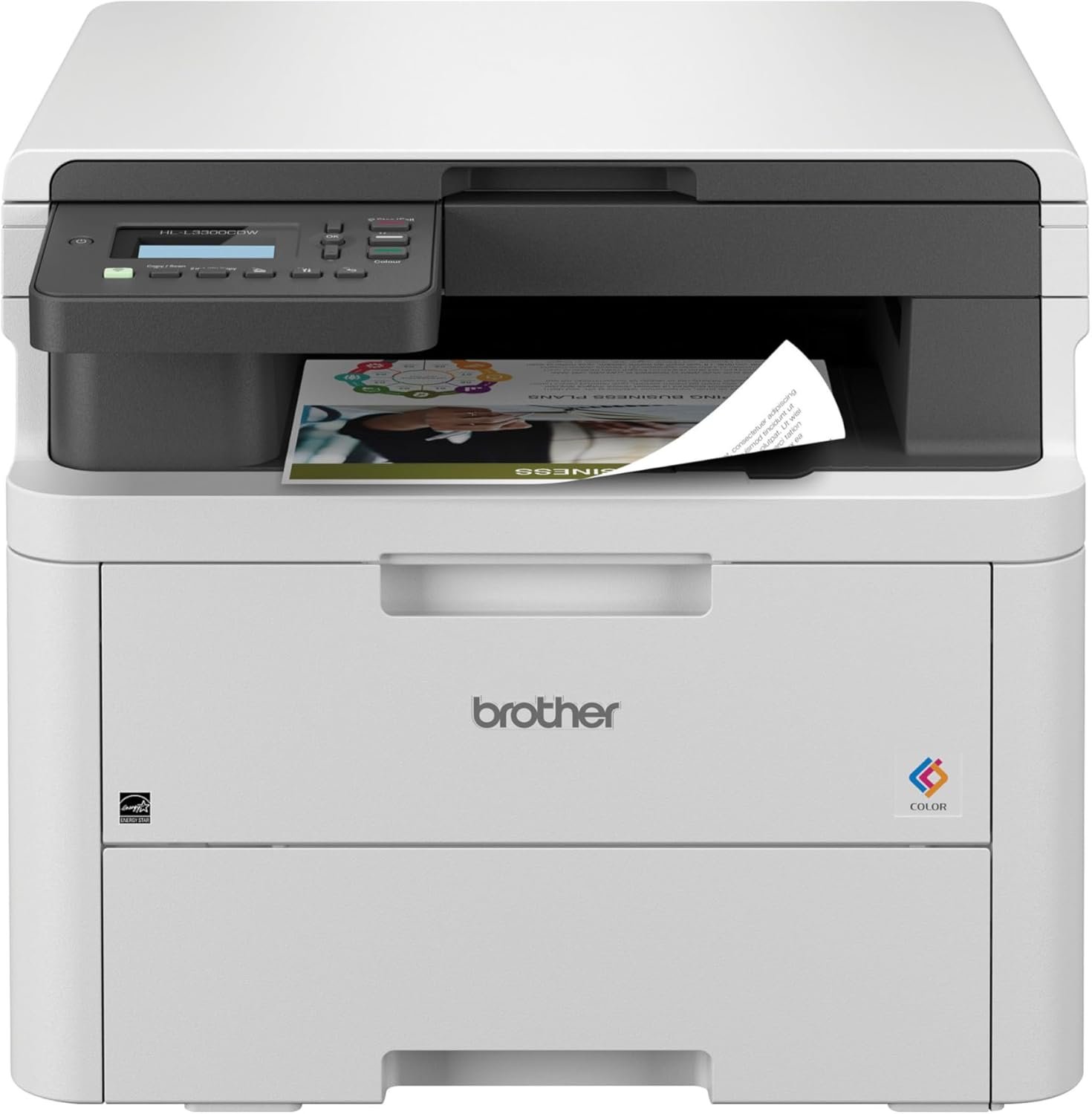
In today’s fast-paced work environments, selecting the right printer can significantly impact productivity and workflow efficiency. Whether you’re managing a small office, working remotely, or running a home-based business, the right printer can streamline document creation, reduce downtime, and ensure consistent output quality. Printers vary widely in their capabilities, from basic monochrome models to advanced multifunction devices with color printing, scanning, and copying functions. The Brother HL-L3300CDW represents a compelling option for users seeking a balance between performance, connectivity, and cost-effectiveness. This printer combines color laser printing with multifunctional capabilities, making it suitable for environments that require both high-quality documents and efficient workflow management. Understanding the specific needs of your workspace—such as print volume, media types, and connectivity requirements—is essential to selecting a printer that aligns with your operational goals. The HL-L3300CDW’s design, technical specifications, and supported features make it a viable choice for users prioritizing space efficiency, wireless connectivity, and eco-friendly operation. By evaluating these factors, you can determine whether this printer meets the demands of your specific use case.
Quick Overview
| Feature | Details |
|---|---|
| Printer Type | Color Laser Multi-Function Printer |
| Print Technology | Laser |
| Supported Functions | Print, Copy, Scan |
| Print Speed | Up to 19 pages per minute (color and monochrome) |
| Print Resolution | 2400 x 600 dpi (color and black-and-white) |
| Media Sizes | 8.5 x 11, 8.5 x 14, 4 x 6 inches |
| Supported Media | Paper (plain), card stock, envelopes, glossy photo paper, labels |
| Connectivity | USB 2.0, Wi-Fi (dual-band 2.4GHz/5GHz), Wi-Fi Direct |
| Duty Cycle | 15,000 pages per month |
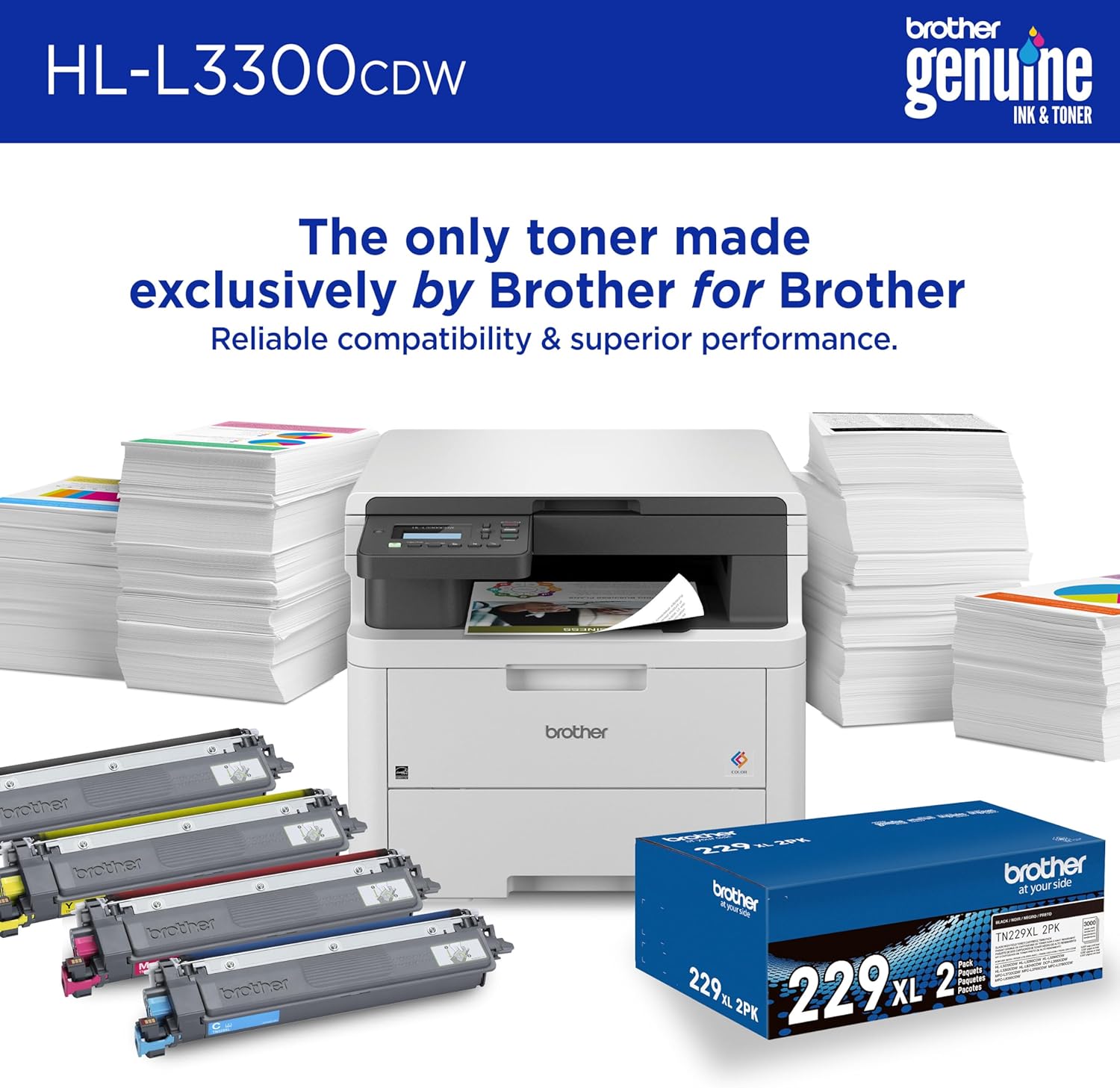
| Toner System | Toner cartridges (compatible with TN229 series) |
| Warranty | 1-year limited warranty with free support |
| Eco Features | Eco Mode, Toner Save Mode, automatic duplex printing |
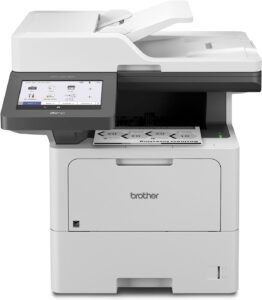
The Brother HL-L3300CDW is engineered for small offices and home users who require reliable color printing, scanning, and copying capabilities. Its compact design, wireless connectivity, and energy-efficient features make it a practical choice for environments where space is limited and environmental impact is a concern. The printer’s ability to handle a variety of media types and its dual-band Wi-Fi connectivity ensure versatility in different work settings.

Print Quality and Color Accuracy
The Brother HL-L3300CDW delivers consistent color output that meets the requirements of most business and home printing tasks. Its laser printing technology ensures sharp text and clear graphics, with a print resolution of 2400 x 600 dpi for both color and black-and-white prints. This resolution is sufficient for producing professional-looking documents, presentations, and basic graphics without visible banding or color inconsistencies. The printer’s color calibration and toner distribution system contribute to its ability to produce accurate and vibrant color prints, making it suitable for users who need to maintain a professional appearance in their printed materials.
Color Management and Toner Efficiency
The HL-L3300CDW’s color management system is designed to optimize toner usage while maintaining print quality. Its Toner Save Mode helps reduce toner consumption, which is beneficial for users looking to lower ongoing costs. The printer’s ability to handle a range of media types, including glossy photo paper and labels, further enhances its versatility for different printing needs. However, the printer’s color accuracy may vary depending on the type of paper used, with certain media types potentially affecting the final output’s vibrancy and sharpness.
Output Quality for Different Media Types
The printer’s compatibility with various paper types, including envelopes and card stock, allows users to print on a wide range of materials without requiring additional accessories. Its support for glossy photo paper makes it a suitable option for users who occasionally need to produce high-quality images or marketing materials. The automatic duplex printing feature ensures that printed documents are both professional and environmentally friendly, reducing paper waste without compromising quality.
Connectivity and Network Integration
The Brother HL-L3300CDW offers multiple connectivity options to accommodate different user preferences and work environments. Its dual-band Wi-Fi (2.4GHz and 5GHz) ensures stable and fast wireless connections, which is particularly useful for users who work from home or need to access the printer remotely. The inclusion of Wi-Fi Direct allows for direct printing from mobile devices without the need for a traditional network, making it convenient for users who frequently print from smartphones or tablets.
USB and Local Network Printing
For users who prefer a wired connection, the printer’s USB 2.0 interface provides a reliable alternative for direct printing from a single computer. This option is ideal for environments where wireless connectivity may be unreliable or for users who prefer the simplicity of a physical connection. The printer’s support for local network printing also makes it a practical choice for small offices where multiple users need to access the same device.
Mobile Printing and Remote Access
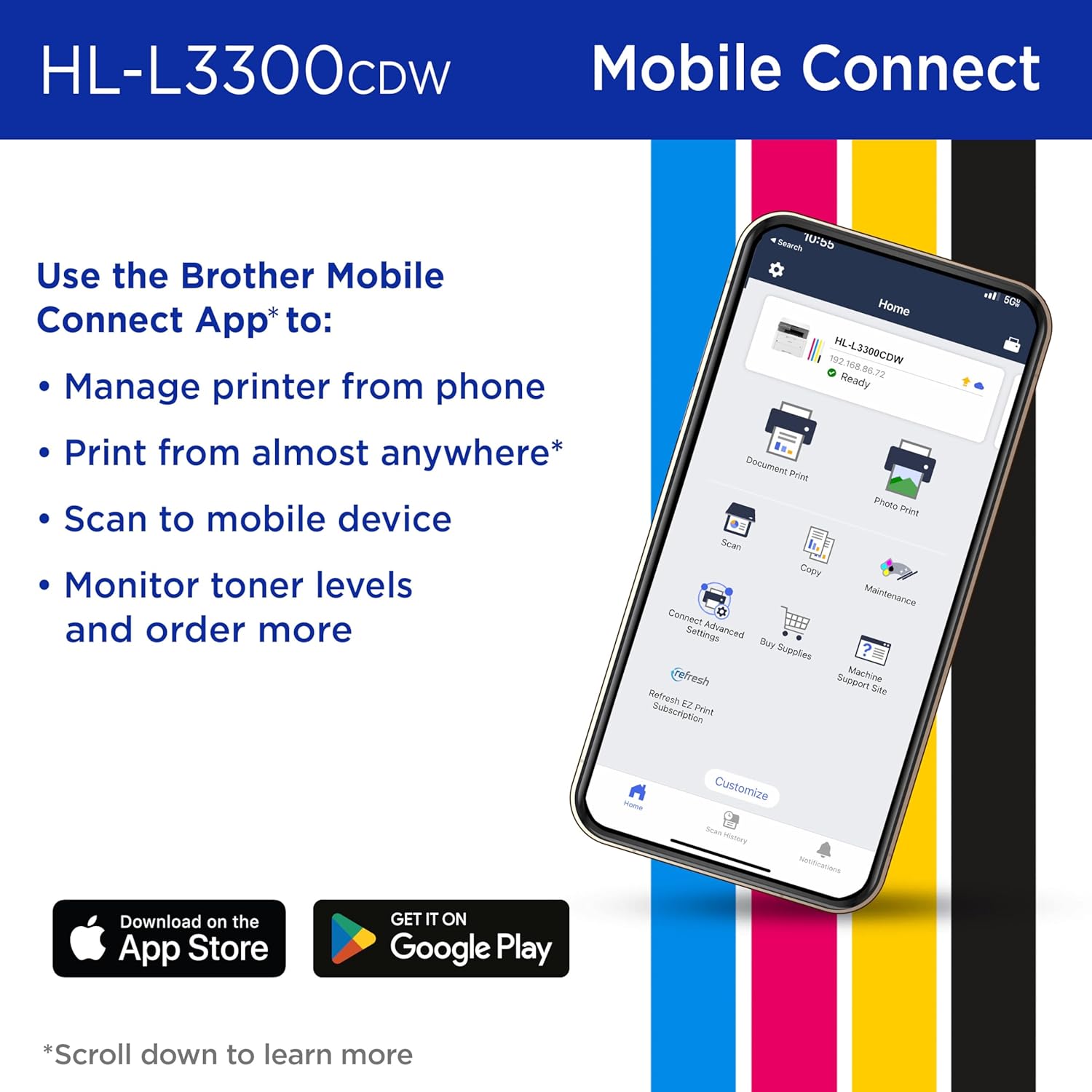
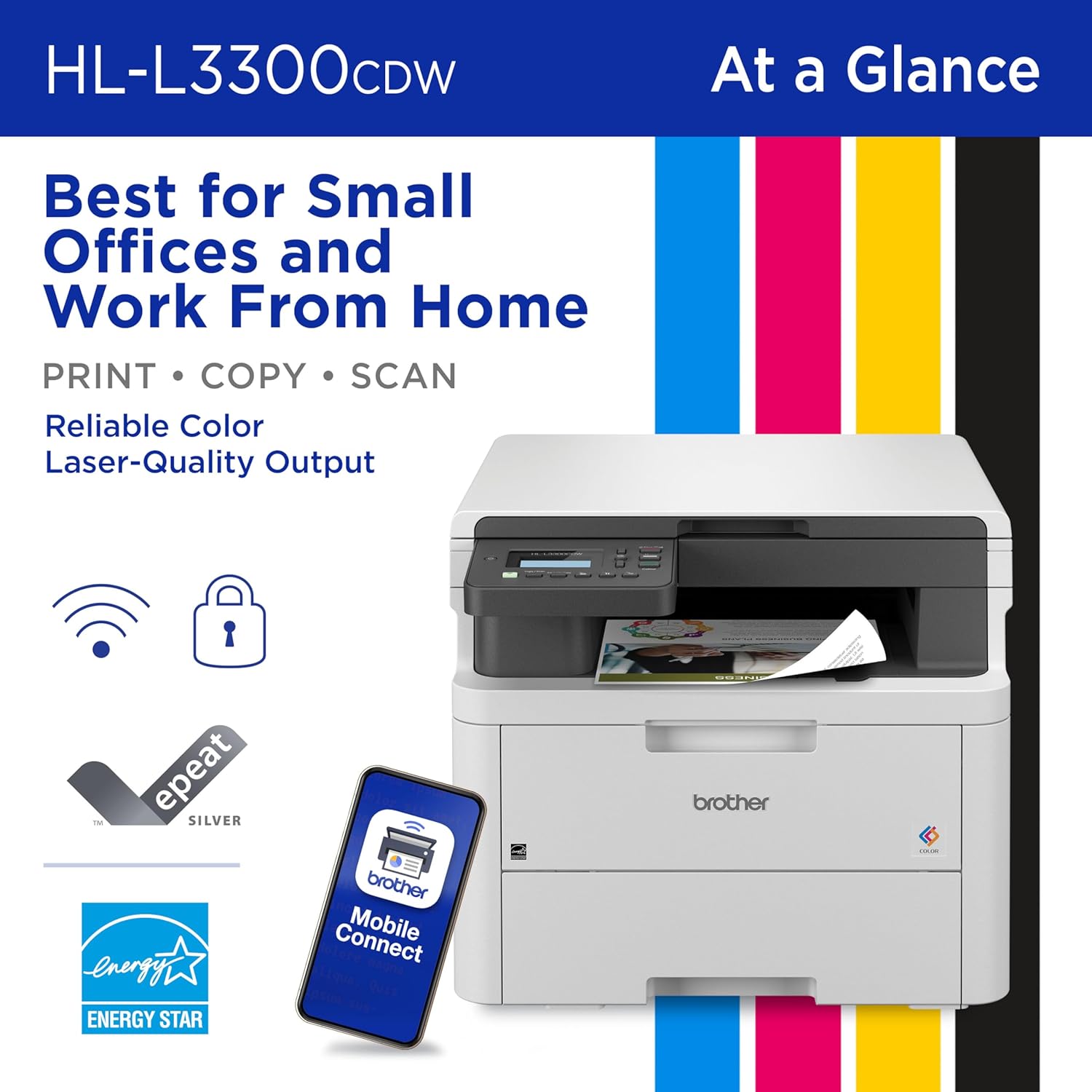
The Brother Mobile Connect app enhances the printer’s usability by allowing users to print, scan, and monitor toner levels from their mobile devices. This feature is particularly useful for remote workers or freelancers who need to manage their printing tasks on the go. The app also enables users to reorder genuine toner cartridges directly from the printer, streamlining the maintenance process.
Performance and Reliability
The Brother HL-L3300CDW is designed for consistent performance in both home and small office environments. Its 15,000-page monthly duty cycle is suitable for users who print a moderate volume of documents without exceeding the printer’s capabilities. The printer’s energy-efficient design, including Eco Mode and Toner Save Mode, helps reduce power consumption and extend the life of toner cartridges, making it a cost-effective option for long-term use.

Durability and Maintenance
The printer’s build quality and components are engineered to withstand regular use in a small workspace. Its 1-year limited warranty and free support options provide users with peace of mind regarding maintenance and repairs. However, the need for a monthly subscription to the Brother Refresh EZ Print service may be a drawback for users who prefer to manage their toner supply independently.
Handling High-Volume Workloads
While the HL-L3300CDW is well-suited for moderate printing volumes, its performance may be limited in high-volume environments. Users who require continuous printing of hundreds of pages per day may find that the printer’s duty cycle and toner system are not optimized for such demands. The printer’s ability to handle a variety of media types and its duplex printing feature make it a versatile option for most users, but it may not be the best choice for large-scale printing operations.
Pros & Cons
Pros
- High Print Speed: The HL-L3300CDW can print up to 19 pages per minute in both color and monochrome, making it efficient for handling moderate workloads.
- Versatile Connectivity Options: The dual-band Wi-Fi and Wi-Fi Direct support provide reliable wireless printing, while the USB 2.0 interface offers a wired alternative for direct printing.
- Eco-Friendly Features: The printer’s Eco Mode and Toner Save Mode help reduce energy consumption and toner usage, aligning with sustainability goals.
- Automatic Duplex Printing: The built-in duplex printing feature reduces paper waste and ensures professional-looking documents without additional steps.
- Compatibility with Multiple Media Types: The printer supports a wide range of paper types, including envelopes, card stock, and glossy photo paper, enhancing its versatility.
- Mobile Printing Capabilities: The Brother Mobile Connect app allows users to manage printing tasks from their mobile devices, improving convenience for remote users.
Cons
- Subscription Requirement for Toner: The need to enroll in the Brother Refresh EZ Print subscription service may be a drawback for users who prefer to manage their toner supply independently.
- Limited Media Support: While the printer supports a variety of media types, its compatibility may be limited compared to more specialized printers.
- Initial Setup Complexity: The setup process, including wireless configuration and subscription enrollment, may require some technical knowledge or assistance.
- Print Quality Variability: The printer’s color accuracy may vary depending on the type of paper used, potentially affecting the final output’s vibrancy and sharpness.
- Duty Cycle Limitations: The 15,000-page monthly duty cycle may not be sufficient for users with high-volume printing needs.
Final Verdict: Who This Printer Is Best For (and Who Should Skip It)
The Brother HL-L3300CDW is an excellent choice for small offices, home users, and remote workers who require a reliable, versatile printer with wireless connectivity and eco-friendly features. Its ability to handle a variety of media types, combined with its efficient print speed and automatic duplex printing, makes it suitable for most moderate printing tasks. The printer’s compatibility with mobile devices and the Brother Mobile Connect app enhances its usability for users who need to manage printing tasks remotely. However, it may not be the best option for users with high-volume printing needs or those who prefer to manage their toner supply without a subscription service. The HL-L3300CDW’s design and features make it an ideal solution for environments where space is limited and environmental considerations are important, but it may fall short for more demanding or specialized printing applications.

Frequently Asked Questions (FAQs)
Is the Brother HL-L3300CDW suitable for home use?
The Brother HL-L3300CDW is well-suited for home use, offering reliable color printing, scanning, and copying capabilities. Its compact design and wireless connectivity make it ideal for users who need a multifunctional printer in a home office or shared workspace environment.
What connectivity options does the HL-L3300CDW support?
The HL-L3300CDW supports Wi-Fi (dual-band 2.4GHz/5GHz), Wi-Fi Direct, and USB 2.0 connectivity. These options provide flexibility for users who prefer wireless printing, direct connections, or mobile device integration.
Does the HL-L3300CDW require a subscription for toner?
Yes, the HL-L3300CDW requires enrollment in the Brother Refresh EZ Print subscription service for toner management. This service provides a monthly page allotment and allows users to reorder genuine toner cartridges through the printer.
What media types can the HL-L3300CDW handle?
The HL-L3300CDW supports a variety of media types, including standard paper, card stock, envelopes, glossy photo paper, and labels. This versatility makes it suitable for different printing needs, from everyday documents to occasional high-quality prints.
How does the HL-L3300CDW’s color printing perform?
The HL-L3300CDW delivers consistent color output with a resolution of 2400 x 600 dpi for both color and black-and-white prints. Its color management system ensures accurate and vibrant prints, though results may vary depending on the paper type used.
What is the printer’s duty cycle?
The HL-L3300CDW has a duty cycle of 15,000 pages per month, making it suitable for moderate printing volumes. It is not recommended for high-volume environments where continuous, large-scale printing is required.
Can the HL-L3300CDW be used with mobile devices?
Yes, the HL-L3300CDW can be used with mobile devices through the Brother Mobile Connect app. This app allows users to print, scan, and monitor toner levels from their smartphones or tablets, enhancing convenience for remote printing tasks.
What eco-friendly features does the HL-L3300CDW offer?
The HL-L3300CDW includes eco-friendly features such as Eco Mode, Toner Save Mode, and automatic duplex printing. These features help reduce energy consumption and toner usage, contributing to a more sustainable printing process.