Brother DCP-L2550DW Monochrome Laser Printer: Print Speed, Resolution, and Connectivity
The Importance of Choosing the Right Printer
In today’s fast-paced work environments, selecting the right printer is critical for maintaining productivity and efficiency. Whether in a home office, small business, or shared workspace, the performance of a printer can directly impact workflow, document quality, and long-term operational costs. Monochrome laser printers like the Brother DCP-L2550DW are particularly valuable for users who prioritize speed, reliability, and cost-effective black-and-white printing. These printers are designed to handle high-volume tasks while minimizing toner waste and downtime, making them ideal for environments with frequent document processing needs.
The decision to invest in a monochrome laser printer often hinges on specific use cases, such as handling large print jobs, ensuring consistent output quality, or integrating with existing workflows. For example, small businesses may require a printer that can manage multiple functions—printing, scanning, and copying—without compromising on speed or resolution. Similarly, home users may value compact designs and wireless connectivity to streamline document management. Understanding the technical specifications, connectivity options, and operational capabilities of a printer like the DCP-L2550DW is essential for making an informed choice that aligns with both current and future printing demands.
The Brother DCP-L2550DW stands out as a versatile option for users seeking a balance between performance, functionality, and affordability. By analyzing its technical capabilities, media compatibility, and operational efficiency, this review aims to provide a comprehensive overview of its suitability for various printing environments.
Quick Overview
| Feature | Details |
|---|---|
| Printer Type | Monochrome Laser Printer |
| Printing Technology | Laser |
| Supported Functions | Print, Scan, Copy |
| Print Resolution | 2400 x 600 dpi |
| Print Speed | Up to 36 ppm |
| Media Sizes | 8.5 x 14 inch |
| Connectivity | Ethernet, USB 2.0, Wi-Fi |
| Duty Cycle | 12,000 pages per month |
| Toner System | Toner-based |
| Warranty | Limited Warranty |
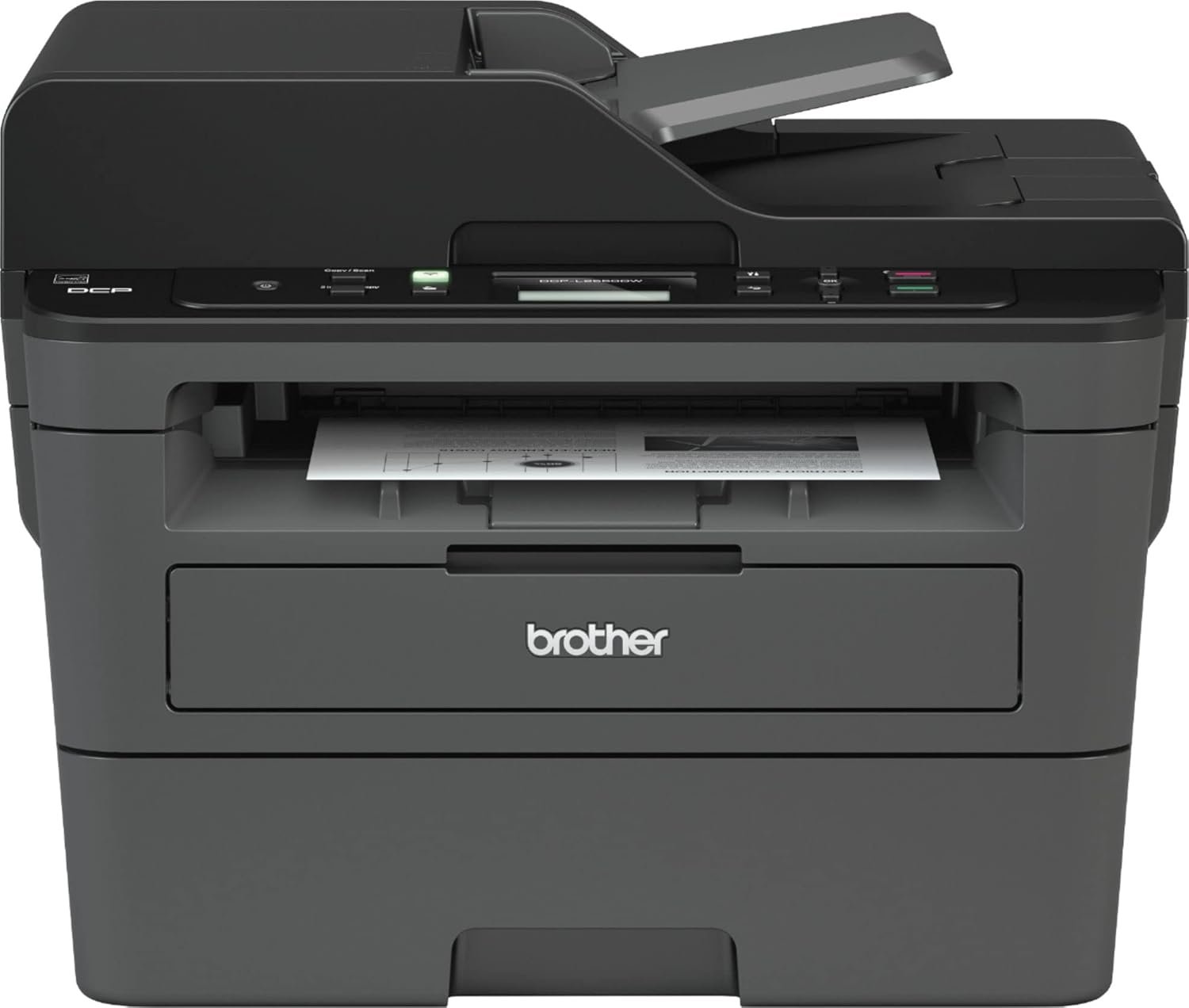
The Brother DCP-L2550DW is designed for users who require a reliable, all-in-one monochrome printer with robust connectivity options. Its combination of high print speed, automatic duplex printing, and support for large media sizes makes it suitable for small offices and home users needing efficient document management. The printer’s ability to handle both flatbed and sheetfed scanning, along with its wireless capabilities, further enhances its versatility in modern workspaces.

Print Quality and Resolution
The Brother DCP-L2550DW delivers high-quality monochrome output through its 2400 x 600 dpi print resolution, ensuring crisp text and clear graphics. This resolution is particularly beneficial for users who require sharp, legible documents, such as business reports or invoices. The printer’s laser technology ensures consistent toner distribution, minimizing streaks and smudges that can occur with lower-resolution printers.

Media Compatibility and Output Consistency
The DCP-L2550DW supports a range of media types, including standard plain paper, which is ideal for most office environments. Its 250-sheet input tray and 50-sheet automatic document feeder (ADF) provide flexibility in handling different document sizes and volumes. The printer’s ability to process media up to 8.5 x 14 inches makes it suitable for users who occasionally need to print larger formats, such as letter-sized documents or brochures.
Toner System and Durability
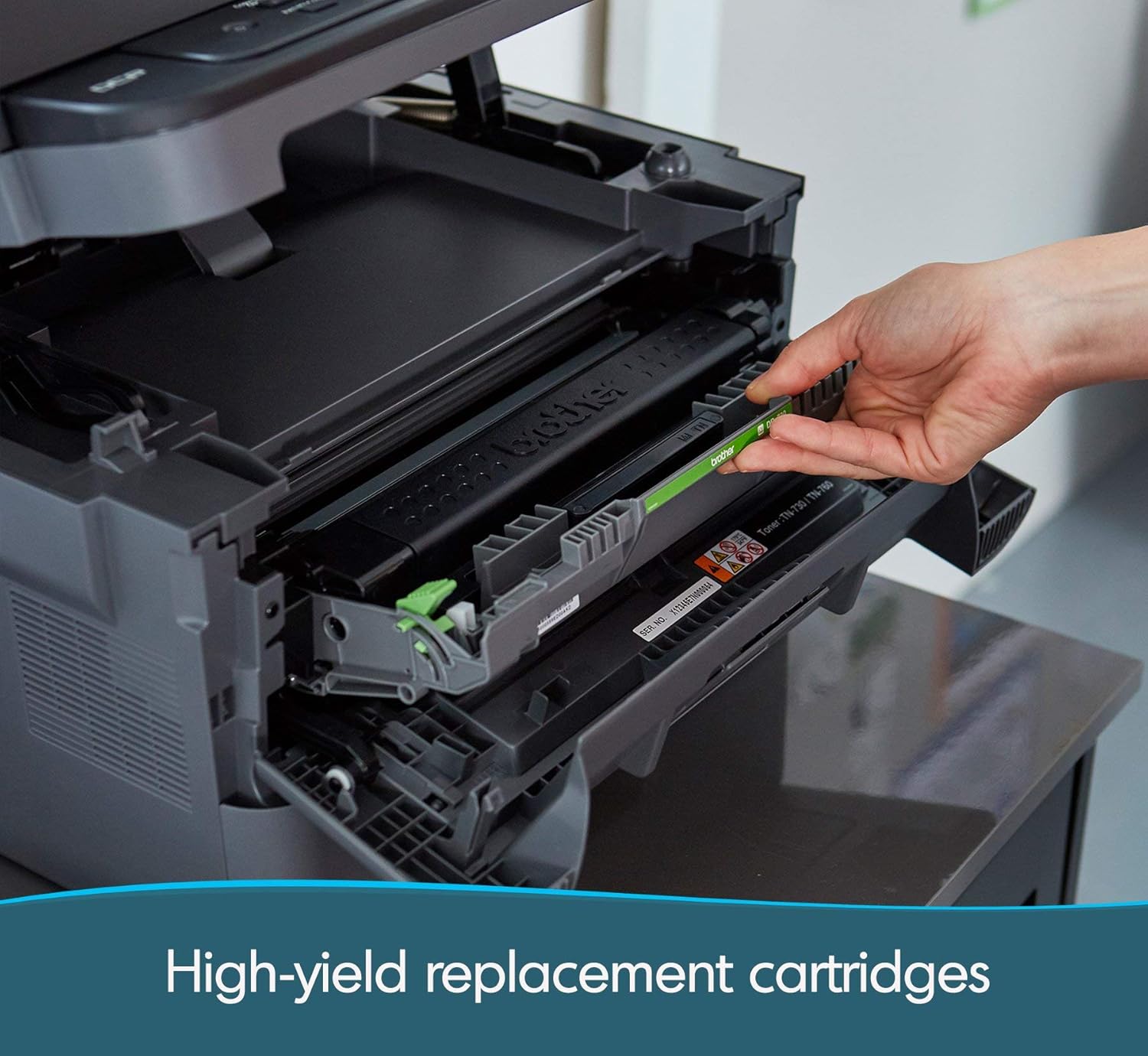
The toner-based printing system of the DCP-L2550DW ensures long-lasting prints with minimal toner waste. The printer’s 128MB memory capacity helps manage complex print jobs efficiently, reducing the likelihood of print errors or delays. Its duty cycle of 12,000 pages per month makes it well-suited for moderate-volume environments, though users with high print demands may need to consider a more robust model.
Connectivity and Integration
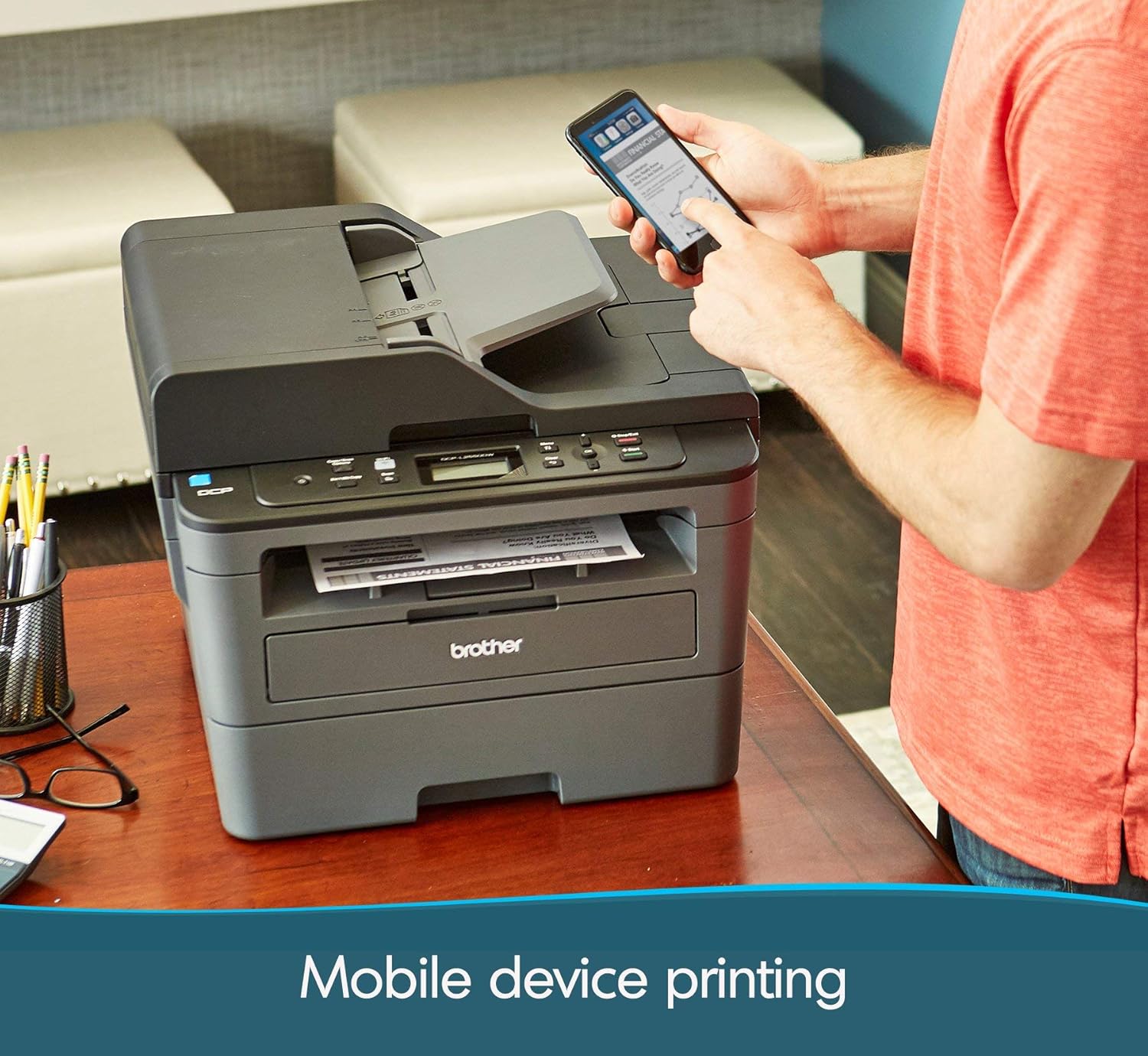
The Brother DCP-L2550DW offers multiple connectivity options, including Ethernet, USB 2.0, and Wi-Fi, enabling seamless integration into both wired and wireless networks. These options provide flexibility for users who need to print from various devices, such as desktop computers, laptops, or mobile phones. The inclusion of Amazon Alexa compatibility further enhances its usability by allowing voice-activated printing commands.

Wireless and Network Capabilities
The printer’s Wi-Fi connectivity allows for direct printing from mobile devices, reducing the need for physical cable connections. This feature is particularly advantageous for users who prioritize mobility and convenience. The Ethernet port ensures stable, high-speed printing for networked environments, while the USB 2.0 port provides a reliable alternative for direct device connections.
Compatibility with Print Management Systems
The DCP-L2550DW’s support for standard print protocols and its compatibility with cloud-based printing services make it a versatile choice for users who rely on remote or automated printing workflows. Its ability to integrate with existing print management systems ensures that it can be easily incorporated into larger office environments without requiring significant infrastructure changes.
Media Handling and Duplex Printing
The DCP-L2550DW’s media handling capabilities are designed to accommodate a variety of document types and volumes. The 250-sheet input tray and 50-sheet ADF provide efficient processing for both single-page and multi-page documents. The printer’s automatic duplex printing feature reduces paper usage by printing on both sides of the page, making it an environmentally friendly option for users who prioritize sustainability.

Sheet Size and Feed Options
The printer’s support for 8.5 x 14 inch media allows it to handle larger documents, such as posters or presentations, without compromising print quality. The combination of a flatbed scanner and a sheetfed ADF ensures that both small and large documents can be processed efficiently, reducing the need for manual intervention.
Duplex Printing and Paper Management
Automatic duplex printing not only saves paper but also reduces the overall cost of printing over time. The printer’s ability to handle multiple paper types, including recycled or specialty papers, makes it adaptable to different office environments. Its straightforward paper management system minimizes the risk of jams or misfeeds, ensuring smooth operation even with high-volume printing.
Pros and Cons
Pros
- High Print Speed: The DCP-L2550DW’s 36 ppm print speed makes it efficient for handling large print jobs, reducing wait times for users.
- Automatic Duplex Printing: The built-in duplex feature reduces paper consumption and operational costs, appealing to environmentally conscious users.
- Robust Connectivity Options: The inclusion of Ethernet, USB 2.0, and Wi-Fi ensures compatibility with a wide range of devices and networks.
- Versatile Media Handling: The 250-sheet input tray and 50-sheet ADF allow for efficient processing of various document sizes and types.
- Clear Output Quality: The 2400 x 600 dpi resolution ensures sharp, legible text and graphics, suitable for business and office use.
- Amazon Alexa Compatibility: The integration with voice-activated commands enhances user convenience and accessibility.
Cons
- Limited Media Size Support: While the printer can handle up to 8.5 x 14 inches, users requiring larger media sizes may need a different model.
- No Color Printing Capability: As a monochrome printer, it is unsuitable for users who require color output or multi-color documents.
- Moderate Duty Cycle: The 12,000 pages per month duty cycle is adequate for small to medium offices but may not meet the demands of high-volume environments.
- No Built-In Fax Functionality: The lack of a fax feature may be a drawback for users who rely on traditional fax services.
- Limited Warranty Coverage: The limited warranty may not provide sufficient support for long-term usage or unexpected maintenance needs.
Final Verdict: Who This Printer Is Best For (and Who Should Skip It)
The Brother DCP-L2550DW is an excellent choice for small offices and home users who prioritize speed, reliability, and cost-effective monochrome printing. Its high print speed, automatic duplex printing, and versatile connectivity options make it well-suited for environments with moderate print volumes and a need for efficient document management. The printer’s ability to handle a range of media sizes and its compatibility with voice-activated commands further enhance its appeal for users seeking convenience and flexibility.
However, the DCP-L2550DW may not be ideal for users with high-volume printing needs or those requiring color output. Its limited media size support and lack of built-in fax functionality could also be drawbacks for certain users. Additionally, the moderate duty cycle and limited warranty coverage may raise concerns for businesses with extensive printing requirements. Overall, the DCP-L2550DW is a solid option for users seeking a reliable, all-in-one monochrome printer with a balance of performance and affordability.
Frequently Asked Questions (FAQs)
What is the maximum print speed of the Brother DCP-L2550DW?
The Brother DCP-L2550DW can print up to 36 pages per minute (ppm) in monochrome mode, making it suitable for moderate-volume printing tasks.
Does the printer support automatic duplex printing?
Yes, the DCP-L2550DW includes an automatic duplex printing feature that prints on both sides of the paper, reducing paper usage and costs.
What connectivity options are available for the DCP-L2550DW?
The printer offers Ethernet, USB 2.0, and Wi-Fi connectivity, allowing for flexible integration with various devices and networks.
What is the maximum media size supported by the printer?
The DCP-L2550DW can handle media up to 8.5 x 14 inches, suitable for standard letter-sized documents and larger formats.
Can the printer scan and copy documents?
Yes, the DCP-L2550DW includes a flatbed scanner and a 50-sheet automatic document feeder (ADF), enabling both scanning and copying functions.
Is the printer compatible with Amazon Alexa?
Yes, the DCP-L2550DW supports Amazon Alexa integration, allowing users to print documents using voice commands.
What is the printer’s duty cycle?
The DCP-L2550DW has a duty cycle of 12,000 pages per month, making it suitable for small to medium office environments.
Does the printer have a built-in fax function?
No, the DCP-L2550DW does not include a built-in fax feature, as it is designed for monochrome printing and scanning tasks.