

All-in-one printers: print, scan and copy from one box
An all-in-one is a printer with a scanner on top. The print engine is either a laser or an inkjet and behaves exactly as it would alone; the part that makes it an all-in-one is the scanner, and that is the part the listing tends to describe least.
What the category is
All-in-one, multifunction, MFP, MFC and AIO all mean the same thing: a printer that also scans and copies, and sometimes faxes. The print side is a laser or an inkjet and every consideration on the laser and inkjet hubs applies to it unchanged. What you are paying extra for is the scanner, so that is where a review of an all-in-one should spend its attention.
How to read the spec sheet
Flatbed or ADF. Every all-in-one has a flatbed glass. Only some have an automatic document feeder, which is the tray on top that pulls a stack through. If you ever scan or copy more than one page at a time, the ADF is the specification that decides whether the machine is a tool or an irritation. Its capacity is quoted in sheets — 20, 35, 50 — and that is the largest job it will do unattended.
Single-pass duplex scanning. An ADF that scans both sides of a page in one pass has two sensors; a reversing ADF scans one side, flips the sheet, and scans the other. The manufacturer’s sheet says which. Reversing ADFs are slower and jam more, and the difference is not in the price so much as in the model line.
Copy speed and first-copy-out. Copy speed is usually close to print speed; first-copy-out time is the one that matters for the single page you walk over to copy, and laser all-in-ones generally win it.
Scan resolution. Optical resolution — 600, 1,200 dpi — is the sensor’s real figure. “Enhanced” or “interpolated” resolution is software and can be ignored. For documents, 300 dpi is plenty and the ADF matters more; for photographs, the flatbed’s optical figure and colour depth matter.
Fax. If the model number ends in a letter that means fax (Brother’s MFC, HP’s “f” suffix), it has a modem and a phone jack. If you do not fax, this costs nothing but is not a reason to choose the model.
The print engine’s own figures — pages per minute, duty cycle, tray capacity, toner or ink yield — are read exactly as they would be on a single-function printer, and the two hubs linked above say how.
Who it suits
A home office or small team that prints and scans in roughly equal measure, and has one place to put a machine. Sharing one network connection between printing and scan-to-email or scan-to-folder is the practical win.
Who should skip it
Anyone who scans twice a year: a phone camera and a single-function printer cost less and take less space. And anyone whose printing is mostly photographs — the scanner is dead weight, and a photo printer is a different product.
Where to start
Or answer four questions and let the printer finder narrow the 141 to the ones that fit how you sleep.
To see specific models side by side, read printer comparisons, including the inkjet printer class report.
Six of the 141 all-in-one printers reviewed on this site, one per model, across manufacturers. Every review is written from the manufacturer’s published specifications — how, and what that leaves out.
- Brother BRTMFCL3750CDW MFC-L3750CDW Printer
- HP Color LaserJet Pro MFP 3301cdw
- Canon imageCLASS MF269dw
- Epson EcoTank ET-15000
- Xerox B205NI Monochrome Multifunction Printer
- Kyocera ECOSYS M6630cidn Multifunctional Printer
All 141 all-in-one printer reviews
Newest first. Consumables, accessories and parts that were once filed here are excluded.
-
Phomemo M832: Your Portable Printing Companion
Discover the Phomemo M832, a portable thermal printer that offers quality printing without ink. Perfect for home and mobile use.
-
Compact and Convenient: Oreilet Portable Printer Review
Discover the convenience of the Oreilet Portable Printer for hassle-free on-the-go printing!
-
HP Smart Tank 5101 All-in-One Printer Review: 2026 Buyer’s Guide for Home and Office Use
Evaluate the HP Smart Tank 5101’s print quality, speed, and connectivity for home and office use. Compare its features, pros, cons, and…
-
M08F A4 Portable Printer Review
Discover the M08F A4 Portable Printer features, benefits, and more in our comprehensive review!
-
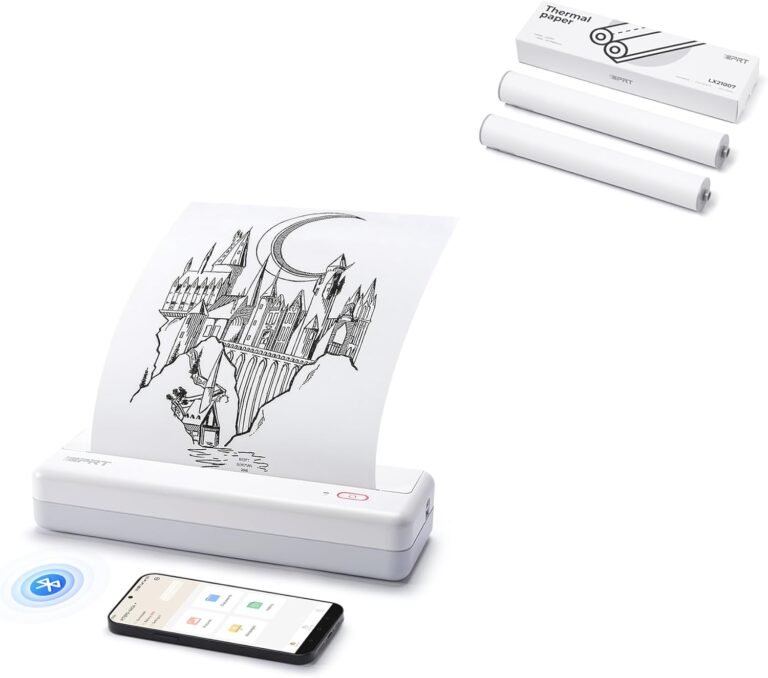
iDPRT MT890 Portable Wireless Printer Review: Thermal Printing for Mobile Workflows
Evaluate the iDPRT MT890 portable wireless printer’s thermal printing technology, connectivity, and media compatibility for 2026’s printing needs. Discover its strengths and…
-
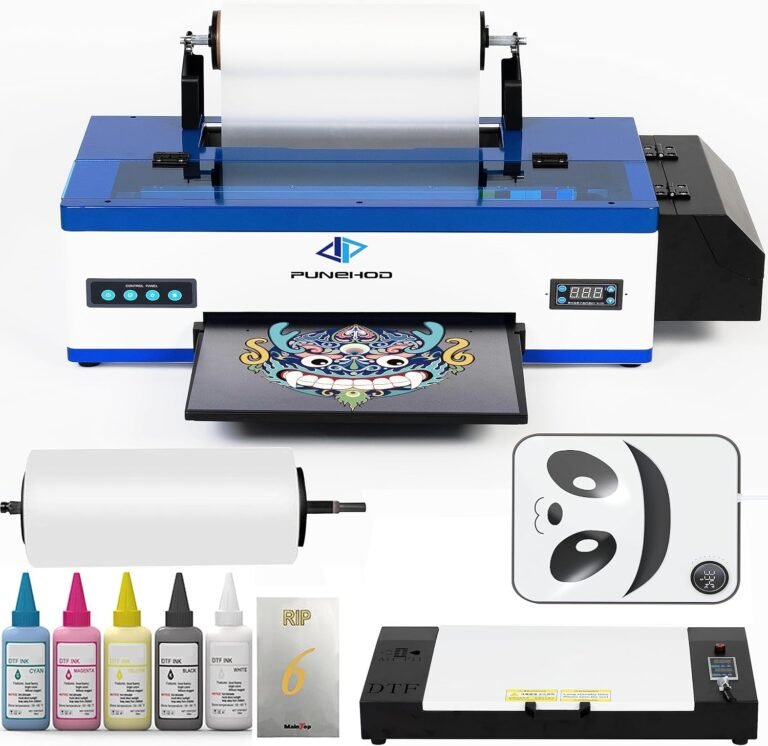
PUNEHOD A3 DTF Transfer Printer Review: Efficient Printing
Explore the PUNEHOD A3 DTF Transfer Printer’s features, benefits, and how it revolutionizes fabric printing for businesses and hobbyists alike.
-
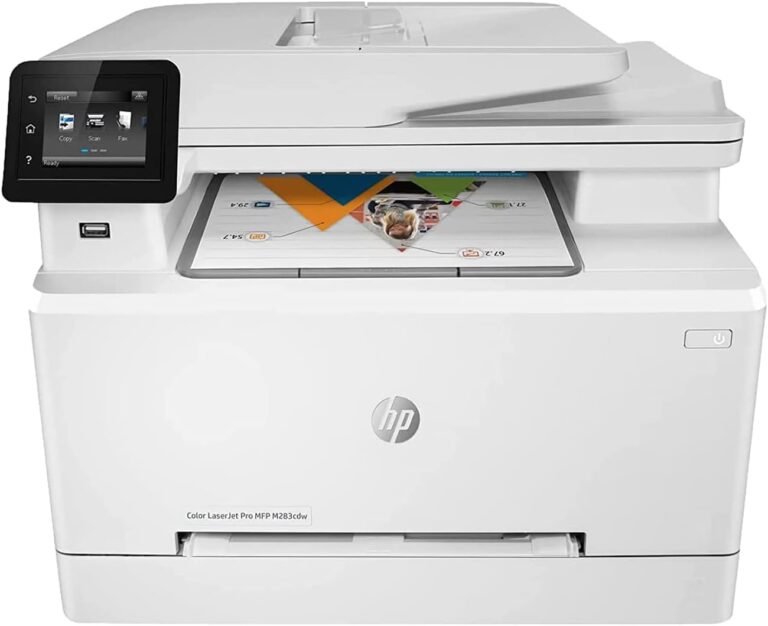
HP LaserJet Pro M283CDW Color MFP Review: 22PPM Speed, 600×600 DPI, and All-in-One Functionality for Home and Office Use
Evaluate the HP LaserJet Pro M283CDW Color MFP’s print speed, color output, connectivity, and multifunctionality for home and office use. Discover its…
-
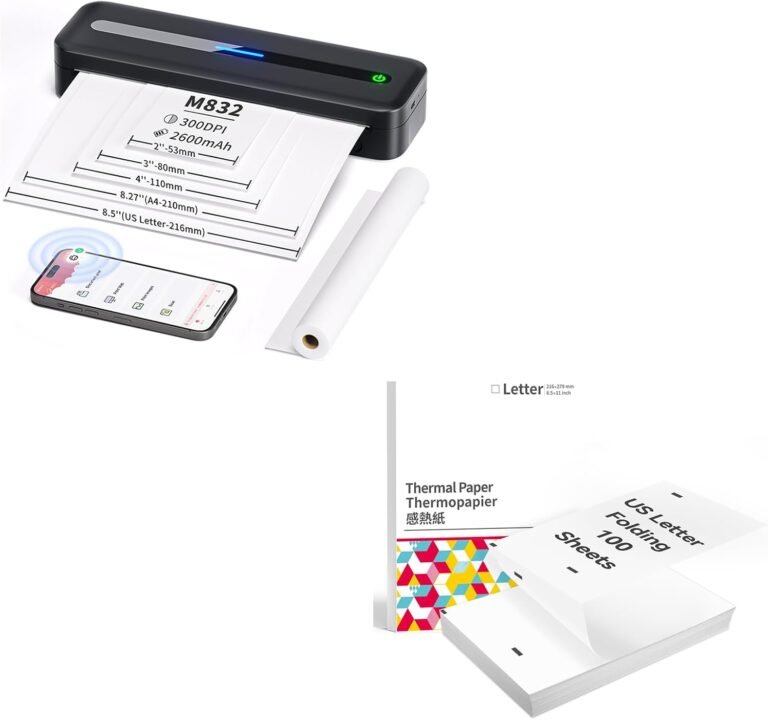
COLORWING Portable Printer Review – Ultimate Travel Gadget
Discover the benefits of the COLORWING Portable Printer for seamless travel printing.
-
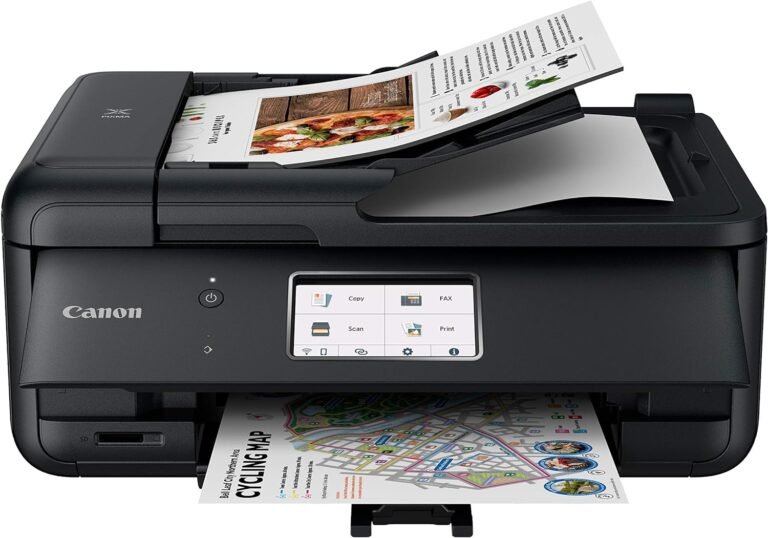
Canon PIXMA TR8620a Review: All-in-One Printer for Home and Office Workflows
The Canon PIXMA TR8620a offers high-quality printing, wireless connectivity, and multifunctionality for home and small office use. Learn about its print resolution,…
-
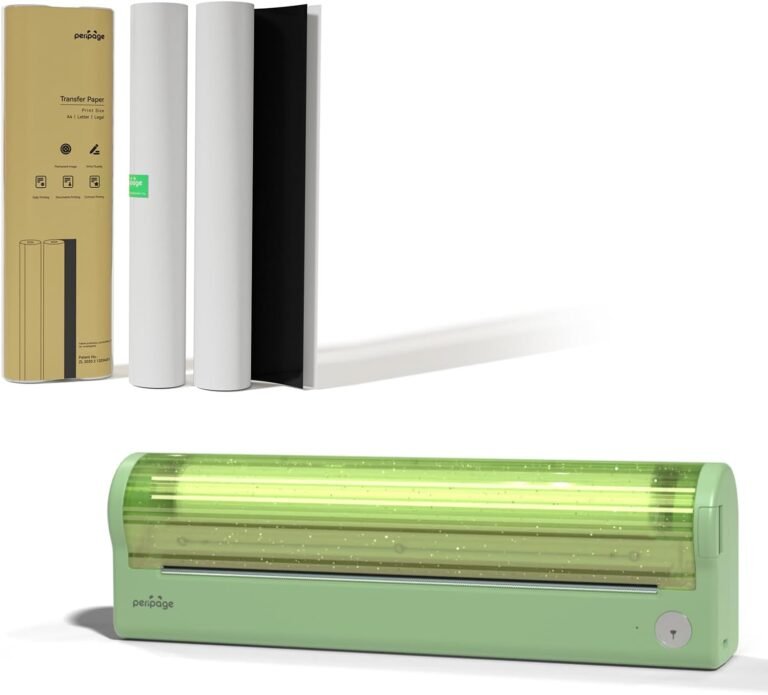
The P80 Portable Printer: Print Anywhere Effortlessly
Discover the P80 Portable Bluetooth Thermal Printer, your go-to solution for printing on the go. No ink, high-quality output!
-
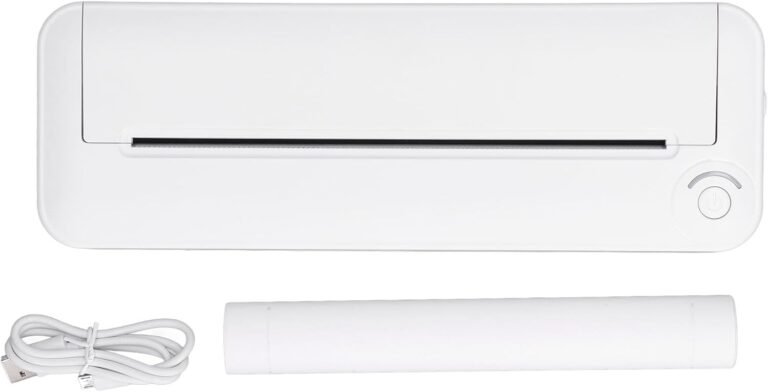
Hilitand Wireless Portable Printer Review: Enhance Your Printing Experience
Explore the features, benefits, and usages of the Hilitand Wireless Portable Printer in our in-depth review. Discover a convenient and efficient printing…
-
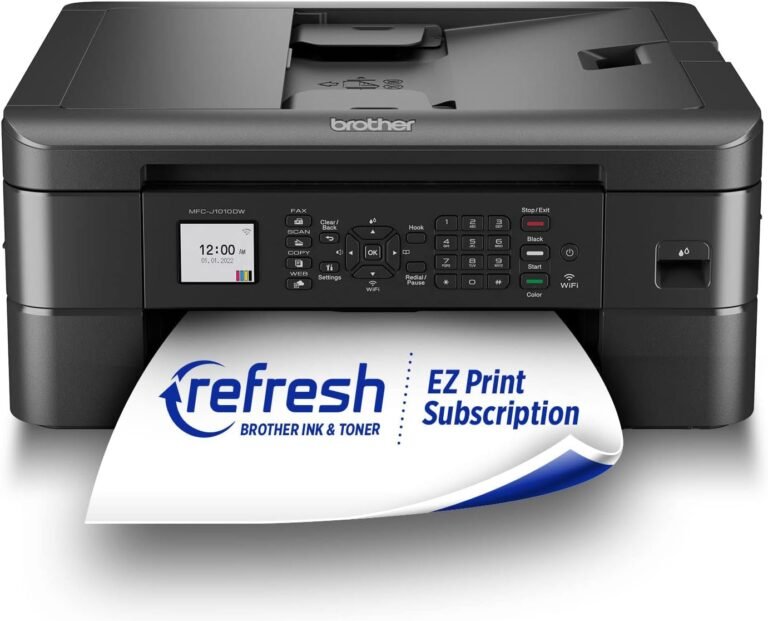
Brother MFC-J1010DW Wireless Color Inkjet All-in-One Printer Review: Features, Performance, and Use Cases
Evaluate the Brother MFC-J1010DW’s print speed, resolution, connectivity, and smart features. Ideal for home and small office use with wireless and cloud…