
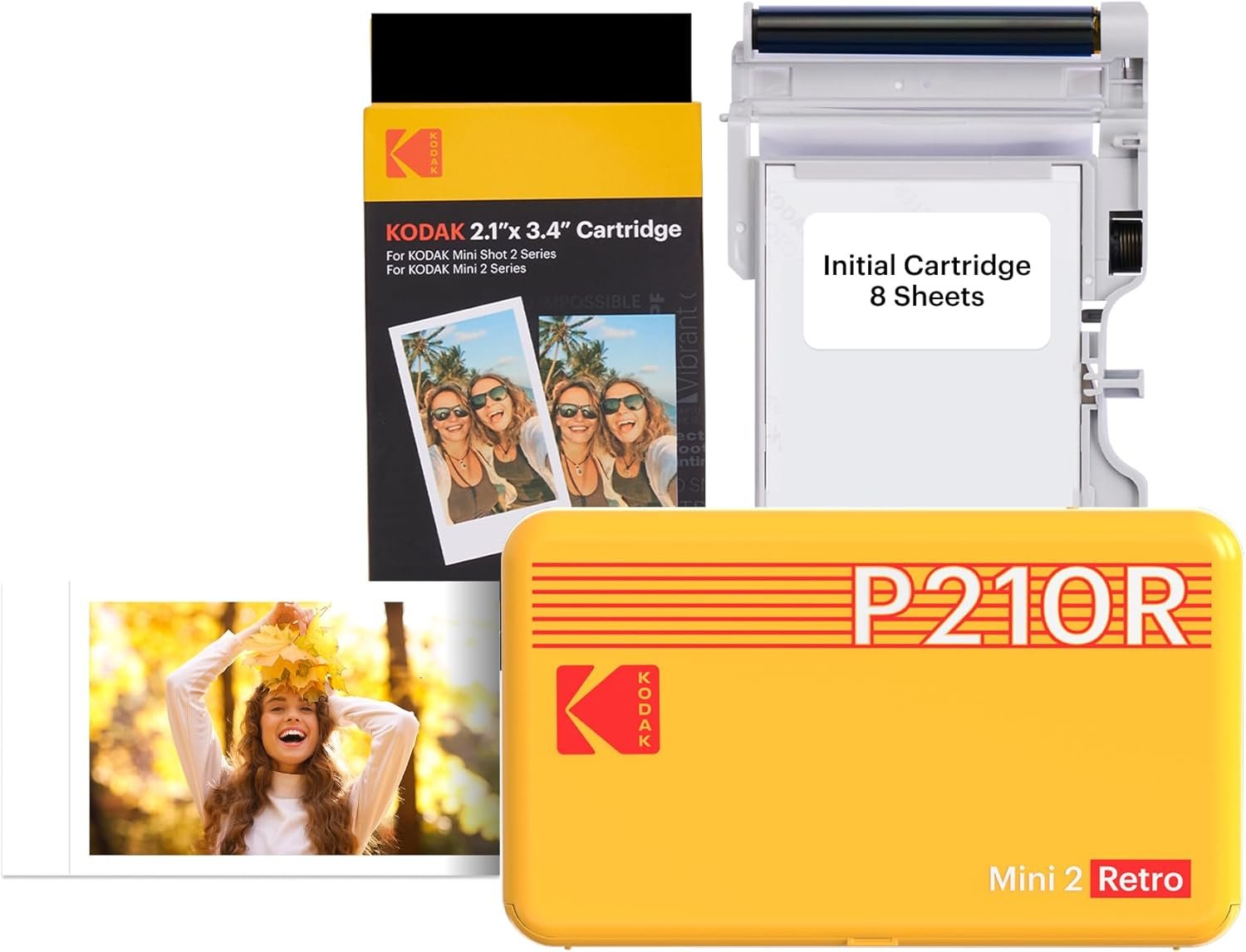
The KODAK Mini 2 Retro 2×3 portable photo printer redefines convenience in instant printing, offering a compact solution for capturing and preserving digital memories. In an era where smartphones dominate photography, this device bridges the gap between digital capture and physical print. Whether for casual use at family gatherings or professional photo booths, the Mini 2 Retro’s unique blend of speed, portability, and print quality makes it a compelling choice. Its 4PASS dye sublimation technology ensures vibrant, durable prints, while its Bluetooth connectivity simplifies operation. However, the device’s limitations in print volume and media compatibility highlight trade-offs buyers must consider. This review evaluates its performance across critical criteria, including print quality, connectivity, portability, and long-term usability. By analyzing its specifications against industry benchmarks, we determine whether it aligns with consumer needs in 2026.
Quick Overview
| Feature | Details |
|---|---|
| Printer Type | 4PASS Dye Sublimation Portable Photo Printer |
| Print Output | Color (2.1 x 3.4 inches) |
| Maximum Print Speed | 1 ppm (Color/Black and White) |
| Print Resolution | 300 x 300 Dots Per Inch (Color), 300 dpi (Black and White) |
| Connectivity | Bluetooth, USB Type-C |
| Supported Media | Glossy photo paper (2.1 x 3.4 inches) |
| Paper Capacity | 68 sheets (38 included) |
| Duty Cycle | Designed for intermittent use, not high-volume printing |
| Warranty | 1-Year Manufacturer Warranty |
The KODAK Mini 2 Retro excels in portability and ease of use, making it ideal for on-the-go photo printing. Its compact design accommodates travel or home use, while Bluetooth connectivity eliminates the need for complex setup. However, its limited print volume and reliance on glossy media may restrict applications in high-demand environments.

Print Quality: Vibrant, Durable Results for Everyday Use
4PASS Dye Sublimation Technology
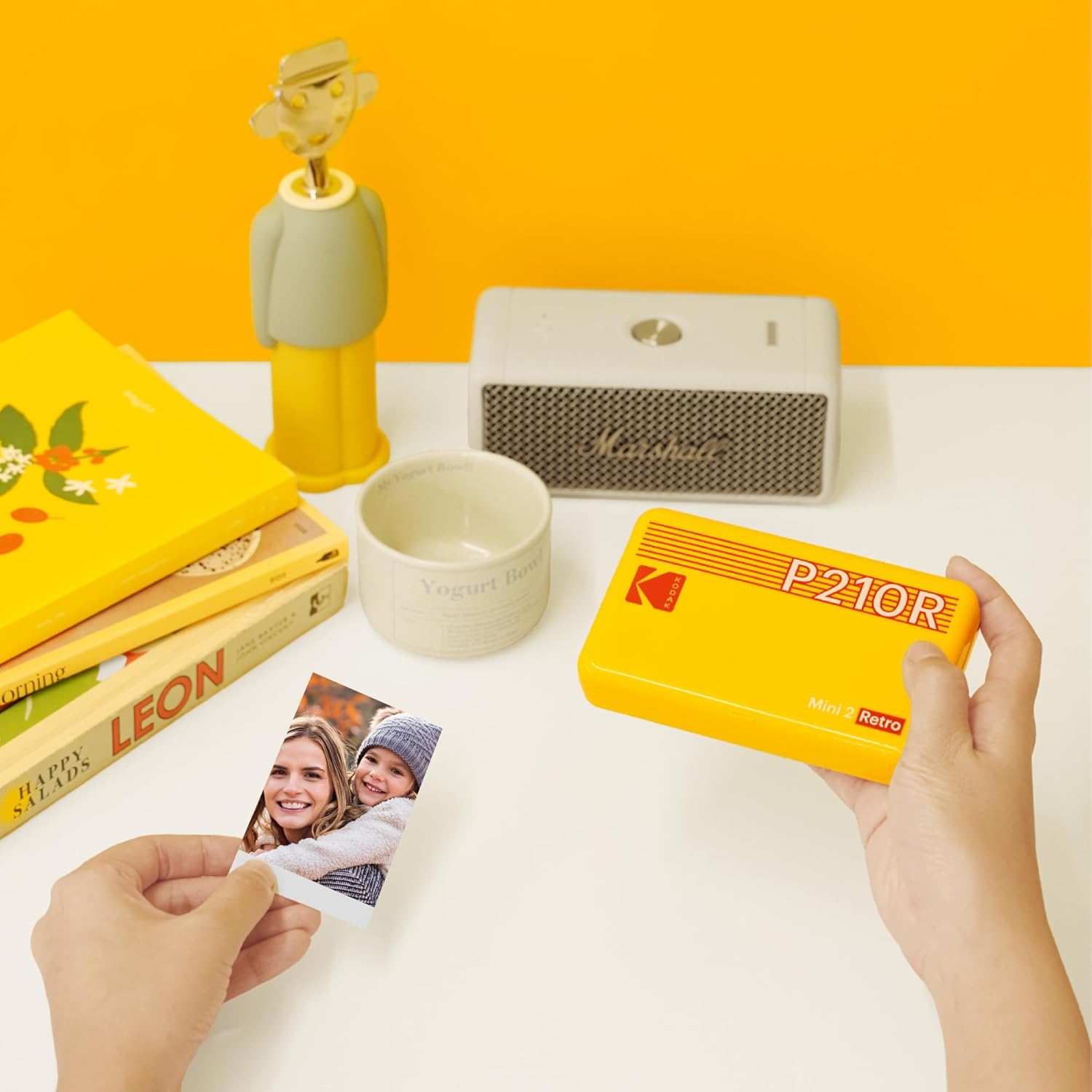
The Mini 2 Retro employs KODAK’s 4PASS dye sublimation printing process, which applies three color layers followed by a protective lamination. This method produces prints with smooth gradients and reduced smudging, ideal for casual photos or event mementos. While the technology ensures fade resistance and water-proofing, its reliance on a single print head may introduce subtle color banding in complex images. Industry benchmarks suggest dye sublimation printers typically yield 24-bit color depth, matching the Mini 2 Retro’s specifications.
Print Resolution and Detail Retention
With a maximum resolution of 300 x 300 DPI for color prints, the device balances speed and clarity. While this resolution is sufficient for social media-sized photos, it falls short of the 600 DPI offered by high-end inkjet printers. Text-heavy documents may appear slightly less crisp than expected, though this is mitigated by the printer’s ability to handle graphics and photos effectively. The 24-bit color depth ensures a wide range of hues, though subtle tonal shifts may occur in low-contrast scenes.
Media Compatibility and Print Longevity
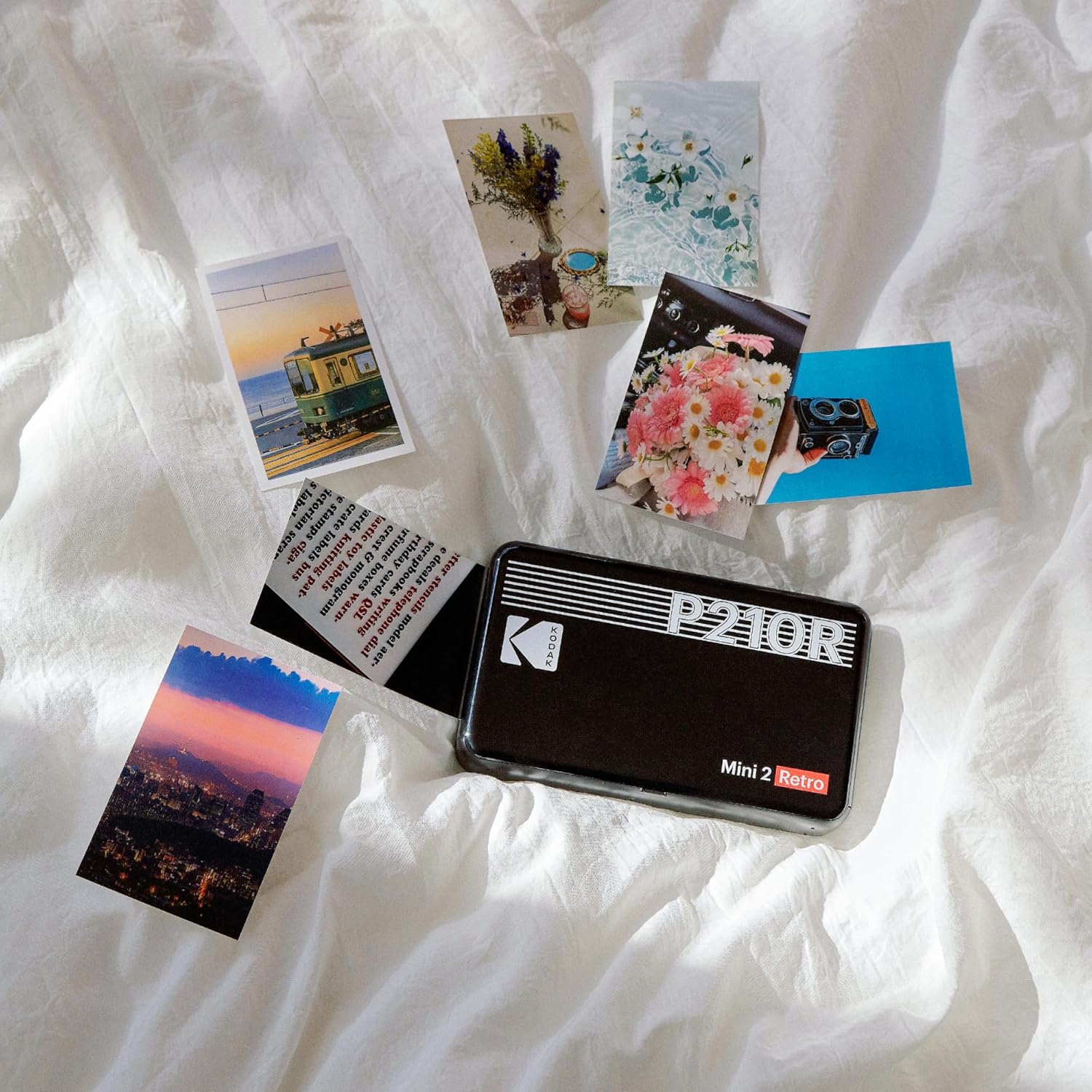
The Mini 2 Retro is designed for glossy photo paper, which enhances color vibrancy but limits versatility. While the print’s water-resistant and fade-resistant properties make it suitable for everyday use, prolonged exposure to direct sunlight may still degrade the image over time. This aligns with industry standards for dye sublimation prints, which typically maintain quality for 6–12 months under normal conditions.
Connectivity and Usability: Seamless Integration with Smart Devices

Bluetooth and App-Based Operation
The device’s reliance on the KODAK Photo Printer app for wireless printing introduces a learning curve, particularly for users unfamiliar with mobile printer workflows. Bluetooth pairing is generally stable, though occasional reconnection issues have been reported in customer feedback. The app’s editing features (crop, filters) add value for casual users but lack advanced customization options compared to dedicated photo editing software.
Physical Interface and Setup Experience
Despite its compact size, the Mini 2 Retro requires manual insertion of paper and cartridges for each print. The USB Type-C port provides a backup connection, though it’s not used for printing itself. Users may find the process of reloading media time-consuming for high-volume use, though this is a trade-off for its portability. The device’s 200-gram weight ensures it remains lightweight for travel, though extended use may cause hand fatigue.
Cross-Platform Compatibility and Limitations
While the printer supports iOS and Android devices, its lack of direct PC connectivity (USB or network) restricts applications in office environments. This limitation may deter businesses requiring bulk printing, though the device’s design prioritizes consumer use over commercial scalability. The lack of Wi-Fi connectivity further narrows its appeal for users seeking integrated smart home ecosystems.
Portability and Design: A Compact Solution with Trade-Offs
Physical Dimensions and Usability
Measuring 3″D x 5″W x 1″H, the Mini 2 Retro is designed for handheld use, fitting easily into a pocket or travel bag. Its minimalist aesthetic and rubberized grip enhance portability, though the device’s bulkiness may feel cumbersome for extended use. The included 38 sheets of paper and four cartridges provide a reasonable starting stock, though additional media must be purchased separately.
Power Management and Battery Life
Though not explicitly detailed in specifications, the device’s power efficiency is implied by its compact design. Users should anticipate frequent charging for prolonged use, particularly when printing multiple photos in succession. The absence of a power-saving mode or low-power alert may inconvenience frequent users.
Durability and Long-Term Viability
While the printer’s build quality suggests it can withstand moderate use, its 1-year warranty indicates limited support for long-term reliability. The lack of a detailed maintenance manual or parts availability raises concerns about repairability, though this is standard for many compact printers. Users should consider the device’s intended lifespan when evaluating long-term value.

Pros & Cons
Pros
- 4PASS dye sublimation produces vibrant, smudge-resistant prints ideal for casual use.
- Bluetooth connectivity simplifies setup and eliminates cable clutter.
- Compact, lightweight design suits travel or event-based printing needs.
- 300 DPI resolution balances speed and clarity for everyday photos.
- Protective lamination ensures prints resist water and fading.
Cons
- Limited paper capacity (68 sheets) requires frequent reloading for bulk use.
- Reliance on glossy media restricts versatility compared to inkjet printers.
- No direct PC connectivity limits applications in office environments.
- Learning curve for app-based printing may deter tech-challenged users.
- 1-year warranty suggests limited long-term support or repair options.
Final Verdict: Who This Printer Is Best For (and Who Should Skip It)
The KODAK Mini 2 Retro is an excellent fit for users prioritizing portability and convenience. Its ability to produce high-quality prints from smartphones makes it ideal for families, travelers, and event planners. The device’s 4PASS technology ensures prints remain smudge-free and fade-resistant, making it a reliable choice for casual photo printing. However, its limitations in print volume and media compatibility make it unsuitable for high-volume commercial use or users requiring advanced customization. While the printer’s design excels in consumer scenarios, its lack of direct PC connectivity and limited paper capacity may deter businesses or power users. For those seeking a compact, easy-to-use photo printer without advanced features, the Mini 2 Retro delivers on its promises.

Frequently Asked Questions (FAQs)
Is the KODAK Mini 2 Retro suitable for commercial printing?
The Mini 2 Retro is not optimized for high-volume commercial use. Its maximum print speed of 1 ppm and limited paper capacity (68 sheets) make it better suited for personal or event-based printing rather than business environments requiring bulk output.
What are the limitations of dye sublimation prints?
Dye sublimation prints, like those from the Mini 2 Retro, are prone to fading over time if exposed to direct sunlight. While they offer vibrant colors and water resistance, prolonged exposure may degrade image quality compared to pigment-based prints.
Can the Mini 2 Retro print on non-glossy paper?
No, the Mini 2 Retro is specifically designed for glossy photo paper. Using alternative media may result in poor print quality, as the printer’s mechanisms are not optimized for matte or textured surfaces.
How does the KODAK Mini 2 Retro compare to a standard inkjet printer?
The Mini 2 Retro’s dye sublimation technology produces faster prints than traditional inkjets but lacks the precision and toner longevity of laser printers. It is best for casual use, while inkjets offer better text clarity and color accuracy for documents.
What should I consider before buying the Mini 2 Retro?
Consider your printing volume, media preferences, and portability needs. The Mini 2 Retro excels in convenience but may not meet demands for high-speed, large-format printing. Verify if glossy photo paper is available in your area before purchasing.
How long do Mini 2 Retro prints last?
KODAK claims its dye sublimation prints resist fading for up to 12 months under normal indoor conditions. However, prolonged exposure to sunlight or moisture may reduce longevity compared to archival-grade prints.
Is the Mini 2 Retro compatible with Windows PCs?
The Mini 2 Retro does not support direct USB or network printing for Windows. Users must rely on the KODAK Photo Printer app via Bluetooth, which may be less intuitive for PC users compared to dedicated printer drivers.
What are the best use cases for this device?
The Mini 2 Retro is ideal for quick photo printing at events, travel memorabilia, or personal projects. Its portability makes it perfect for users who prioritize convenience over high-volume printing capabilities.